
Screenshots
About this app
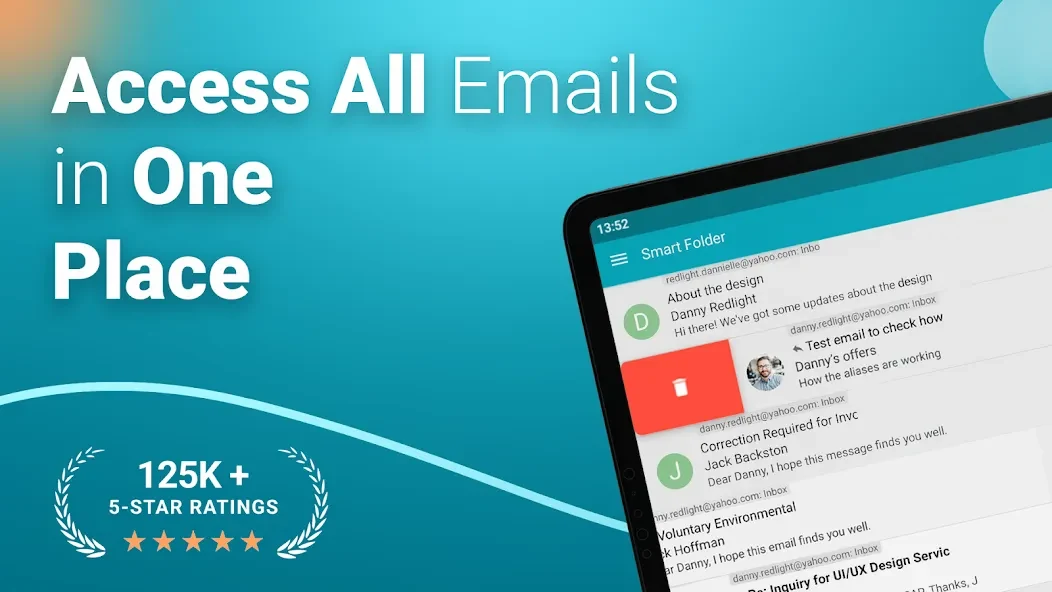
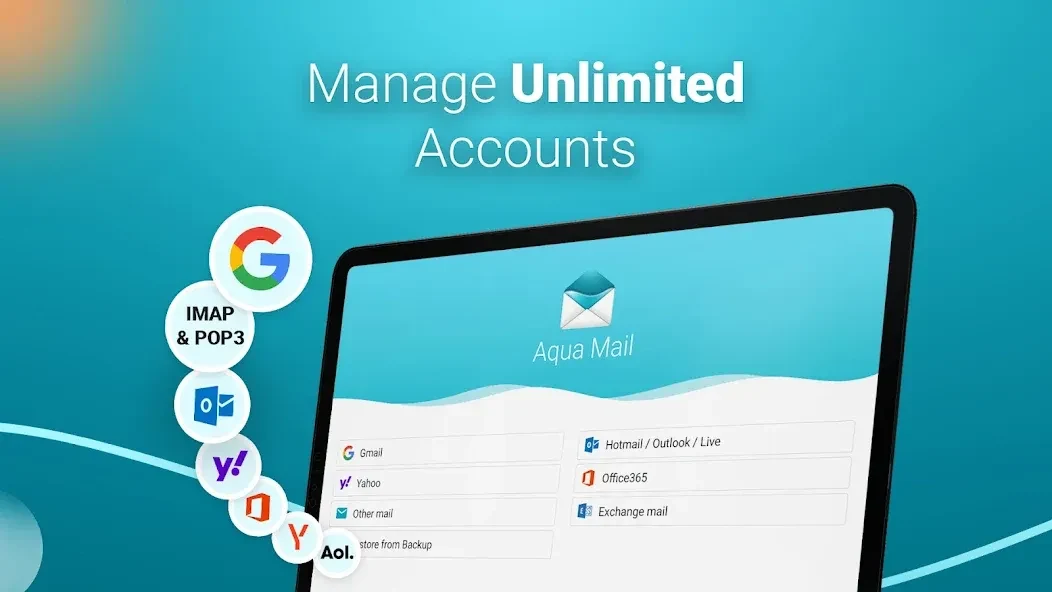
Aqua Mail is an email application for Android devices that brings messages from multiple accounts together in one place. It addresses the task of managing personal and work email through standard IMAP, POP3, and SMTP protocols, with support for services such as Gmail, Yahoo, Hotmail, FastMail, and Apple. Its clearest benefit is a consolidated workflow: users can organize messages in a Smart Folder, compose and edit email with an advanced text editor, and use tools for printing, synchronization, backup, and power management from the same client.
How does Aqua Mail organize messages from different accounts?
The Smart Folder provides consolidated message management across all configured accounts, while unlimited email aliases and identities can be used for each account. This setup can help users separate identities or addresses without moving between entirely separate applications.
Aqua Mail supports standard IMAP, POP3, and SMTP connections, allowing accounts from several common email services to be configured. It also supports opening and saving EML files for email handling outside the usual account view.
Can it support secure email and richer message composition?
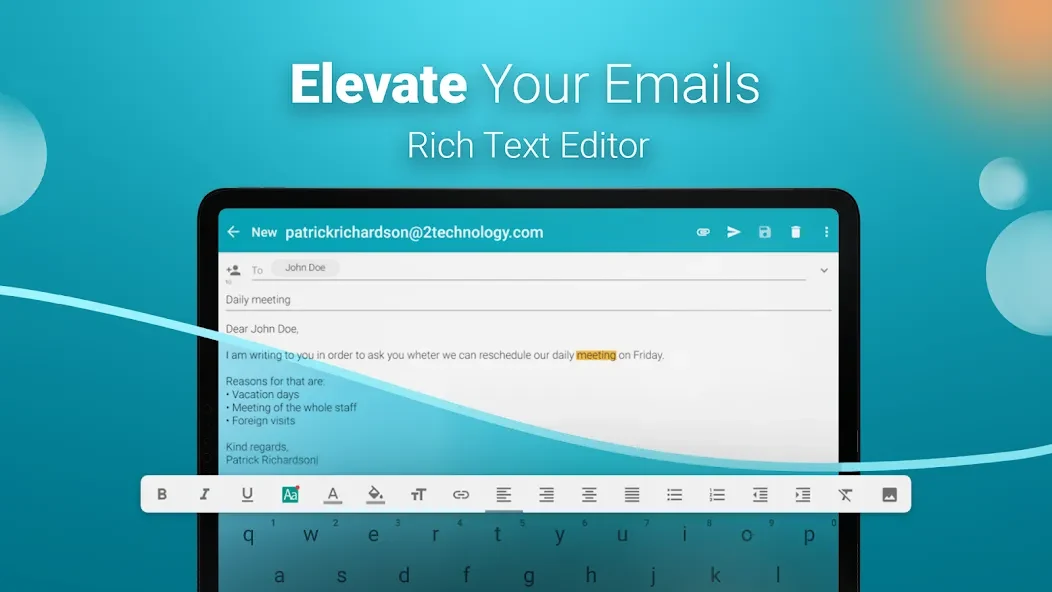
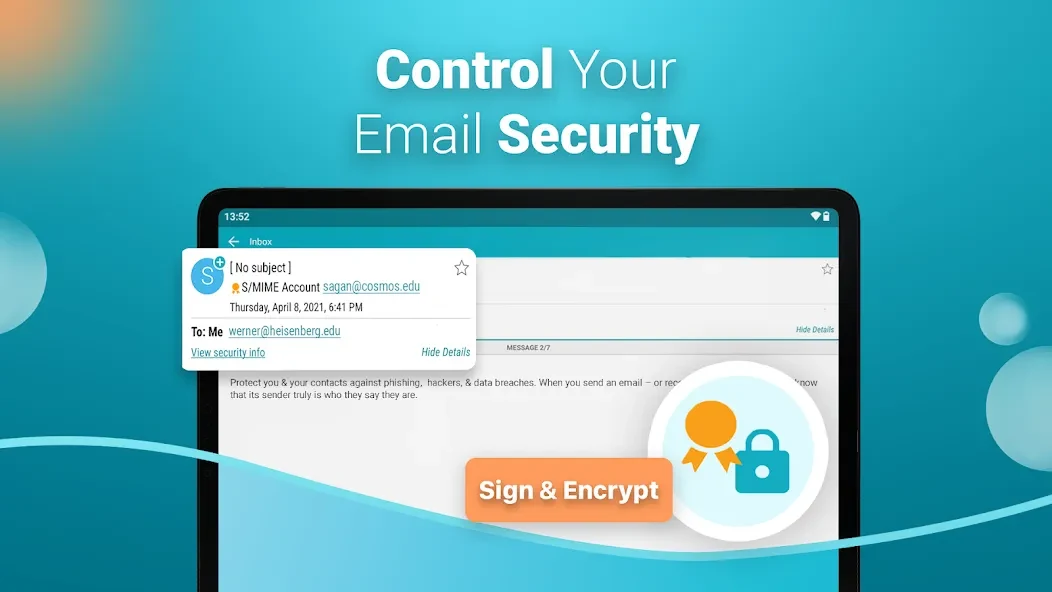
The app supports S/MIME certificates for end-to-end encryption and digital signatures on IMAP and POP3 accounts. Its advanced text editor supports HTML signatures and file attachments, and email messages can be edited and composed quickly.
The listed update information also notes support for S/MIME encryption and signing, along with improved Spanish translations and adaptation for Portuguese as used in Brazil.
What tools are available for work and everyday email management?
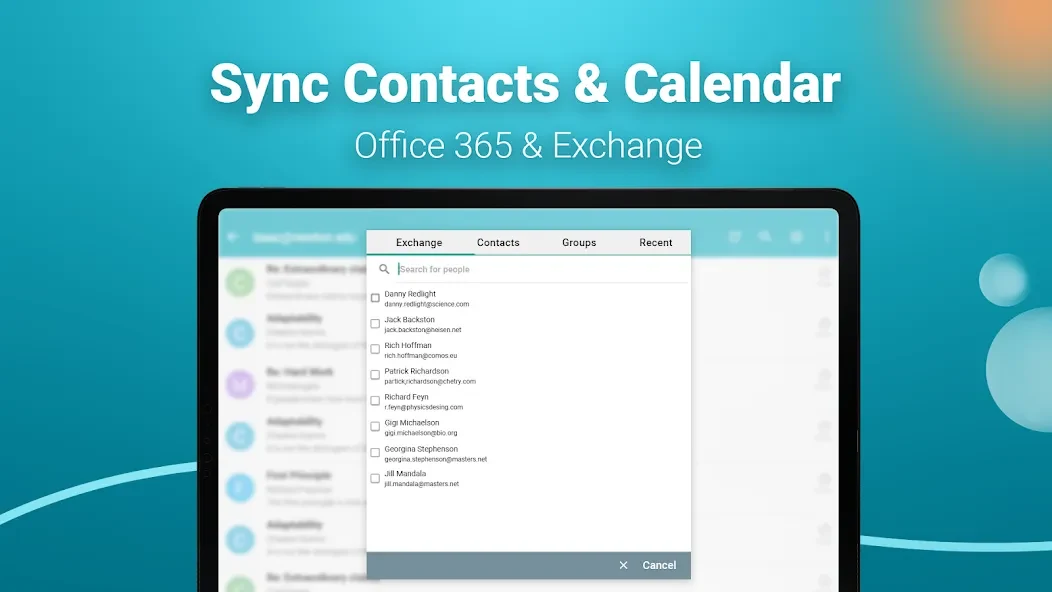
Aqua Mail supports Push for Exchange for immediate corporate email delivery, as well as contact and calendar synchronization for Exchange and Office 365. Home screen widgets can show message counts, provide quick writing access, and offer text-to-voice functions. Android Wear smartwatch integration adds wrist-based email management.
Messages can be exported to PDF or printed directly. These options may be useful when an email needs to be saved, shared as a document, or printed without using a separate conversion tool.
How can users control backup, notifications, and battery use?
Cloud backup and restore are available through Dropbox, OneDrive, Box, and Google Drive. For power management, the app includes a power-saving mode as well as Night and Weekend synchronization modes. A night mode is also available to reduce disturbances during that period.
Aqua Mail may suit Android users who manage several email accounts, need Exchange-related synchronization, want certificate-based signing options, or prefer additional controls for composition, storage, printing, and synchronization schedules. The source lists Android 4.0.3 and later as the minimum operating-system requirement.
Version history
View all08 Sep 2026 · stable