
Screenshots

About this app
Auto Clicker: Auto Tapper is an Android tool for handling repetitive screen actions. Its main job is to record or define taps and swipes, save them as scripts, and replay them so that a person does not have to repeat the same motions by hand. The supplied listing categorizes it under Tools.
Setting up taps and swipes
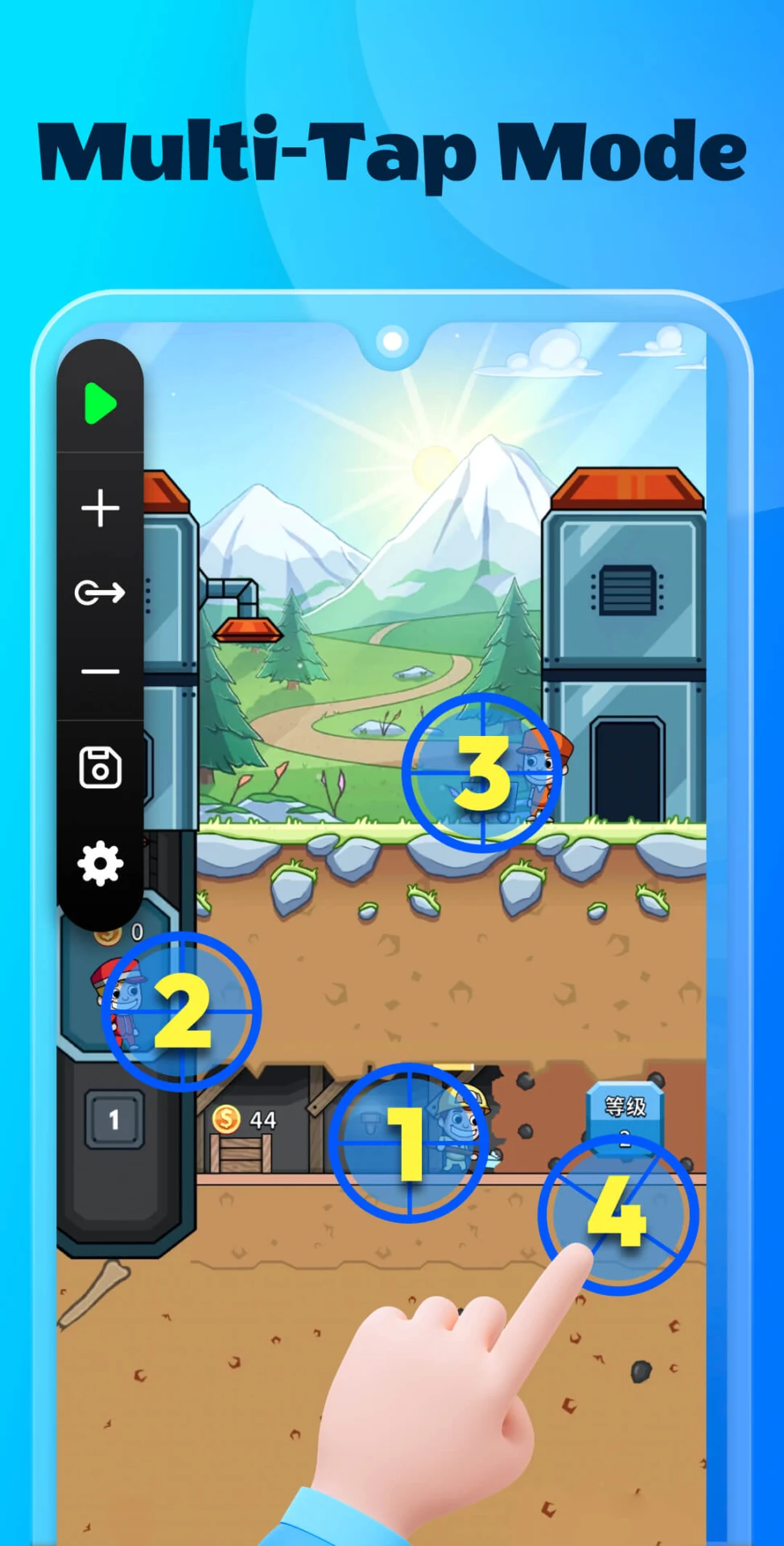
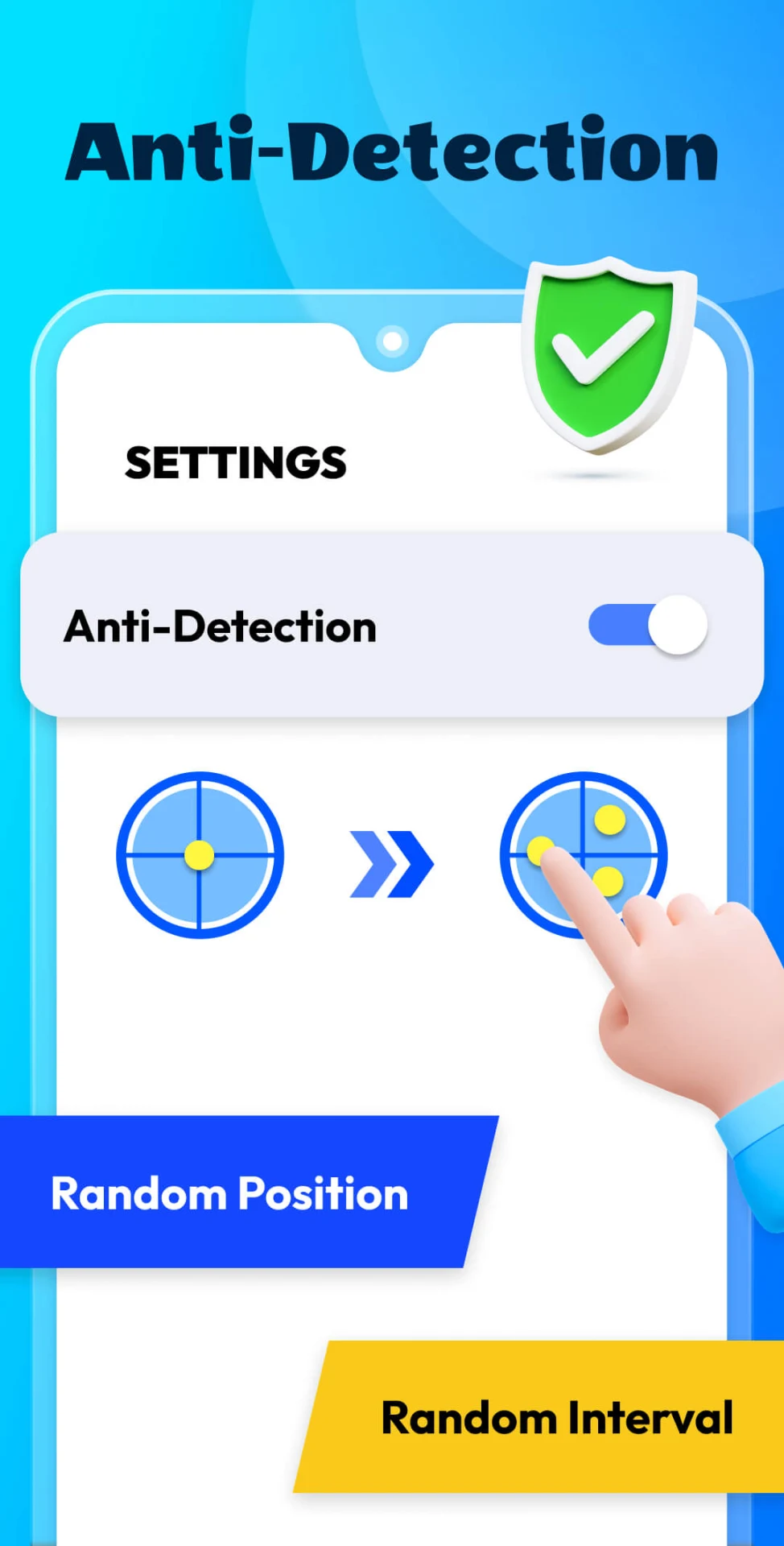
The listing describes the ability to customize click and swipe actions in any application, including the time interval between actions and the exact screen location where each action should occur. Users can set a single action or several actions in one script, and they can add or adjust multiple click points or swipe paths. Recording is also supported: the Smart Click feature captures a sequence of touches so that it can be reused, which the listing presents as useful for repeatable loops.
Managing and editing scripts
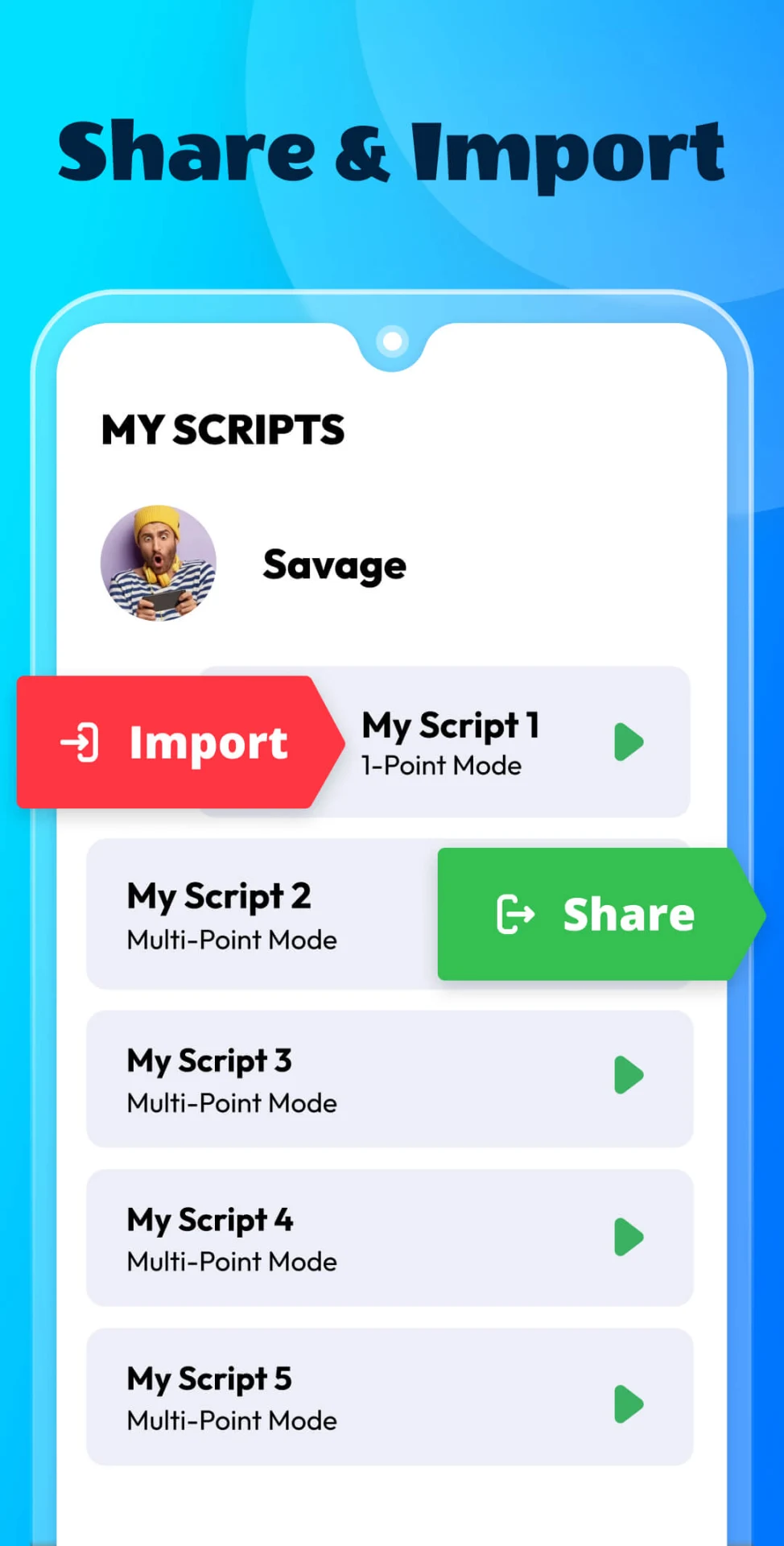
Scripts can be created, edited, saved, and reused. The floating control panel lets users adjust or switch scripts while the tool is active, which the listing describes as real-time control. Scripts can also be exported, imported, and synced, and the listing says scripts can be configured to run at specific times. Hotkeys can be assigned to start a script or to combine several actions into one sequence.
Cloud saving across devices
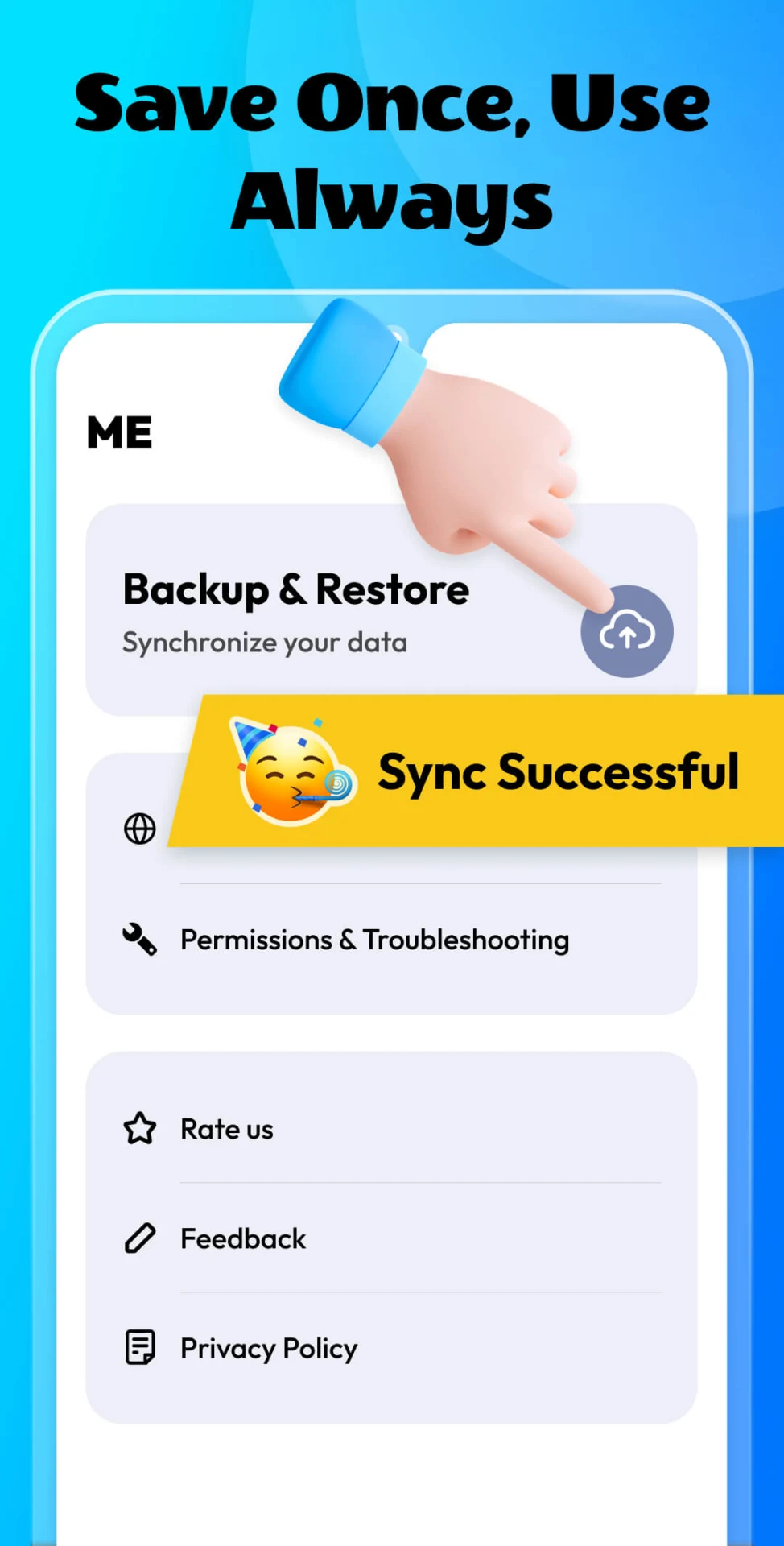
According to the description, scripts can be saved to the cloud so they can be accessed on more than one device, and settings can be restored after a reinstall or device change. The supplied material does not explain how the cloud service works in detail, so users should review the app's own settings and privacy information for specifics.
Possible everyday uses
The listing names gaming, screen testing, reading ebooks, and hands-free browsing of video apps as examples. User comments in the supplied data mention a simple clicker game and idle farming in games, and one reviewer noted that the app takes some time to learn. These accounts reflect individual experiences rather than independent testing.
Requirements and reported limitations
The description states that the app is compatible with Android 7.0 and higher, uses the Accessibility Services API for automation, and does not require root access. Some user comments report that an Android update in late 2024 made the app work only intermittently, and another reviewer asked for a filter that would limit clicks to a single app so that notifications are not tapped. The supplied data does not confirm whether these issues have been resolved in the current version, 1.3.10.
Version history
View all09 Dec 2025 · stable
Frequently asked questions
Does Auto Clicker: Auto Tapper require root access?
The supplied description states that root access is not required. The app uses the Accessibility Services API for its automation features.
Does the app run in the background?
The listing says the app runs in the background and states that this does not slow down the phone. These are developer statements and were not independently verified in the supplied data.