
Screenshots

About this app
Rapid Order Execution Across Screens
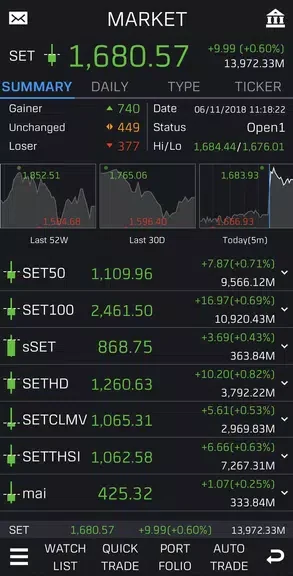
The application incorporates a Quick Trade function designed to facilitate seamless transactions from any viewing screen within the interface. This capability allows investors to save time and secure timely executions when reacting to fast-moving market conditions. By removing navigation barriers during critical moments, the workflow supports efficient decision-making and immediate order placement.
Comprehensive Market Scanning and Technical Signals
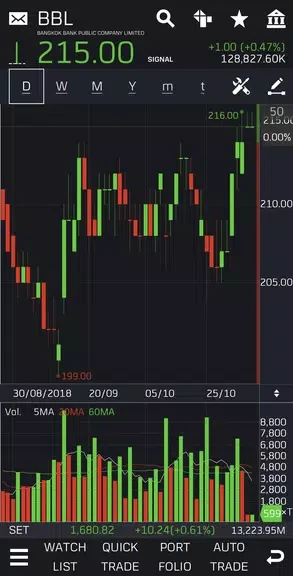
To help users identify potential market opportunities, the software includes a Technical Signals scanner capable of evaluating the entire stock market. This tool delivers insights into ongoing trends and price movements, assisting investors in making calculated choices. Coupled with the Auto Chart function, which enhances technical charting displays, users can examine detailed visual data to evaluate historical patterns and current market direction effectively.
Automated Strategies and Trading Tools
The platform supports automated investing through its Auto Trade system, allowing individuals to establish predefined parameters so the application can execute trades on their behalf. This function accommodates busy schedules and disciplined rule-based execution. Additionally, a dedicated Strategy feature provides resources and tools to help users develop, refine, and implement personalized trading approaches aligned with their financial objectives.
Version history
View all02 Dec 2024 · stable