
Screenshots
About this app
Overview
Call Recorder - Cube ACR is a call recording app designed to help users preserve important phone conversations for later reference. A recording can begin with a tap during a call, or the app can automatically capture calls according to your selected preferences. You can create lists of contacts whose calls should always be recorded and contacts whose calls should never be captured. Afterward, recordings can be played back, renamed, deleted, shared, exported to different audio formats, or backed up to cloud storage. The app also provides password-based encryption for recordings that need additional protection on the device.
What You Can Do
⭐ Record a call manually by pressing the recording button when you decide that a conversation needs to be saved. This gives you direct control over when recording starts instead of applying the same rule to every call.
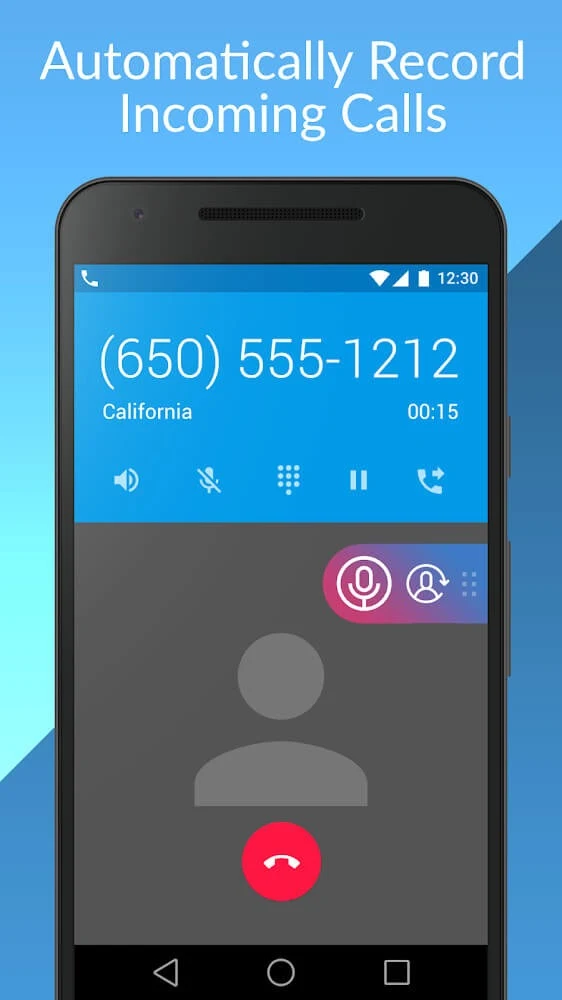
⭐ Set calls to record automatically when that suits your workflow. The source describes an automatic recording option that can capture calls and preserve the conversation details for later review.
⭐ Build an included-contact list for recurring recording needs. When a listed number calls, the app can save the conversation automatically, reducing the need to remember to activate recording each time.
⭐ Create an exclusion list for contacts whose calls should not be recorded. This provides a separate way to manage recording preferences when automatic recording is enabled.
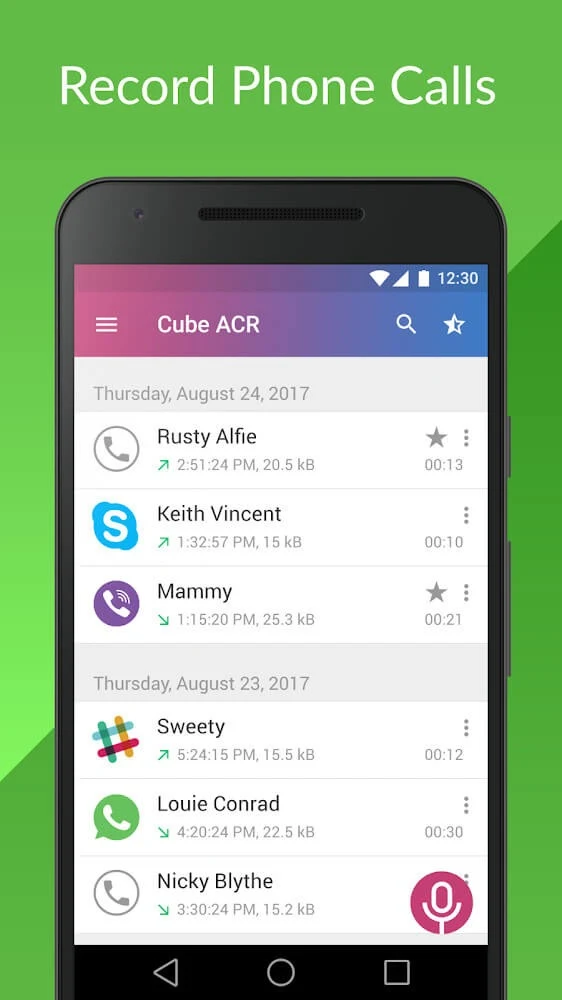
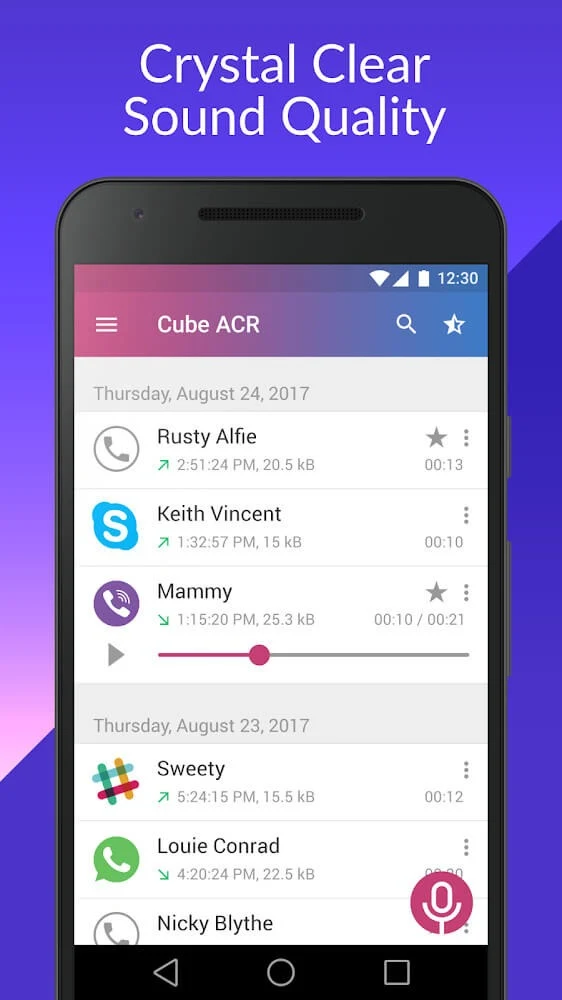
⭐ Browse and replay saved conversations from the recordings area. You can select an audio file, listen to it again, and remove recordings that are no longer needed.
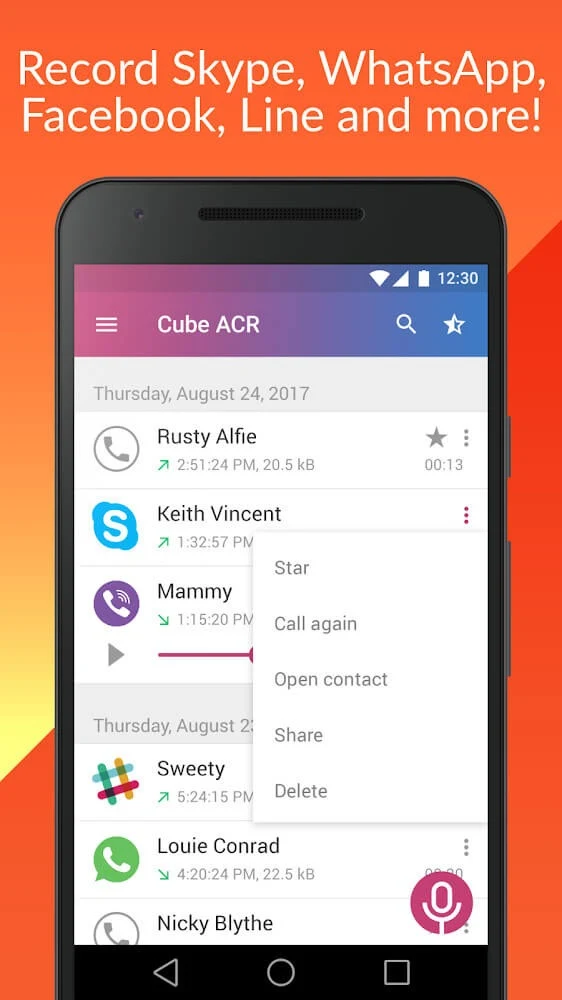
⭐ Organize files by giving recordings names and sharing audio tracks with others. The source also states that recordings can be exported in different audio formats, which can make them easier to use outside the app.
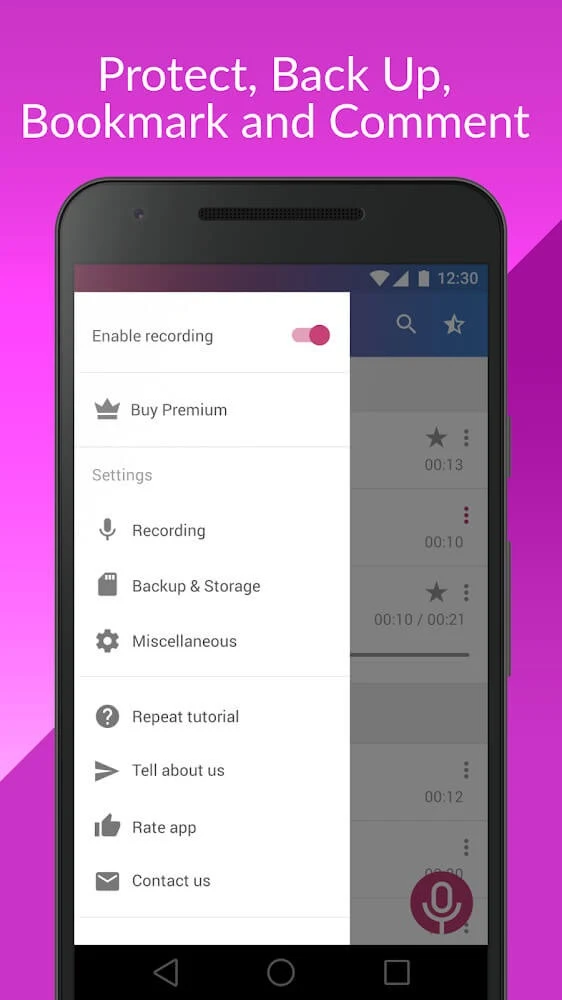
⭐ Back up recordings to cloud storage and protect them with a password. These options are intended for keeping important files available while adding a layer of control over access to stored recordings.
Using the App
The basic workflow is centered on a call recording control and a recordings tab. For occasional use, you can begin a recording manually during a conversation. For a more automatic approach, you can configure recording preferences and maintain contact lists for numbers that should always be captured or excluded. Once calls have been saved, the recordings area acts as a place to review the available files rather than requiring you to search through unrelated audio on the phone.
Playback and organization are handled from within the app. You can listen to a conversation again, assign a more recognizable name to a file, share an audio track, or delete an unnecessary recording. The source says that recordings retain date and time information, which can help distinguish files when several conversations have been saved.
When recording quality is low, the supplied guidance recommends checking the audio source. It identifies “voice communication (software)” for Android 9 and “voice recognition (software)” for Android 10–14, then suggests disabling battery optimization for Cube ACR. The same guidance recommends increasing the phone recording auto delay to five seconds and raising recording clarity to its maximum setting. These are configuration steps described by the source, not a guarantee that every device will produce the same result.
The app can also be used with Viber calls according to the supplied FAQ, which says its widget activates and starts recording when a Viber call begins. To move recordings to a computer, connect the phone to a PC with a USB cable and copy files from the Cube ACR recordings folder. The source also lists cloud storage as an alternative transfer method.
Why It May Appeal
✅ Manual and automatic recording modes let users choose between capturing a particular conversation and applying a broader recording routine.
✅ Contact inclusion and exclusion lists provide more precise control than using one recording rule for every caller.
✅ Playback, naming, date and time information, sharing, and deletion are combined with the recording function, making the app useful for reviewing and organizing saved conversations.
✅ Cloud backup and password protection are available for users who need to preserve recordings or restrict access to them. The app can also export recordings to different audio formats.
✅ The source presents the interface as straightforward for first-time users, with recording controls and saved conversations accessible from the app itself.
Things to Consider
❎ Call recording quality may depend on the selected audio source, battery optimization settings, recording delay, clarity settings, and the Android device configuration. The supplied troubleshooting steps indicate that some setup may be necessary when audio is unclear.
❎ Deleted recordings cannot be restored through the app. The source states that Cube ACR does not have access to deleted files or copies of them, so important recordings should be backed up before removal.
❎ The source includes instructions for a premium subscription linked to a Google Play account, although it also describes the application as free. Users with a subscription should install the version associated with the Google Play account used for the purchase and may need to reinstall the app if activation does not appear.
❎ Call recording behavior can vary by device and software configuration. The supplied material describes supported settings and usage options but does not promise identical results on every Android phone.
Version history
View all05 Sep 2026 · stable
Frequently asked questions
Can Call Recorder - Cube ACR record Viber calls?
The supplied FAQ says that the app can record Viber calls through its widget, which activates and starts recording when the call begins.
Why might the recording quality be low?
The source recommends checking the audio source, disabling battery optimization for Cube ACR, increasing the phone recording auto delay to five seconds, and setting recording clarity to the maximum.
Can a deleted recording be recovered?
No. The supplied information says Cube ACR has no access to deleted recordings and keeps no copies, so important files should be backed up before deletion.
How can I transfer a recording to a computer?
Connect the phone to a computer with a USB cable, open the Cube ACR recordings folder, and copy the files. The source also lists sending recordings to cloud storage as an alternative.
How do I set up a premium subscription?
The subscription is connected to the Google Play account used for purchase. The source recommends using that account as the device's default account and reinstalling the app if the subscription is still not activated.