
Screenshots
About this app
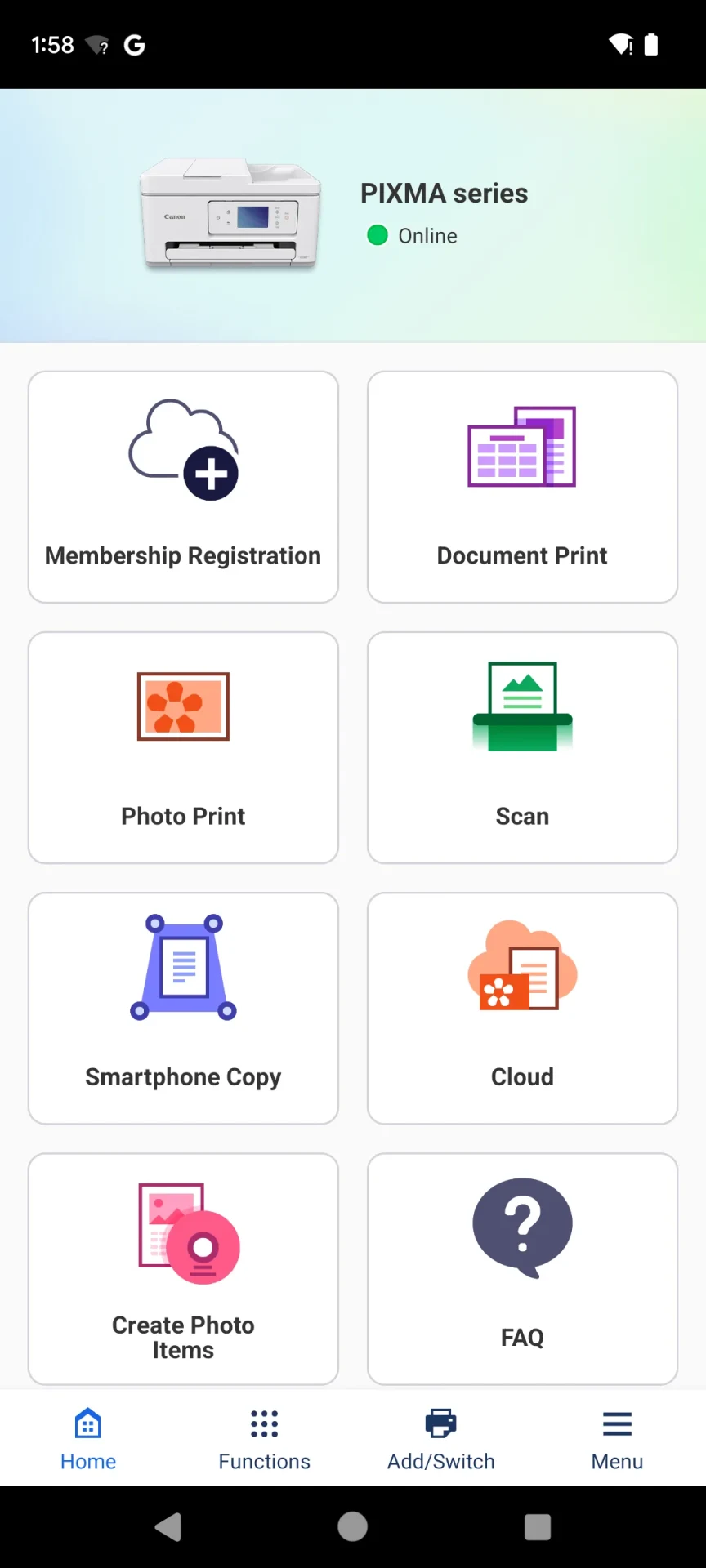
Canon PRINT Inkjet/SELPHY is an Android app for printing, scanning and managing tasks with Canon printers from a smartphone or tablet. Its described functions cover everyday photo and document jobs, as well as copying and access to selected cloud services. The available options depend in some cases on the printer model, location or environment.
What can you print from a phone or tablet?
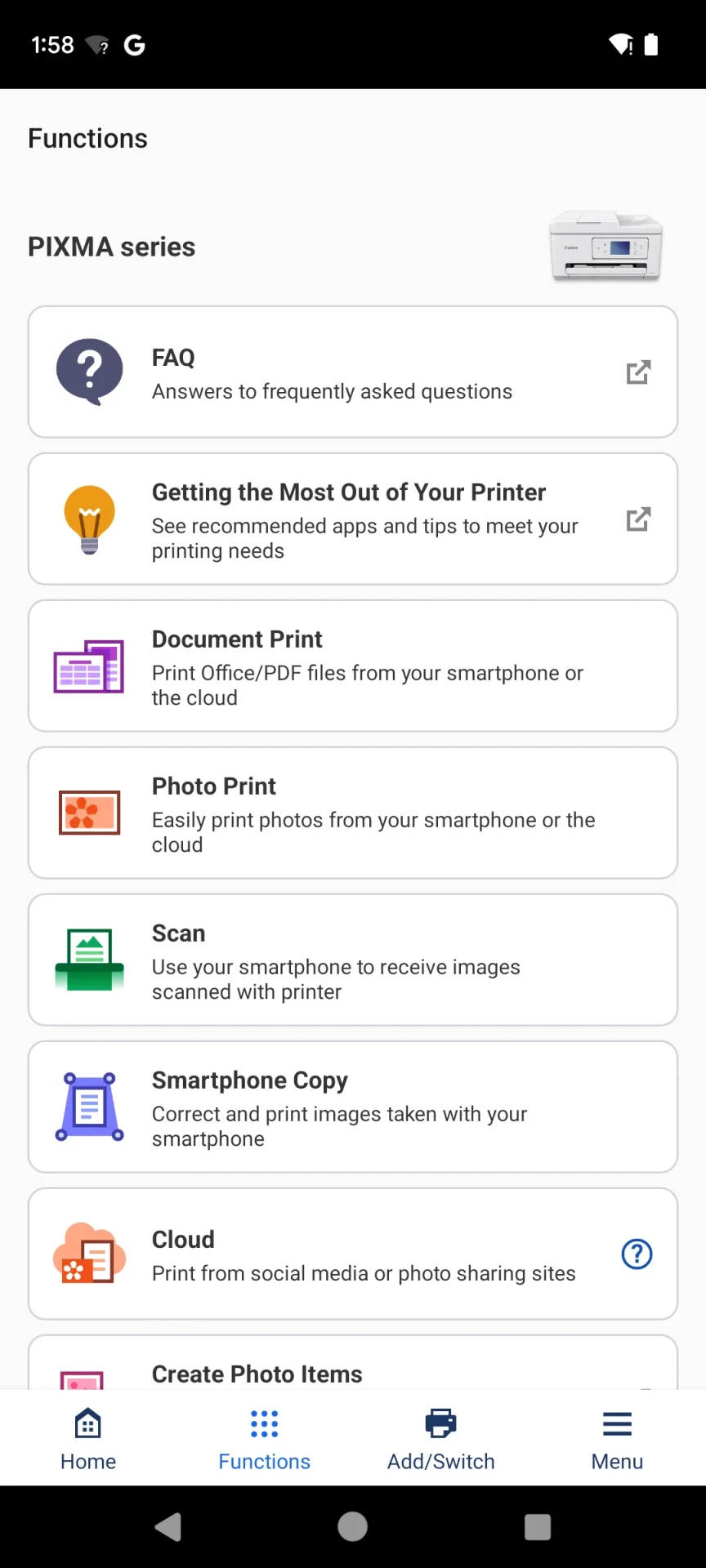
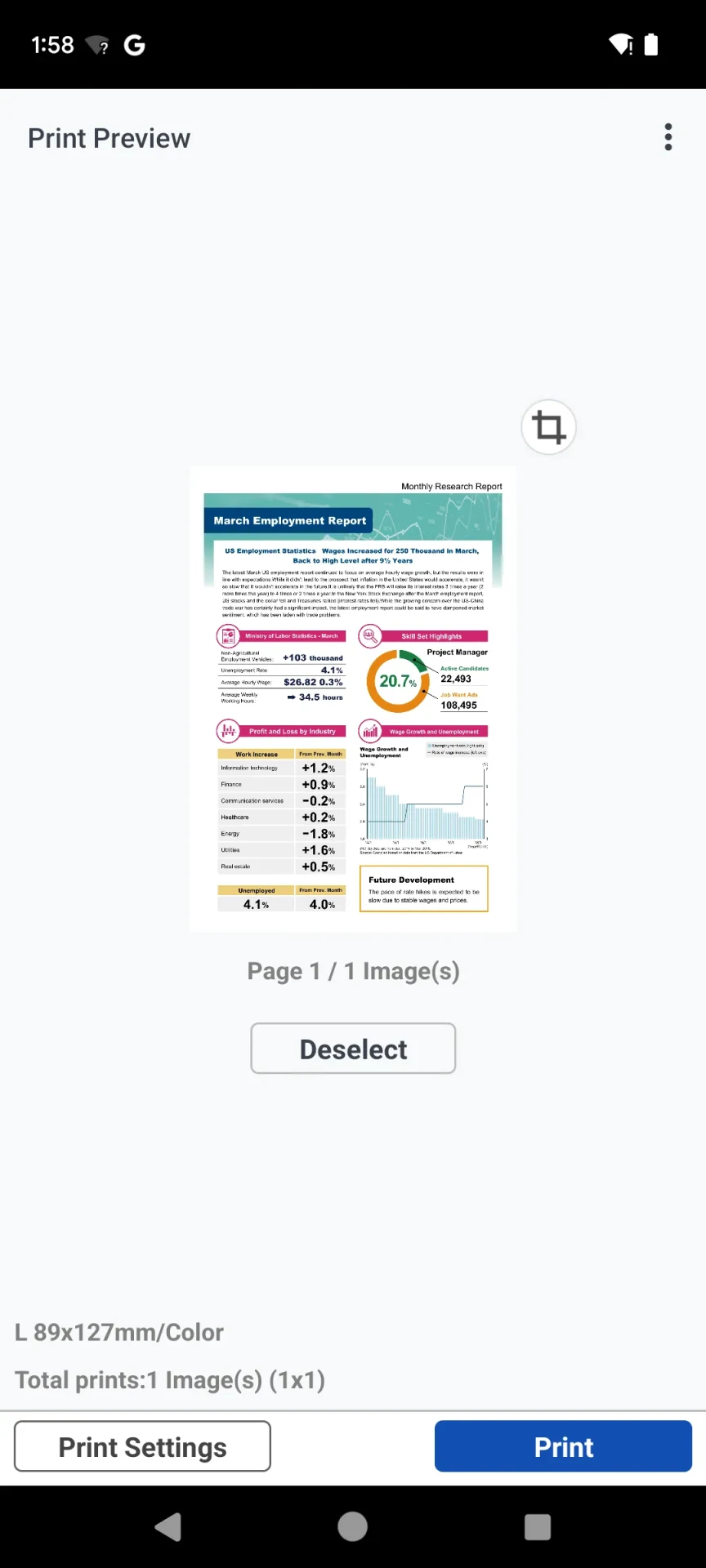
The app can print photos stored on an Android device, with an option to trim an image to fit. It also supports PDF files and Microsoft Office documents. For web pages, printing is available through the device’s Share option. These functions address common cases such as printing a document kept on a phone or sending a photo to a connected Canon printer.
Can the app scan documents and photos?
Yes. It can scan documents and photos and save the resulting files as PDF or JPEG. This gives users a way to digitize paper items using a supported printer’s scanning function, with the output saved in one of those two formats.
What cloud content and copying options are described?
PIXMA Cloud Link provides access to pictures and documents from social media platforms and storage sites, along with crafts from CREATIVE PARK, for printing. The app also lets users adjust copy settings on a smartphone or tablet, including for printers without an LCD screen. Its Smartphone Copy function uses a picture taken with the device and applies automatic skew correction for printing.
Which Canon printer families are mentioned?
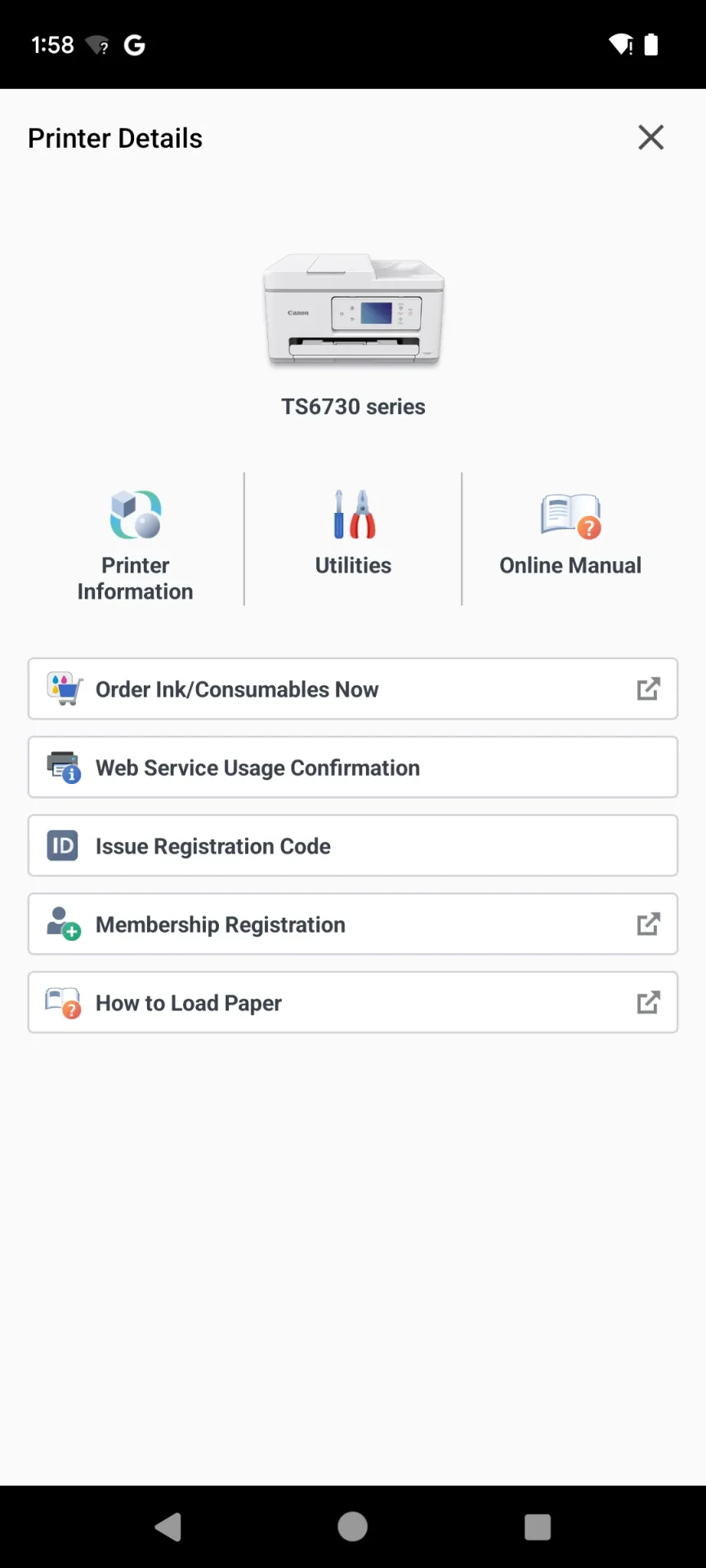
The source names PIXMA, MAXIFY, imagePROGRAF, imageCLASS, i-SENSYS, Satera and SELPHY series. It describes the app as a way to set up printers, start print and scan tasks, and manage consumables. Users can check ink or toner levels, purchase ink cartridges and access online printer manuals. The source notes that functions and services may differ according to model, location or environment, so the named series should not be taken to mean every feature is available on every printer.
Does the app provide control beyond starting a print job?
The described functions include managing and monitoring print tasks remotely, alongside checking consumable levels. These controls are intended for use with Canon printers; the source does not specify that every printer model supports every listed function.
Version history
View all21 Oct 2025 · stable
Frequently asked questions
What version and update note are listed in the source?
The source lists version 3.6.0 and a changelog dated September 29, 2025, noting that printers were added and some functions were improved.