
Screenshots
About this app
Overview
CPU Throttling Test helps Android users examine how a processor behaves during sustained workloads rather than relying only on a short benchmark. It places the CPU under load and charts performance over the test, reporting maximum, minimum, and average results and whether throttling occurred. The app also monitors CPU clock and temperature, and includes Java and native C benchmarks for single-threaded and multi-threaded comparisons. These measurements can help users assess how performance changes as a device heats up or compare cooling behavior between phones with the same chipset. A typical recommended run takes 20 minutes.
What You Can Do
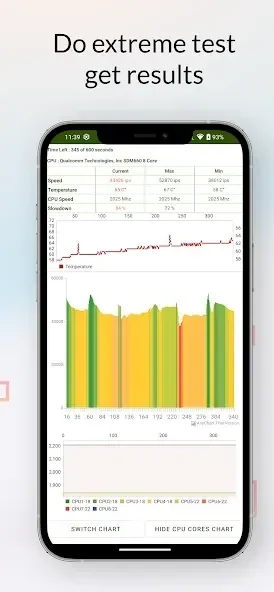
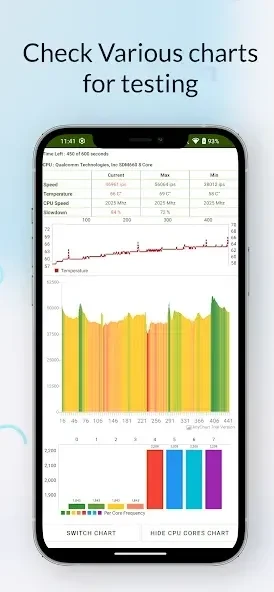
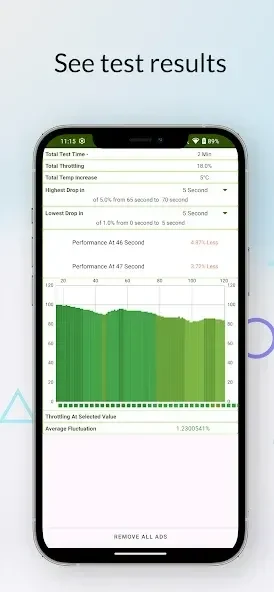
⭐ Run a sustained CPU load test with up to 100 threads. The app graphs performance throughout the run and reports maximum, minimum, and average values, then analyzes whether throttling occurred and its extent.
⭐ Compare Java and native C benchmark results. Both single-threaded and multi-threaded performance are measured, making it possible to see how the two codebases perform under the test conditions.
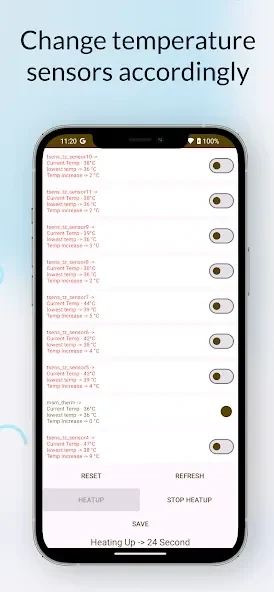
⭐ Monitor processor readings while testing. Graphs show core clock and temperature, along with CPU usage where the Android version permits it.
⭐ Examine changes in performance over time. Tracking a measure such as GIPS—Giga Instructions Per Second—can show whether the processor is completing fewer instructions as a sustained run continues.
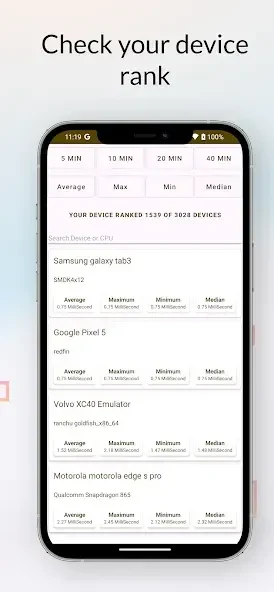
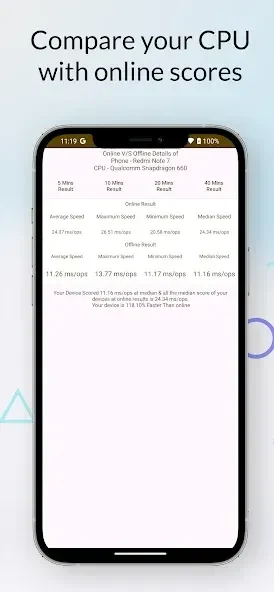
⭐ Compare cooling behavior across phones that use the same chipset by running the same test. Results can help show which device maintains performance longer and which throttles sooner.
⭐ Use frequency-reduction testing to compare how devices handle heat dissipation, as described in the app information.
Using the App
For a more consistent comparison, let the device rest for about 10 minutes before starting so the test begins from a cooler baseline. The recommended run is 20 minutes; five- or ten-minute tests offer a quicker indication, while a 40-minute run can reveal longer-term behavior. Compare results from matching conditions, particularly when testing phones with the same chipset. The test stresses the CPU, so the device may become warm and use battery faster; stop if its temperature feels unsafe. On Android 8 Oreo and later, platform limits disable CPU utilization tracking, so that metric will not appear in results on those versions.
Why It May Appeal
✅ The sustained graph and summary statistics provide more context than a single peak score, helping users see how performance changes during a longer workload.
✅ Java and native C tests, plus single- and multi-threaded measurements, offer several ways to examine processor performance within one app.
✅ Repeating the same test on phones with the same chipset provides a practical basis for comparing their ability to sustain speed as they heat up.
Things to Consider
❎ CPU utilization tracking is unavailable on Android 8 Oreo and newer versions because of platform limits, so results on those systems omit that reading.
❎ A sustained test can warm the device and drain its battery more quickly. Starting from a consistent, cooled baseline and stopping if the device feels too hot are relevant precautions when running a test.
Version history
View all27 Aug 2026 · stable
Frequently asked questions
What does GIPS mean in CPU Throttling Test?
GIPS stands for Giga Instructions Per Second. Following it over time can indicate whether CPU performance drops during a sustained workload.
How long should a CPU test run?
The recommended duration is 20 minutes. Five- or ten-minute runs can provide a quicker indication, while a 40-minute run can show longer-term behavior.
Does the app show CPU usage on every Android version?
No. CPU utilization tracking is disabled on Android 8 Oreo and later because of platform limits, so results on those versions omit that metric.
Why let the device cool before testing?
Letting the device rest for about 10 minutes provides a more consistent starting temperature, helping distinguish changes during the test from the device's initial heat.