
Screenshots
About this app
Overview
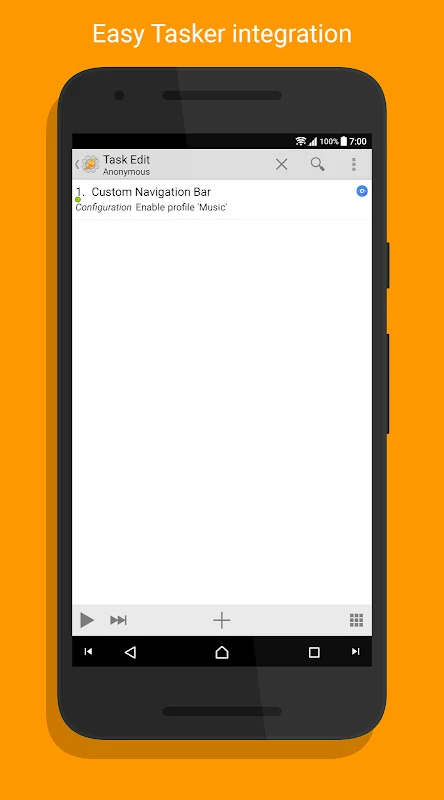
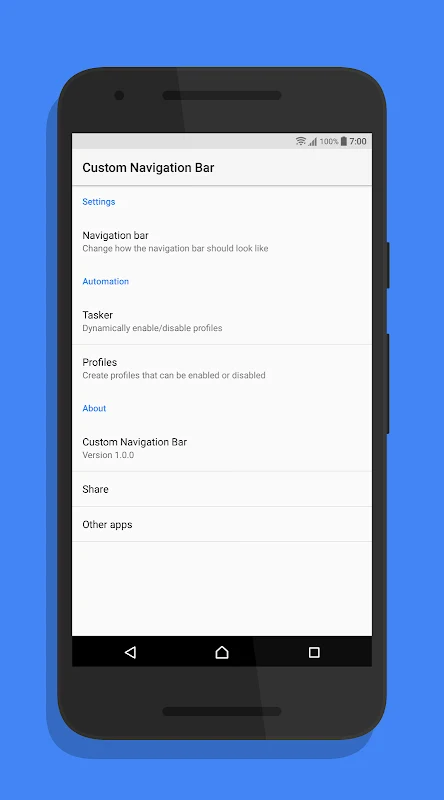
Custom Navigation Bar lets users replace the standard navigation bar on compatible Android phones with a version that can be styled, hidden, or extended with extra actions. The app targets devices running Android 7, 7.1, and O preview, including Nexus, LineageOS, and certain Sony Xperia models. It adds customization options such as button color changes, icon swaps, rounded corners, and horizontal-bar animations while preserving core functions like back, home, and recent-app navigation. Setup requires a one-time permission that can be granted from a computer, and no root access or Xposed framework is needed for basic operation. Users can also define separate behaviors for landscape orientation and per-button settings that activate when the bar is hidden. The interface presents these choices in an intuitive list so that different layouts can be tested quickly. Tasker integration allows the bar to change appearance or available buttons based on the current app or device location. Compatibility is limited on some custom ROMs and certain manufacturer skins, with partial function reported on Galaxy S8 and S8+ units because of system restrictions.
What You Can Do
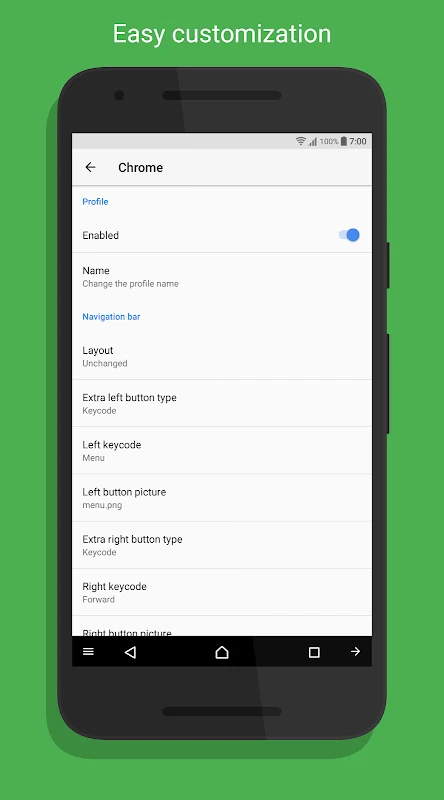
⭐ Users can assign different actions and visibility rules to each navigation button, including new options such as launching an app, expanding the notification drawer, or triggering a Tasker event.
⭐ The app supplies several button themes and color choices so the navigation bar can match the wallpaper or overall device style.
⭐ Landscape mode receives its own set of spacing, icon, and animation settings that activate automatically when the phone is rotated.
⭐ An on-screen toggle lets the entire custom bar be switched off instantly without uninstalling the app.
⭐ Rounded corners can be added to the bar, and the bar itself can be hidden while still allowing the defined button actions to remain available.
⭐ Back and recent icons can be swapped to suit personal preference or to match another launcher’s layout.
Using the App
After granting the required permission, users open the app and select from lists of button overrides, themes, and animation styles. Settings are grouped so that portrait, landscape, and hidden-bar states can be adjusted independently. Tasker profiles are created outside the app and then linked to specific navigation configurations that activate on triggers such as app launch or location change. The interface keeps frequently used keys at the top of selection screens and provides an improved introductory walkthrough that explains each permission and option. Performance remains responsive on supported devices because the app only modifies the navigation layer rather than altering system files.
Why It May Appeal
✅ The app delivers layout and color customization on stock or lightly modified Android versions without requiring root or custom firmware.
✅ Separate landscape and hidden-bar profiles give users fine-grained control that many built-in navigation options lack.
✅ App Shortcuts support on Android 7.1 and additional button actions such as profile toggling expand what the navigation bar can trigger.
Things to Consider
❎ The app does not function on ResurrectionRemix, Beanstalk, AospExtended, EMUI, or LG UX, and it shows only partial compatibility on Galaxy S8 and S8+ devices due to manufacturer restrictions.
❎ A computer or rooted device is needed to grant the initial permission on some handsets, which may inconvenience users without access to either method.
Version history
View all24 Jul 2026 · stable