
Screenshots

About this app
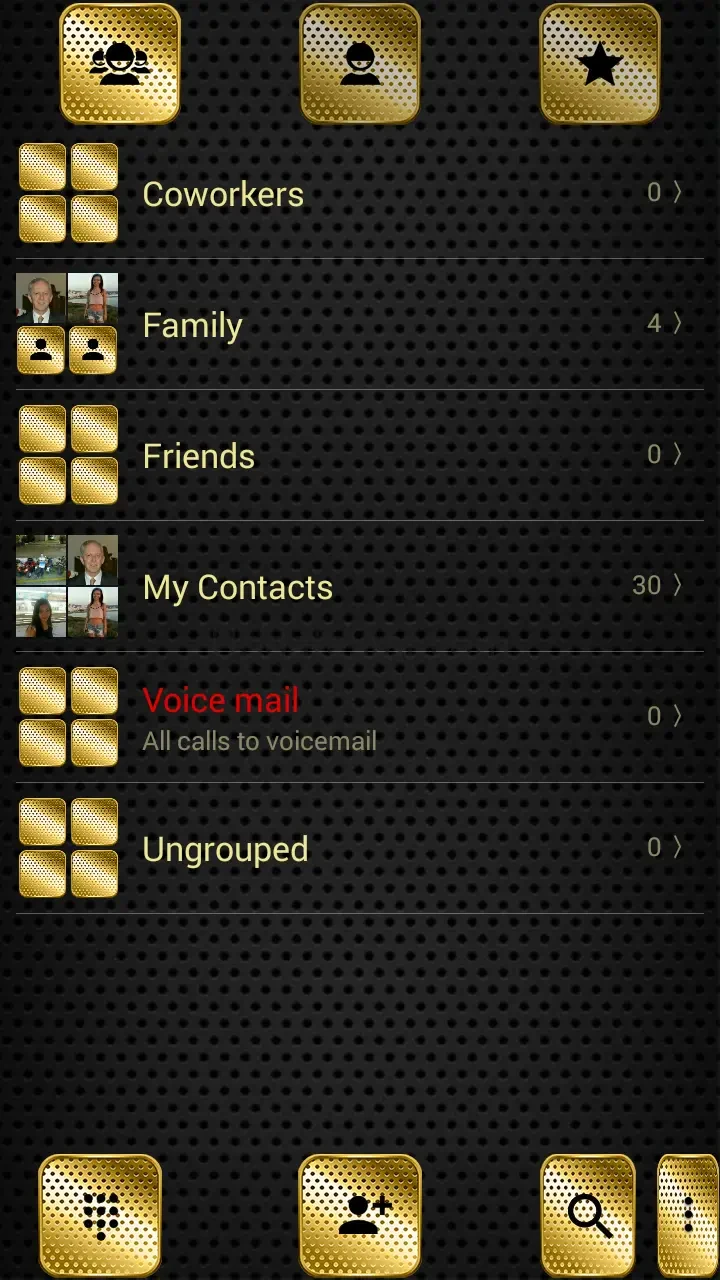
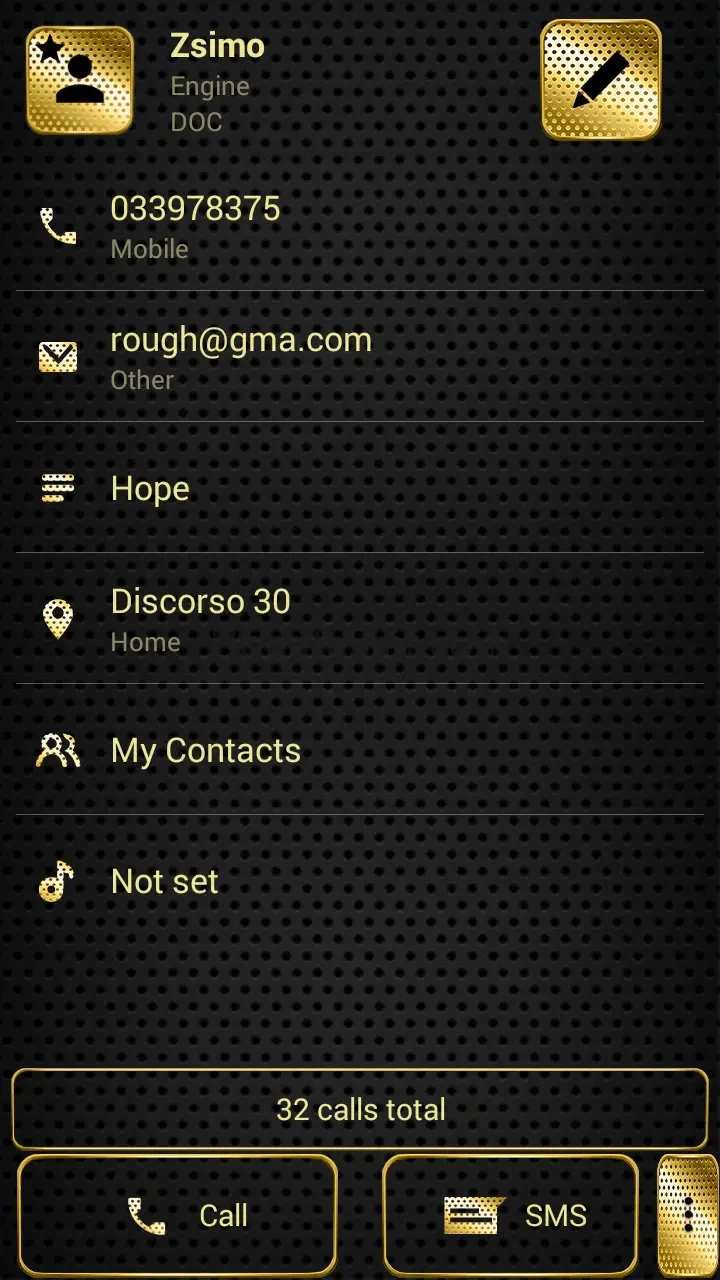
Dialer Theme Metal Gold Dots helps personalize the appearance of an Android phone's dialer with a black-and-gold metallic design. It applies metal-framed buttons and brushed-style icons to the dial keys, giving the keypad a coordinated gold finish rather than changing the phone's calling functions.
Metallic dialer appearance
The theme uses black and gold as its main colors. Dial-pad keys are presented with a metallic gold surface and frame, while the brushed icons support the same visual style across the interface. This design is intended for people who want their dialer to have a more decorative, polished appearance.
The available personalization also includes controls for the background and text color. These settings can be used to adjust the theme's presentation to match individual preferences while retaining its central black-and-gold look.
Using the theme with ExDialer
Dialer Theme Metal Gold Dots requires ExDialer - Dialer & Contacts to be installed on the device. After installing the theme, open it and follow the on-screen instructions to select it through the supported dialer application. The supplied instructions describe this as a straightforward process that does not require special skills.
Because this is a dialer theme, its role is limited to the visual appearance of the compatible dialer interface. It does not provide the separate calling, contact, or messaging functions of a dialer application. The source describes the theme as suitable for various Android devices and states that it does not require special permissions.
Practical details
The theme is described as free to use and designed with simple navigation. Once selected in ExDialer, its black-and-gold buttons, metallic surfaces, and brushed icons provide the main visual changes users will see when using the dial pad. For questions or suggestions, the source directs users to contact the developer by email.
Version history
View all29 Aug 2025 · stable