
Screenshots
About this app
Overview
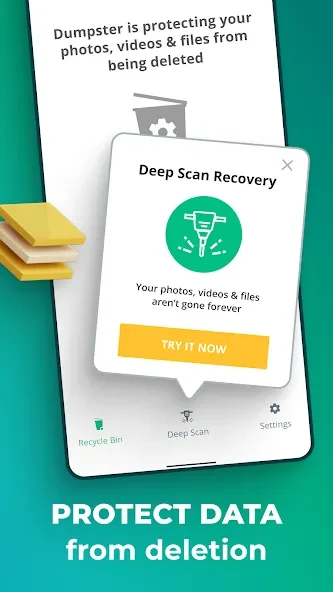
Dumpster is a recycle-bin style app for Android that helps you back up apps and media and retrieve items after accidental deletion. It is intended for people who want another chance to restore photos, videos, other media, or recently deleted apps, rather than relying only on a device’s usual file handling. The app does not require root access, and its listed minimum requirement is Android 2.3. It also offers cloud backup for deleted photos and videos, which the source says does not use the phone’s internal storage. Theme customization is available for users who want to change the app’s appearance.
What You Can Do
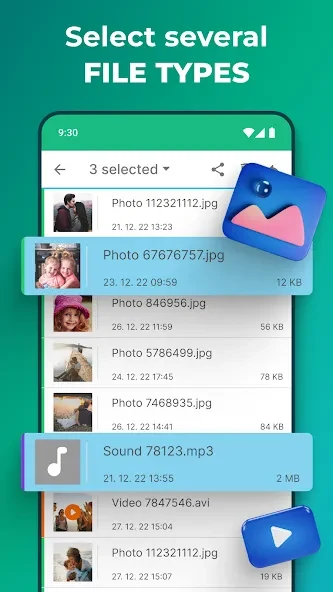
⭐ Back up Android apps and media files so they can be available for recovery if you delete them by mistake.
⭐ Use the deleted-photo recovery function to look for pictures you want to restore.
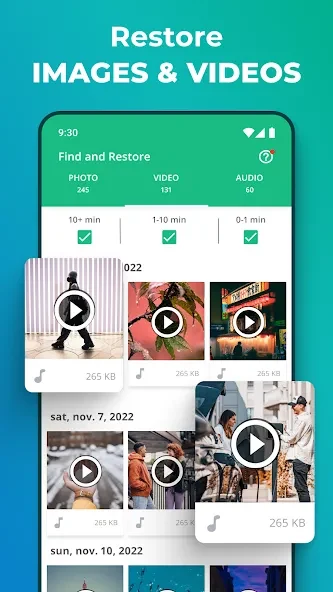
⭐ Recover deleted videos and restore other media files, using the app’s recovery option for accidental deletions.
⭐ Retrieve recently deleted apps as well as media, giving the app a broader role than photo recovery alone.
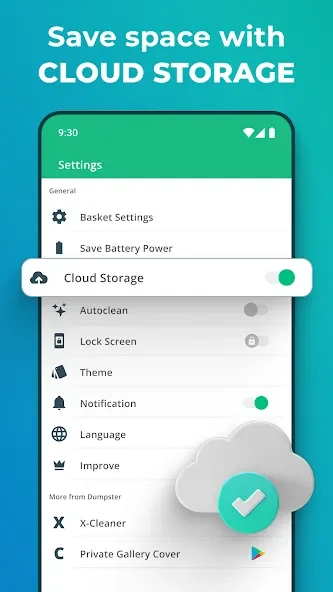
⭐ Back up photos and videos to cloud storage. The source describes this option as a way to avoid using the phone’s internal storage for those backups.
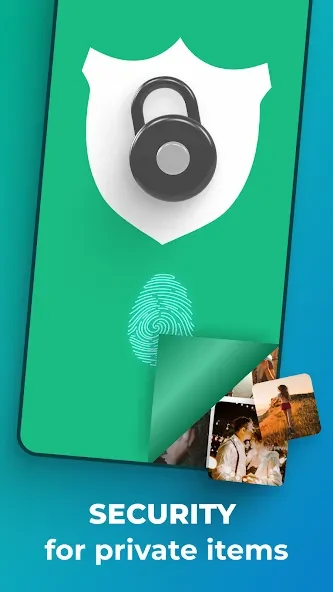
⭐ Customize the interface with themes and designs. The app also lists lock screen capabilities, though the source does not explain their controls or behavior.
Using the App
The described recovery workflow is to locate and select the accidental-deletion recovery function in the app, then choose the item you want to restore. This gives users a direct place to start when they notice a missing photo, video, or other supported file. The source also describes backup for apps and media, alongside cloud backup for photos and videos. It does not provide detailed instructions for configuring cloud storage or explain how long items remain available, so those specifics should not be assumed. Theme options let users adjust the app’s design, while the no-root requirement means rooting is not listed as a prerequisite.
Why It May Appeal
✅ Dumpster brings backup and recovery for several types of content together in one Android app, including photos, videos, media files, and apps.
✅ Its no-root operation may suit users who want to try a recovery tool without rooting their device, and cloud backup offers an option that the source says does not consume internal storage.
✅ The app is aimed at people who sometimes delete files by mistake and want a recovery option to check before giving up on them.
Version history
View all09 Sep 2026 · stable
Frequently asked questions
Does Dumpster require root access?
No. The source says Dumpster works without requiring root access.
What types of items can Dumpster help recover?
The source lists photos, videos, other media files, and recently deleted apps.
How do I start recovering a deleted photo or video?
Locate and select the accidental-deletion recovery function in the app, then look for the item you want to restore.
What is the minimum Android version listed?
The listed minimum requirement is Android 2.3.