
Screenshots
About this app
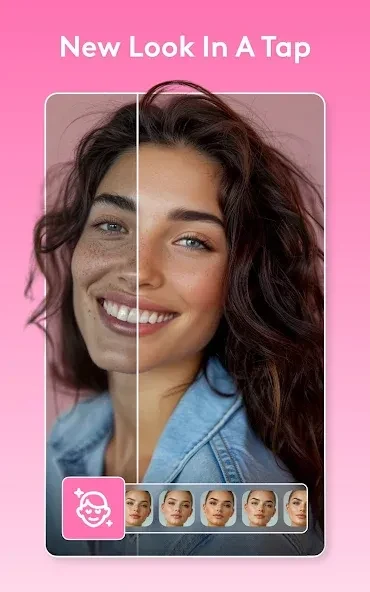
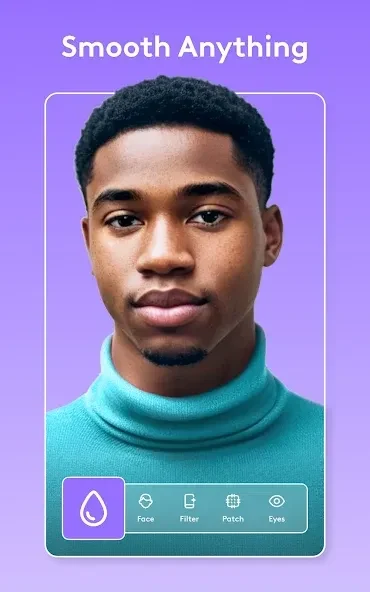
Facetune2 is a photo and video editor focused on portrait retouching and creative changes. It helps users adjust facial details, soften skin, and apply makeup effects, while also offering filters and other elements for shaping an image or video. AI-assisted detection can identify facial features and layouts, which the source says reduces the manual work involved in some edits. Users can also add effects such as background blur, transitions, or music, and generate images in different styles.
What kinds of portrait edits does Facetune2 offer?
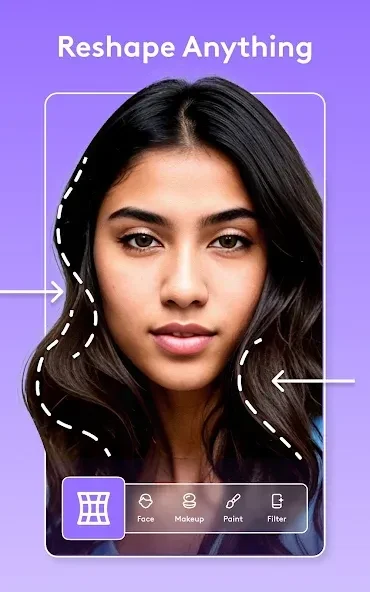
The app includes retouching tools for removing blemishes such as pimples, as well as controls for softening skin and reducing the appearance of oily areas. Its airbrush can be moved over selected parts of the skin, so edits can be focused rather than applied as a single change to the entire portrait. The source also describes tools for adjusting facial features and making them appear more defined.
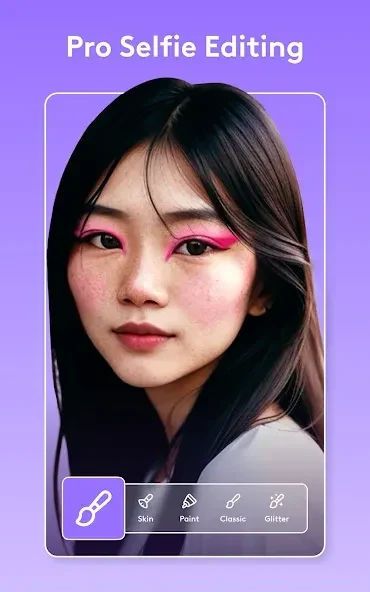
Makeup effects and filters provide another way to change a portrait’s look. A base tool can create a layer on the face as part of the makeup process, and the app offers effects intended for selected parts of an image. These options may suit someone who wants anything from a small retouch to a more visibly styled portrait.
How can I change the image beyond basic retouching?
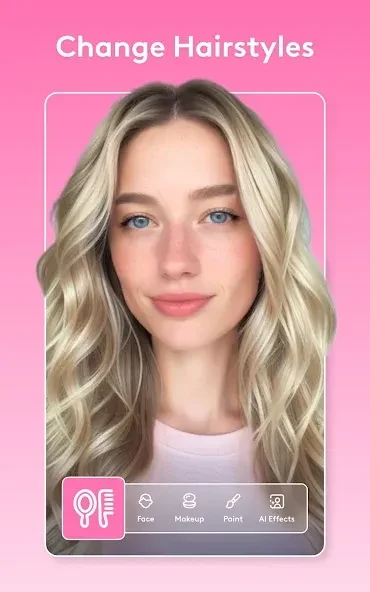
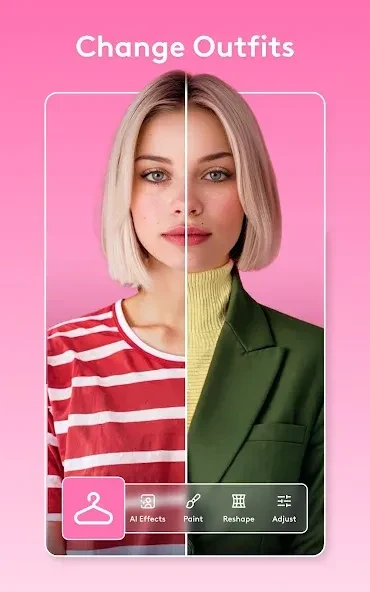
Facetune2 also includes artistic effects and options to change details such as hair color and clothing. Colorful light effects can add a distinct look, while blur effects can soften the background and draw attention toward the subject. These tools let users make broader visual changes instead of limiting edits to skin or facial features.
The source describes filters and effects that can be applied to different parts of an image, as well as image generation in various styles. It does not specify how image generation works or list the styles available, so those details may depend on what the app presents. Taken together, the described tools cover both portrait adjustments and more stylized image treatments.
What role does AI play in editing?
AI-assisted recognition is described as helping the app detect facial features and layouts automatically. This can reduce the amount of manual setup for supported adjustments, while users can still work on specific areas with tools such as the airbrush. The source also says that an incorrect adjustment can be reverted, giving users a way to undo a change and correct it.
Face detection matters when using features that depend on recognizing a portrait. The source’s troubleshooting guidance recommends a clear, well-lit photo showing the entire face. If detection still fails, it suggests restarting the app, updating it, or cropping the photo slightly to bring the face into focus. These steps are relevant when an edit relies on face recognition, rather than for every type of image change.
Can I use Facetune2 for video and sharing?
The app is described as a photo and video editor. In addition to retouching and filters, users can add elements such as transitions and music to photos or videos according to their preferences. The source does not detail specific video-editing controls, so it is best understood as offering those creative additions without assuming a particular timeline or editing workflow.
The source also describes an online community where users can take part in beauty trends, share images, and find inspiration in other people’s work. It says images may be featured in an in-app ranking, but does not promise that any particular submission will be included. These community options may interest people who want to share styled portraits as well as edit them.
Who may find these tools useful?
Facetune2 may suit people looking for portrait-focused edits such as blemish removal, skin softening, makeup effects, or adjustments to facial details. Its filters, background blur, lighting effects, and options for changing hair color or clothing also support more expressive edits. Video additions and image generation broaden the described uses beyond still-photo retouching.
The range of tools can accommodate both subtle changes and more noticeable styling, but the source does not describe every control or the availability of each feature. Users who rely on face recognition may need a clear, well-lit image with the full face visible. For a reader deciding whether the app fits their needs, its clearest focus is combining AI-assisted portrait editing with creative effects and sharing options.
Version history
View all08 Sep 2026 · stable
Frequently asked questions
What Android version does Facetune2 require?
The supplied listing gives Android 4.1 or later as the minimum operating system.
Can I copy edits from one photo to another?
The source says Facetune2 does not currently support copying edits between photos. You can manually apply the same tools and settings to another image.
Can I save photos or videos without a watermark?
The supplied FAQ says a subscription is required to save photos or videos without a watermark.