
Screenshots

About this app
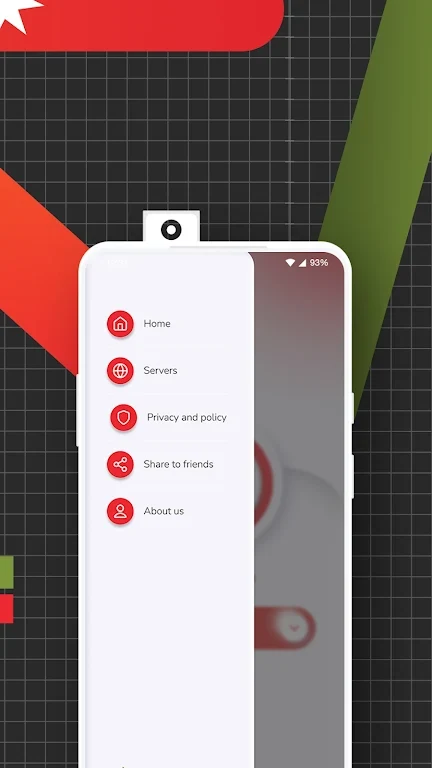
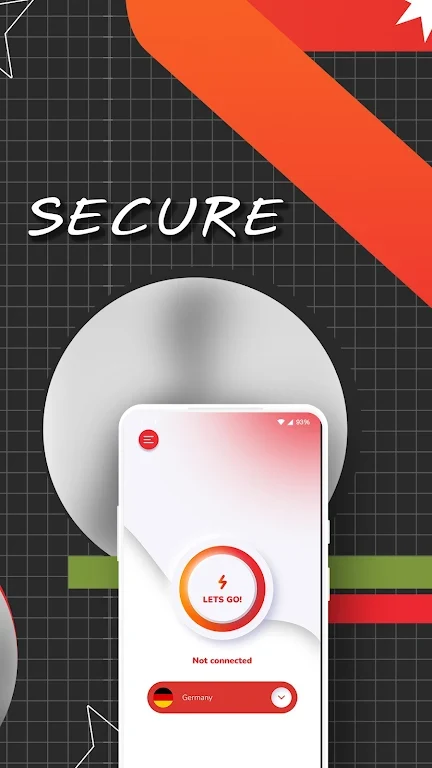
Felfel VPN is an Android app for connecting to a virtual private network, with IP address masking and encrypted data transfers among its stated functions. Its description focuses on browsing privacy, connecting through servers in different locations, and accessing content affected by regional restrictions. It also lists controls for automatic startup and for choosing which traffic uses the VPN.
What privacy functions are described?
The app is described as hiding your IP address and encrypting information sent through its VPN connection. These are the specific functions behind its privacy and security claims. The supplied information does not identify the encryption protocols or provide a logging policy, so it does not establish complete anonymity or a guarantee against tracking.
What server choices are available?
Felfel VPN lists server locations worldwide and supports choosing between them. Its description suggests selecting a nearby server when connection speed is the priority, or exploring other locations for region-specific content. Browsing websites, streaming video, and downloading files are the connection uses mentioned, but the source supplies no measured speeds or country-by-country server list.
Is it intended for region-restricted content?
Accessing websites, streaming services, and social platforms subject to geographical restrictions is a stated use case. Server location selection is relevant to that purpose. However, the description does not document compatibility with particular services, so its broad access claims should not be read as confirmation that every restricted site will work.
Can you control when and where the VPN is used?
The listed automatic-startup option is intended to start the app when the device boots. Split tunneling is also described: it lets you choose which applications or websites pass through the VPN and which use a connection outside it. These controls address different needs—starting the app with the device and selectively routing traffic—rather than requiring all activity to follow the same connection path.
Version history
View all15 Oct 2024 · stable
Frequently asked questions
Who is listed as the developer?
The supplied listing names Cofe App Sw as the developer.
Which version and category are listed?
The supplied listing identifies version 2.0 and places the app in the Tools category.