
Screenshots
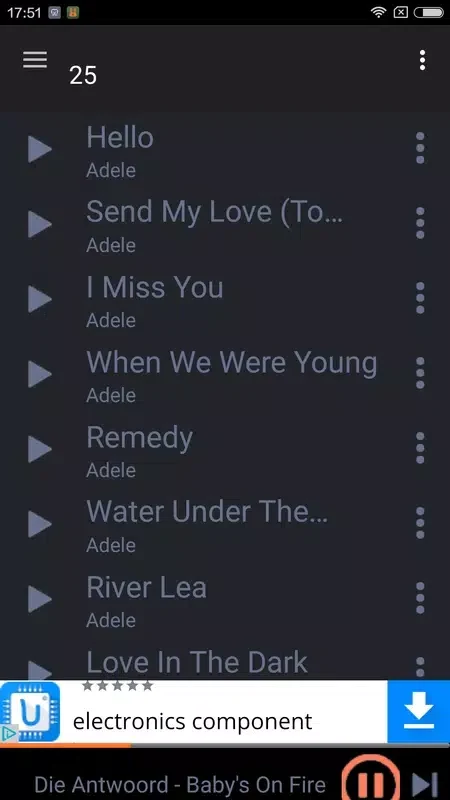
About this app
Overview
Fildo is a dedicated music discovery and downloading tool designed for Android users who want an efficient way to find and enjoy their favorite tracks. By acting as a smart search engine rather than hosting content on its own servers, the app operates quickly while remaining lightweight on device resources. Users can easily explore thousands of music tracks, stream content, or save files directly to local storage for listening anywhere, anytime. The software features a simple interface and a constantly updating music library spanning pop, rock, hip-hop, and international genres to meet varied listening preferences.
What You Can Do
⭐ Enjoy high-quality audio downloads and streaming, including support for standard MP3 files and clear, lossless FLAC formats for an enhanced listening experience.
⭐ Access a huge global music collection covering multiple genres like pop, rock, and hip-hop without genre restrictions.
⭐ Utilize a powerful search engine to quickly look up songs by entering an artist's name, track title, or browsing through organized categories and search filters.
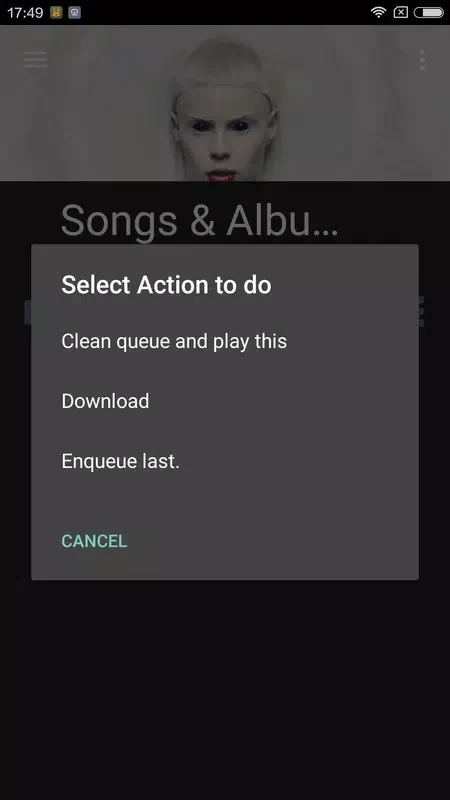
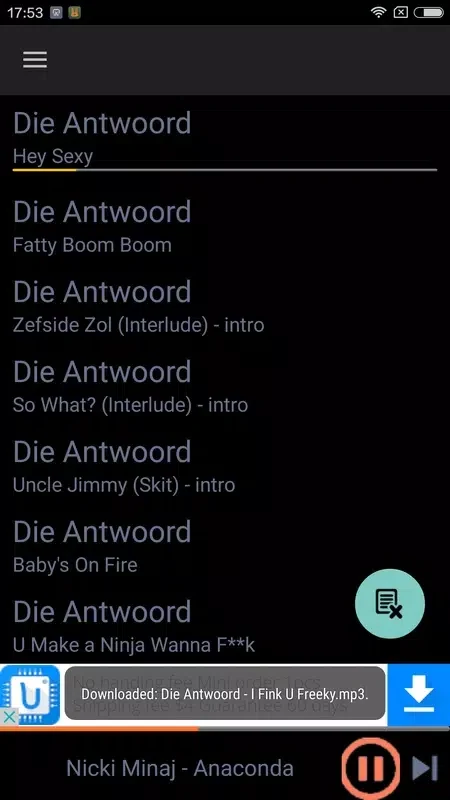
⭐ Save tracks directly to your device storage for offline playback, and manage downloads with improved screen controls that let you cancel individual items when needed.
⭐ Use the built-in media player, which includes an equalizer, a sleep timer, a crossfade option, and the ability to read embedded lyrics and album artwork.
⭐ Sync and recreate playlists by importing text data from Spotify playlists, allowing the app's search engine to find matching audio files offline.
⭐ Browse your existing manually downloaded audio files locally by artist, album, or specific SD card folders using the built-in local music explorer.
Using the App
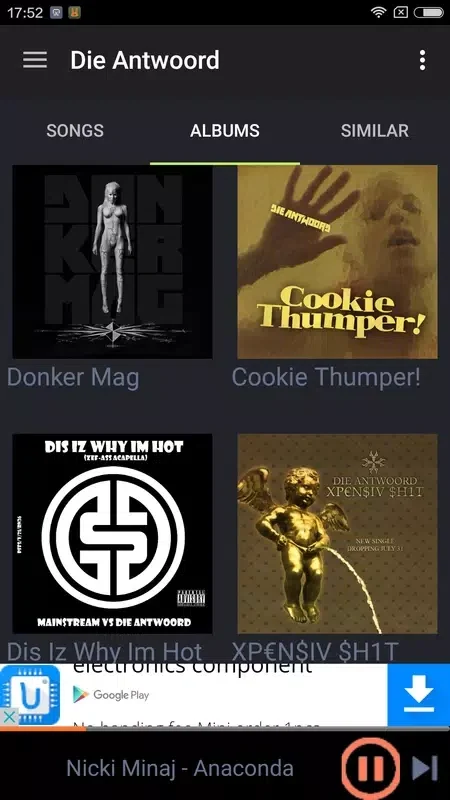
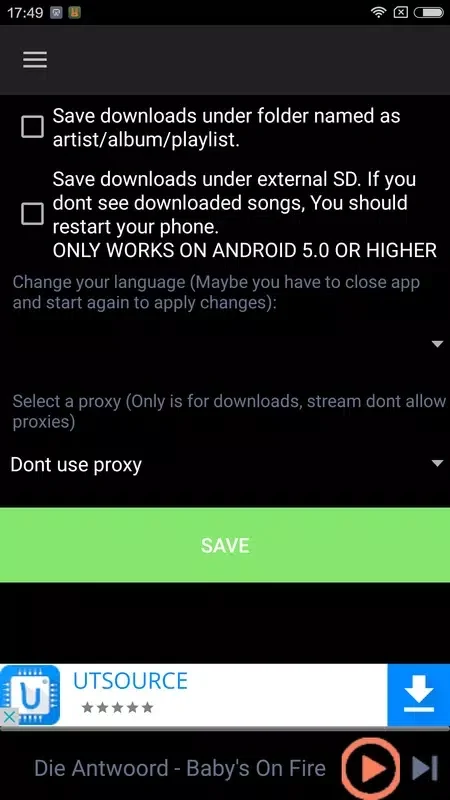
Setting up Fildo involves reviewing the application's configurations to select your preferred default folder for downloaded files. Navigation is straightforward, with options to browse weekly updated mood playlists on the main screen, view all available albums from search engines, and sort content alphabetically or by date. Customization features such as app themes, custom background images, and Fildo Studio player visualizations are also accessible within the settings, depending on account status.
Why It May Appeal
✅ Provides lightweight performance because it queries external sources dynamically rather than housing massive audio files on its own servers.
✅ Offers advanced features such as Android Auto integration, local folder browsing, and the ability to download album covers as separate files.
Things to Consider
❎ Certain advanced customization and integration features, such as Android Auto support, crossfade options, and theme customization, require a Gold subscription.
❎ The interface design has been described as somewhat plain or basic compared to mainstream commercial streaming platforms.
Version History
Recent updates for version 6.6.0 introduce Android Auto support for Gold subscribers alongside performance enhancements and load time improvements. Version 6.5.2 added search filters for the All Albums view, customizable crossfade settings, theme options with custom background support, fixed cover art behavior for playlist tracks, and weekly updated mood playlists. Earlier releases like version 6.4.5 brought legacy design screen updates, local folder browsing modes, and the Fildo Studio player visualization mode.
Version history
View all15 Jun 2026 · stable