
Screenshots
About this app
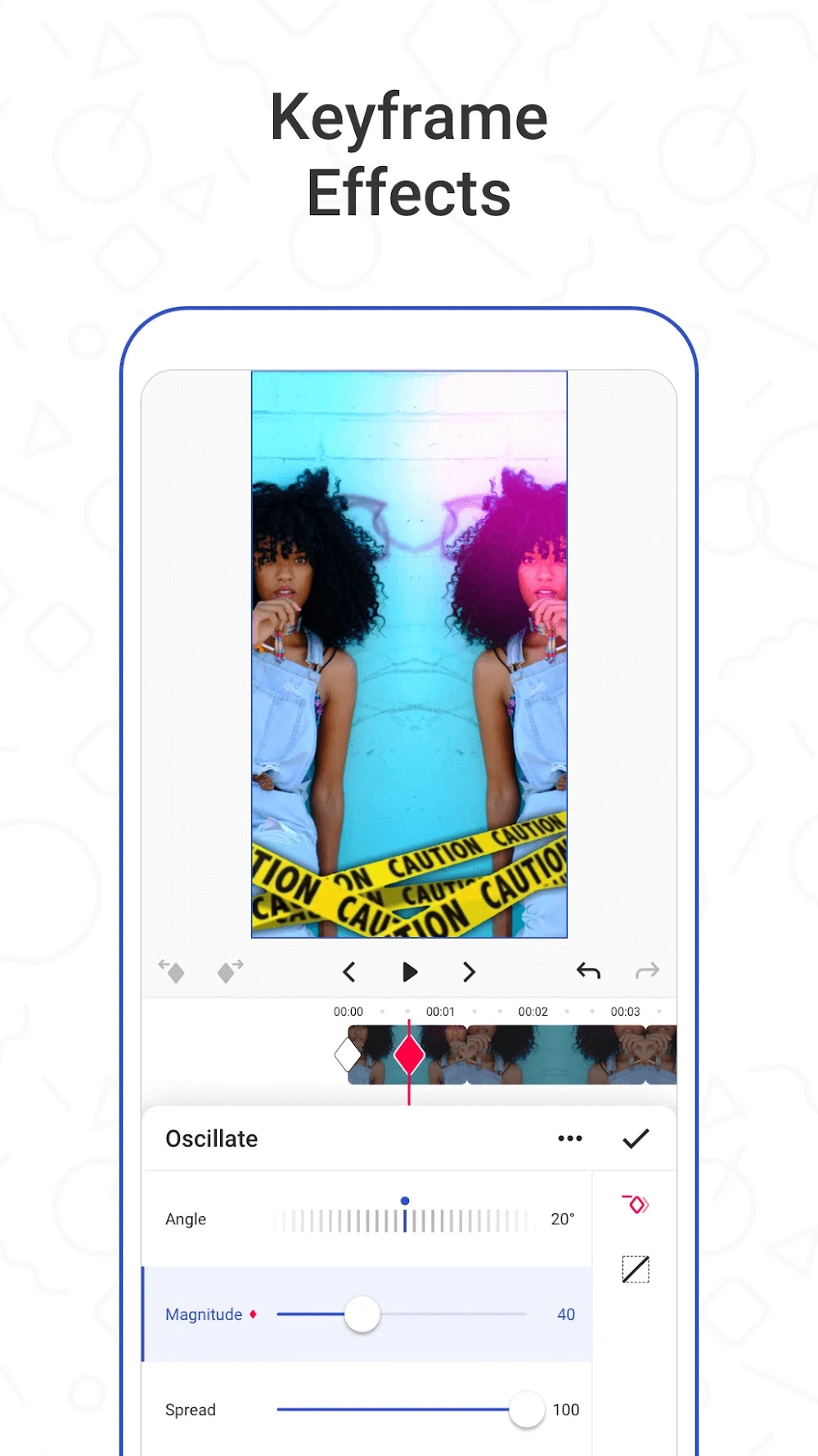
Funimate helps creators turn clips and other media on an Android device into edited videos using tools for trimming, combining footage, adding music and applying visual effects. It also offers AI features for creating character images or videos from ideas and for changing video backgrounds with effects. These options make the app relevant to people making short, stylized edits who want to shape both the look and pacing of a project in one place. Users can work with their own media, preview changes, and prepare a finished video to share or save.
From selected clips to an edited sequence
The described workflow starts by choosing media from the device and selecting a square, portrait or landscape format. In the editing screen, users can arrange clips and use basic controls to cut, trim, crop, combine or duplicate them. A duration control lets them adjust how long a scene appears; the supplied instructions describe changing a timestamp by holding and dragging its bar. Together, these tools let an editor shape the sequence before adding its finishing touches.
Music can be added from the device or from Funimate’s built-in library, and the app includes templates for video projects. For a music-led clip, choosing a track and adjusting scene lengths can help align the sequence with the intended pace. The source also describes real-time previews, so edits can be reviewed while working rather than only after exporting.
Effects, transitions and personal details
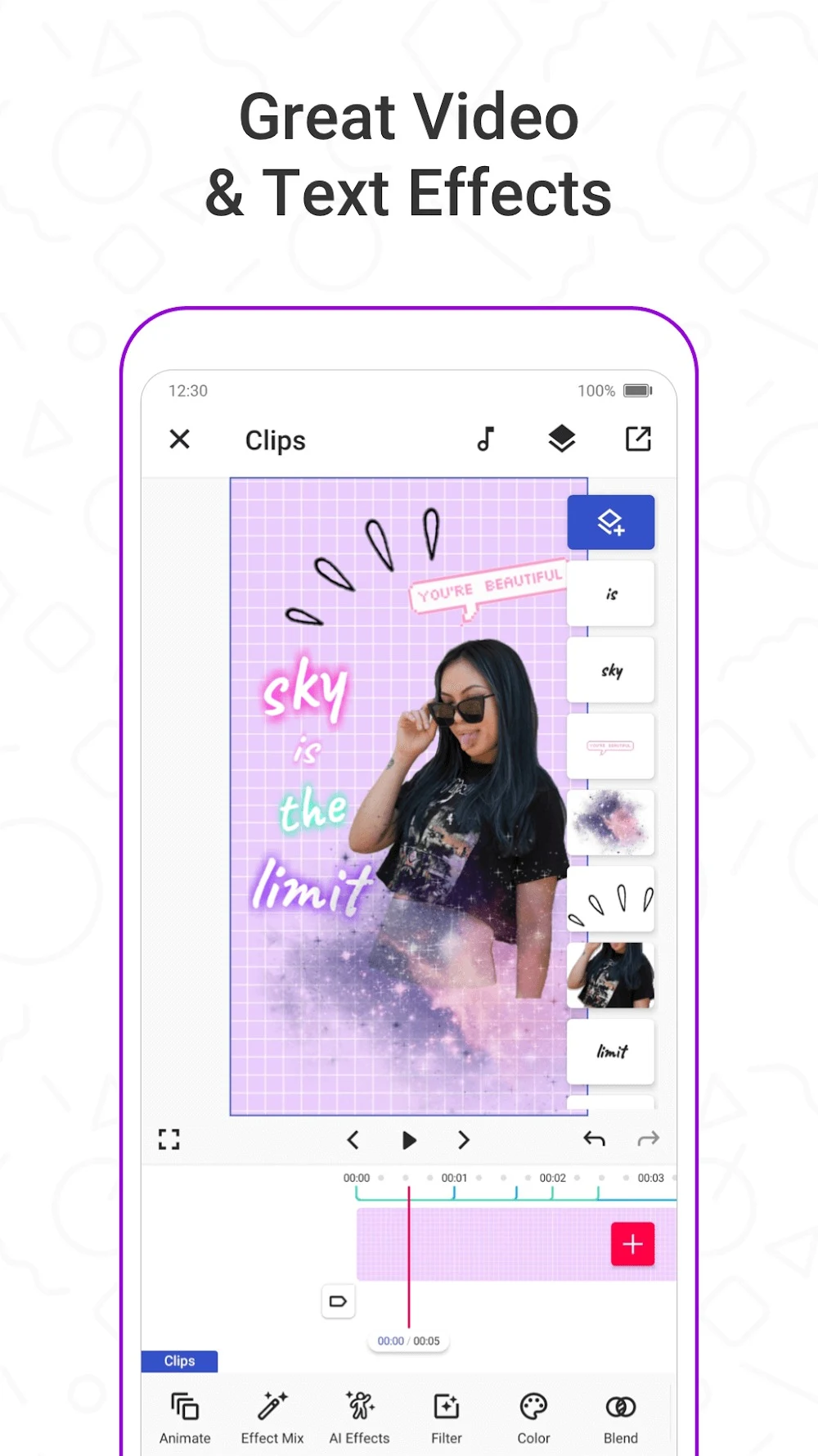
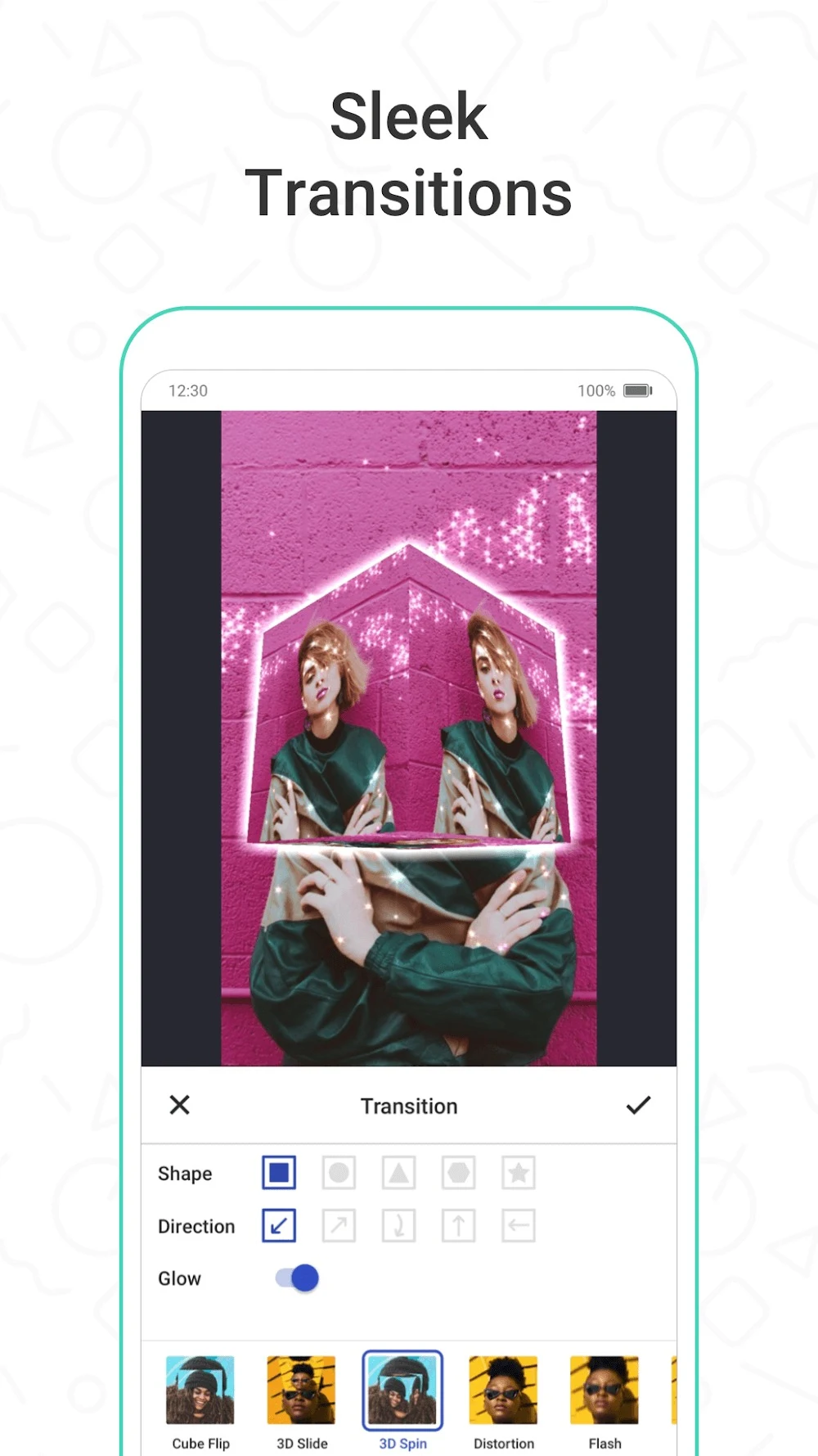
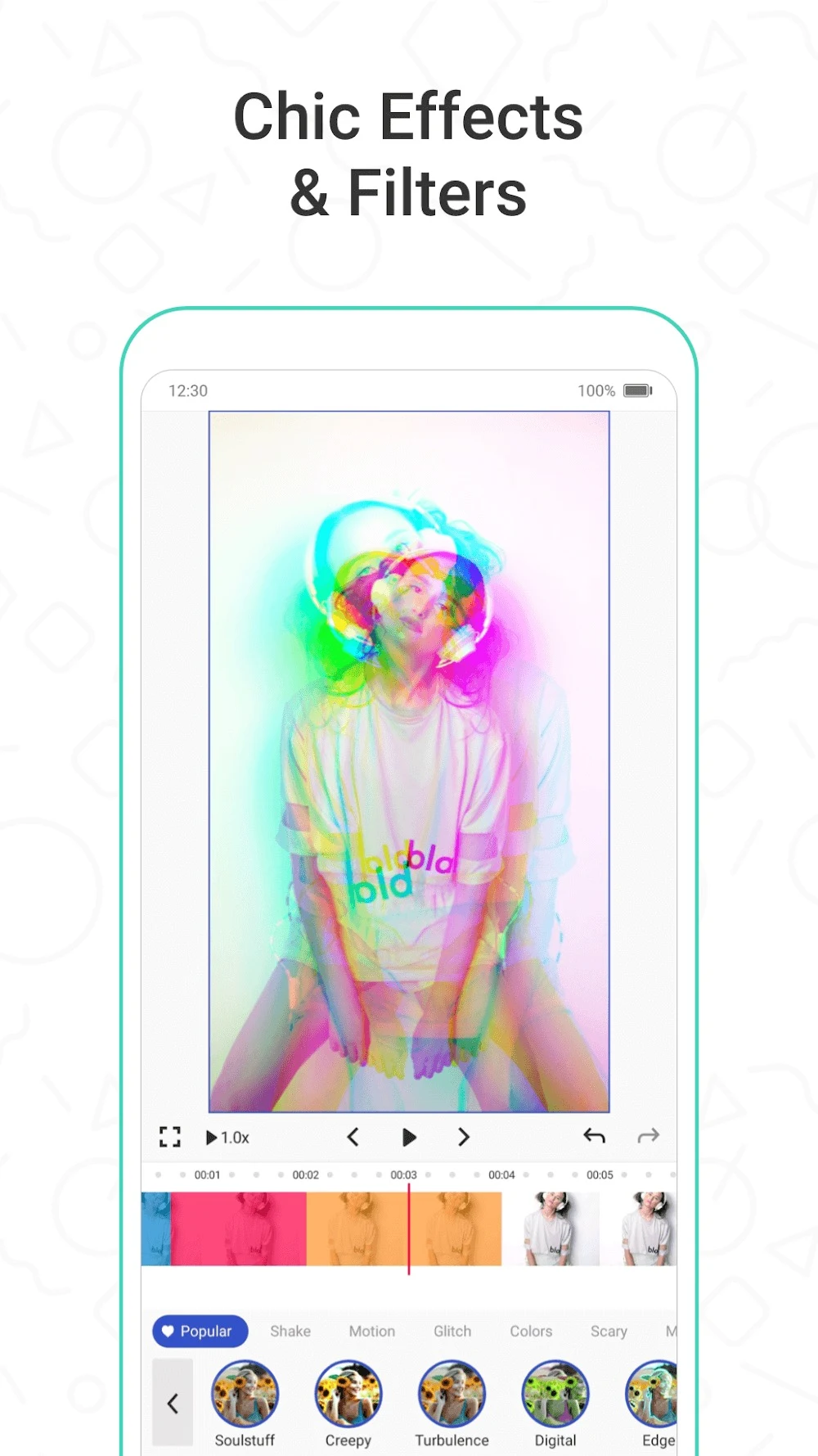
Funimate includes effects, filters, transition styles, text styles and music that can be applied to a video. Transitions are added between media items, with examples in the supplied material including Flash, Split, Vortex and Zoom. These controls work alongside trimming and scene-duration adjustments: users can refine where one shot ends, how the next begins and what visual treatment connects them.
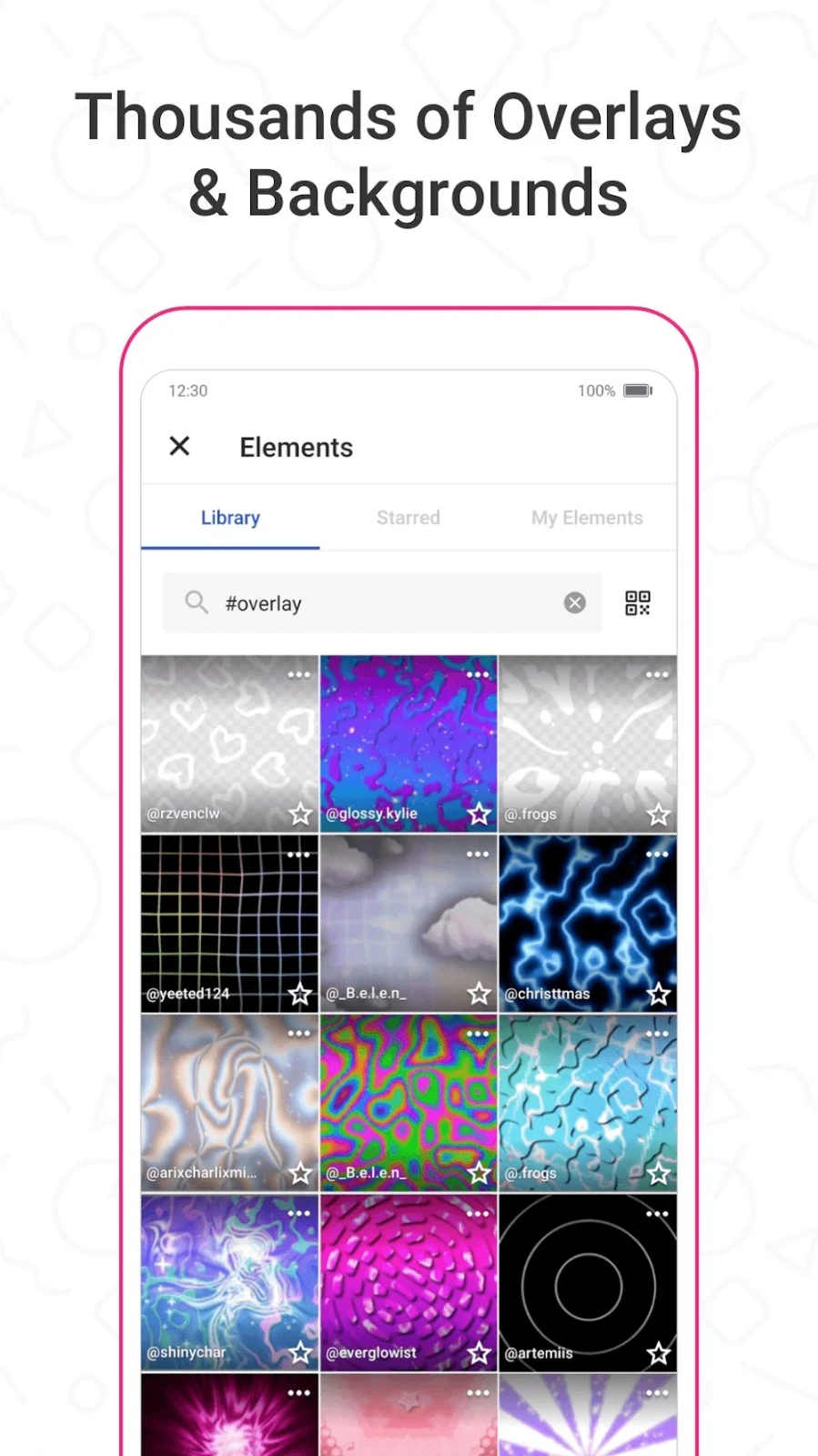
For further customization, the Element Gallery provides emojis, stickers and personalized text. The app also offers AI Effects for modifying a video’s background and applying creative effects, while its AI image and video tools can generate character-based visuals from user ideas or commands. The source describes a Pro version with more than 100 video effects; it does not specify the full terms or availability of that offering.
Sharing work and exploring the community
Once an edit is ready, users can save the project to their media or share it through the app. The source says export is available in various resolutions and that output is optimized for platforms such as TikTok and Instagram. It also notes a limitation: advanced export formats are limited. Before posting, creators can choose hashtags for a video; the source highlights them as a way to influence how many people see a post, rather than describing a guaranteed result.
Funimate also includes community features for sharing videos, discovering trending content, joining regular challenges, following other editors, commenting and ranking. These activities connect making a video with seeing how others use visual effects and taking inspiration from their work. For someone developing an editing style, the community offers examples to explore as well as a place to share finished projects.
A flexible toolkit for short creative edits
The available tools cover several parts of a typical edit: selecting a format and arranging clips, adjusting scene length, adding sound, refining transitions and applying effects or graphic elements. That combination suits projects where visual styling is as important as the sequence itself. AI creation and background effects provide additional ways to experiment, while ordinary editing controls remain available for footage already on the device.
The source presents Funimate as an accessible editor with quick-to-reach controls and drag-and-drop adjustment, but it does not provide a complete device-compatibility list or detailed export specifications. People who need a particular advanced format should take the stated export limitation into account. For social-style videos, the described resolution options, platform-oriented exports and sharing tools provide a route from editing to posting, with the choice of where the finished work goes left to the creator.
Version history
View all26 Aug 2026 · stable
Frequently asked questions
Can Funimate edit videos already on a device?
Yes. The supplied information describes selecting media from the device and editing it with tools such as trim, crop, combine, duplicate and transitions.
What kinds of AI tools does Funimate include?
The source describes generating character images and videos from ideas, and using AI Effects to modify video backgrounds and apply creative effects.
Can projects be shared from Funimate?
The source says finished projects can be shared through the app or saved to the device’s media. It also describes exports intended for platforms such as TikTok and Instagram.
Does Funimate support advanced export formats?
The supplied information says export options for advanced formats are limited.