
Screenshots
About this app
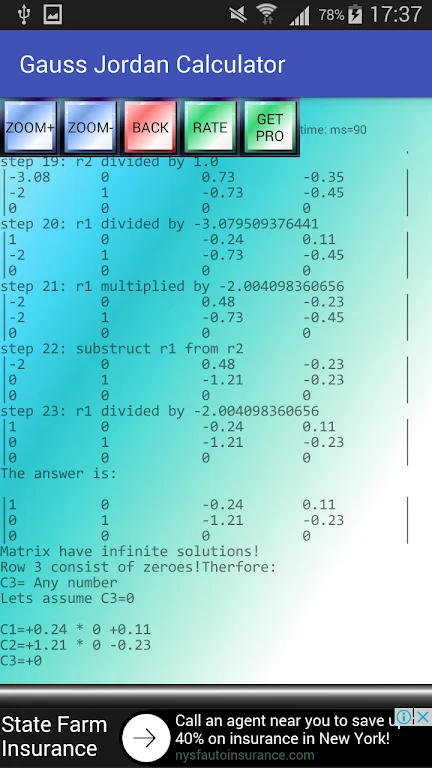
Gauss Jordan Calculator provides step-by-step solutions for linear equations using the Gauss-Jordan elimination method. It is designed for entering matrix values, working through the calculation process, and reviewing how a system reaches its solution. The app supports equations containing fractions and can handle an infinity solution matrix for systems with an infinite number of solutions.
Linear equation solving
The calculator can work with systems that include up to 10 constants, giving users a way to enter more involved sets of equations. Its step-by-step presentation describes the progression of the Gauss-Jordan solution rather than showing only a final result, which can help users follow the calculation method while working on mathematical problems.
Matrix input tools
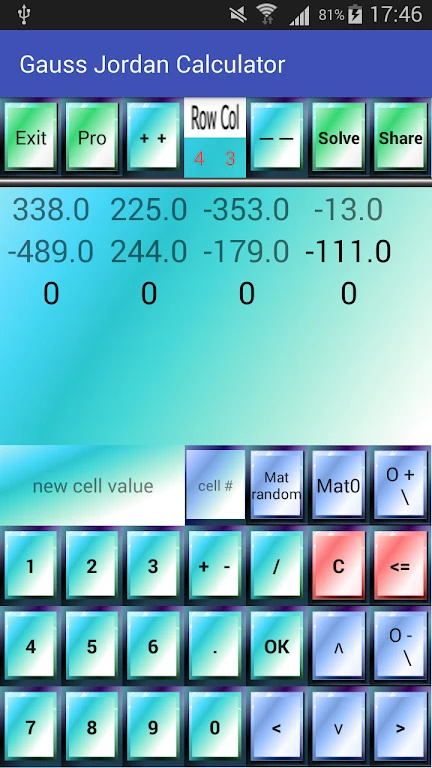
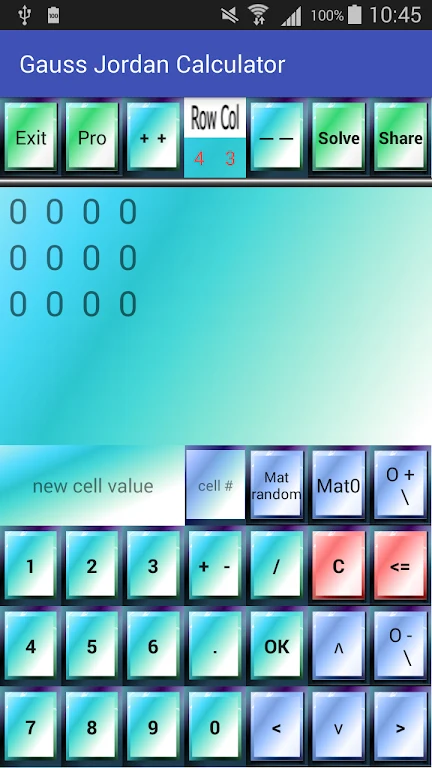
A built-in numbers board is available for entering values into matrix cells. The quick cell filling panel is intended to make matrix entry more direct. Fraction input support allows coefficients and other values to be entered in fractional form when a system requires them.
Display and practice controls
The matrix text size can be adjusted to suit different readability preferences. A random cell filler can populate matrix cells with random values, providing a way to create examples for practice or to generate another system to solve. These controls sit alongside the main calculator so users can prepare matrix entries and inspect the resulting solution steps in the same app.
With its combination of equation solving, fraction handling, support for infinity solution matrices, and matrix-entry controls, Gauss Jordan Calculator is focused on systems of linear equations and the Gauss-Jordan calculation process.
Version history
View all22 Jul 2024 · stable