
Screenshots
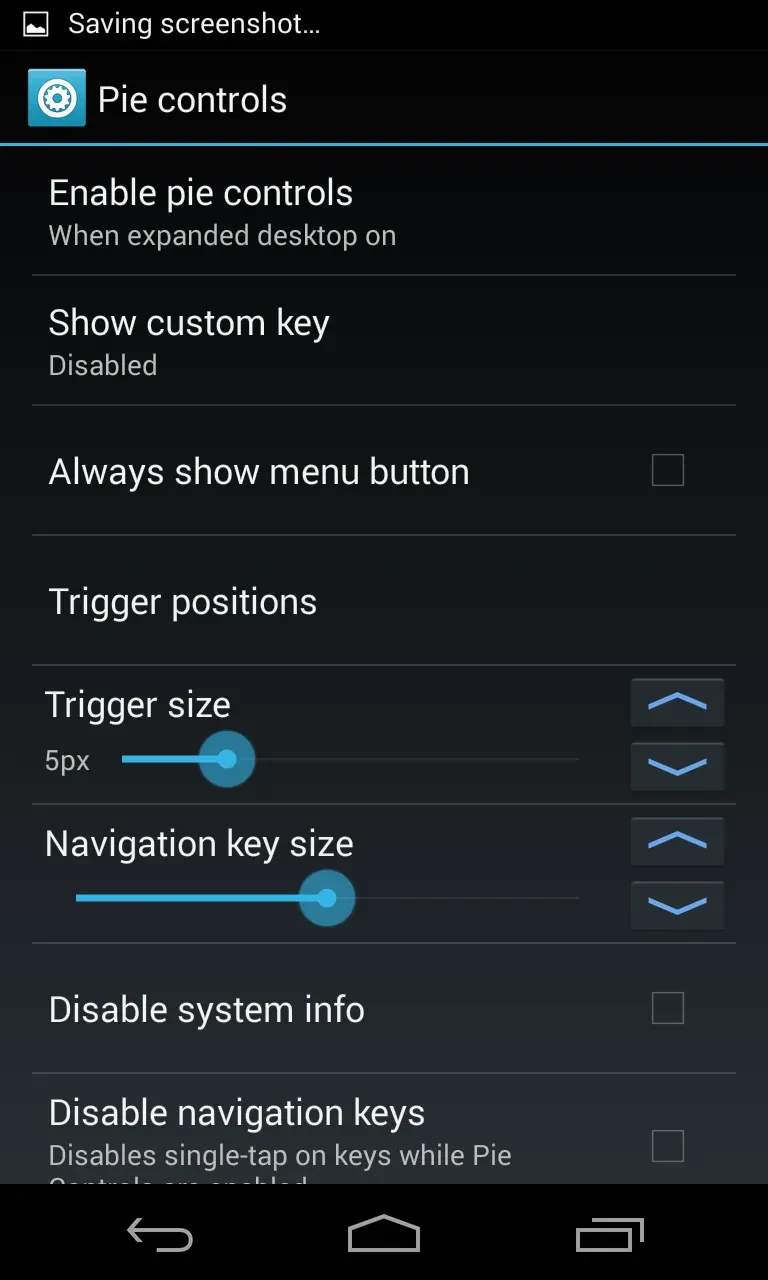
About this app
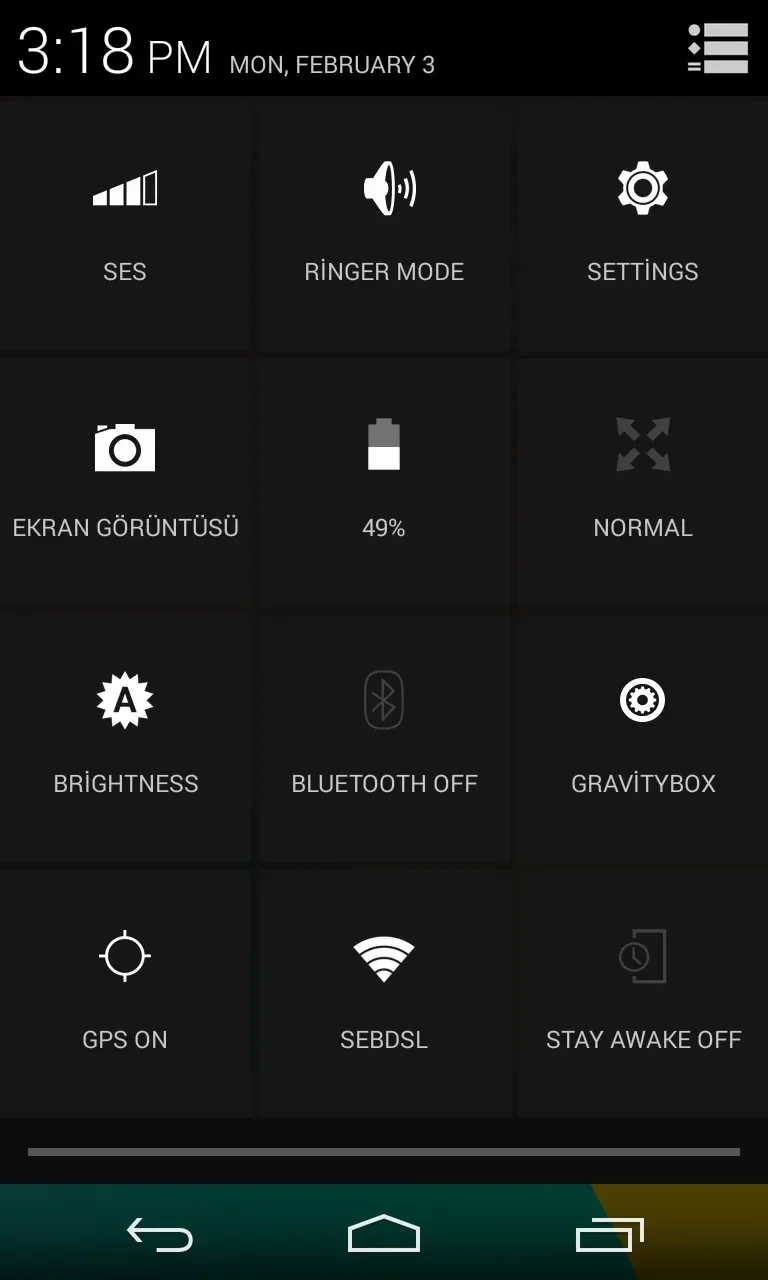
GravityBox is a feature-rich mobile utility designed to help users thoroughly customize their Android phone's interface and underlying settings. Operating on Android 5.0 and above, the application addresses the main task of personalizing layout, visual elements, and device behavior to create a more comfortable user experience. Through its primary functions, users can adjust screen brightness and auto-rotation, manage device RAM consumption, and alter the position, color, and size of both the status bar and navigation bar. Additionally, the tool incorporates screen recording and radio functions to capture meetings or gameplay, alongside options for modifying the lock screen and changing the functionality assigned to the terminal's hardware buttons.
How can you customize your device's interface and layout?
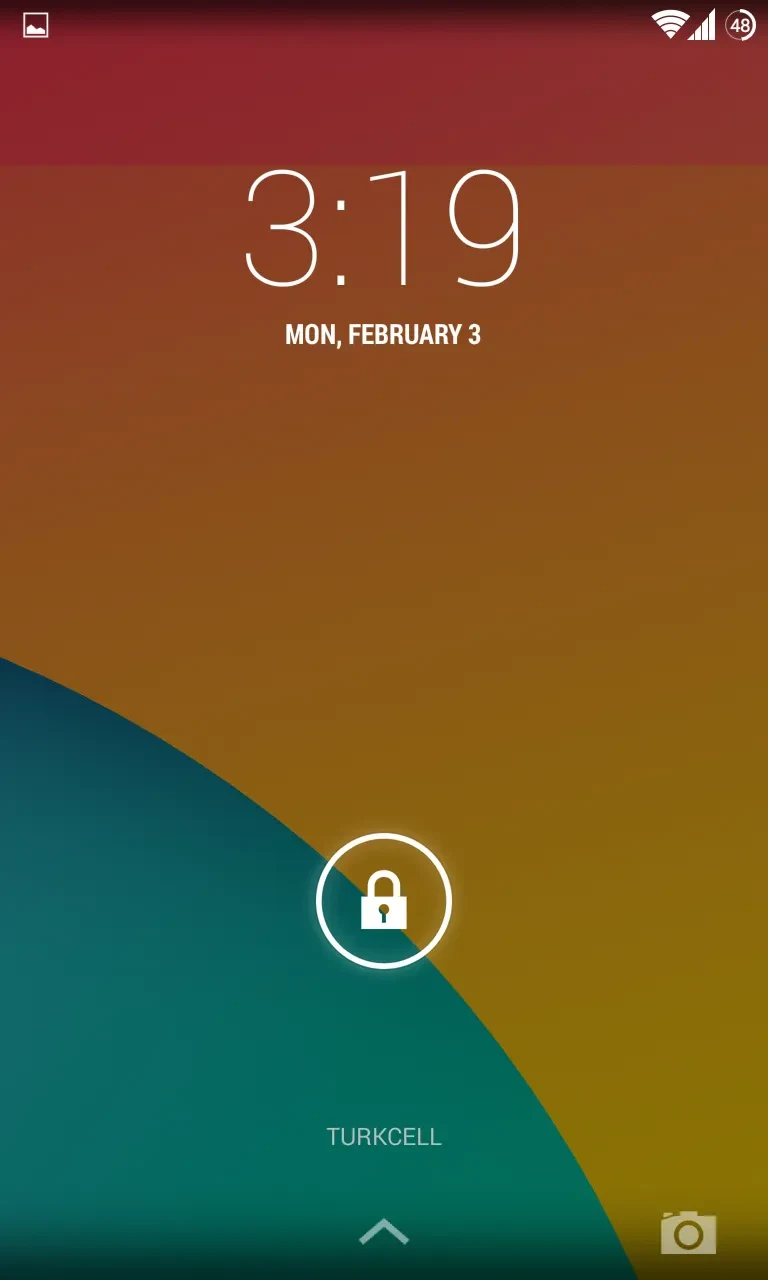
The application provides extensive controls for altering how your phone or tablet looks and behaves. You can modify the appearance of the status bar and the specific options visible within it. The navigation bar and display layout can also be customized by adjusting their size, color, and position to fit your visual preferences. Furthermore, users can modify the lock screen, enable screen rotation even when viewing the home desktop, and assign direct applications to the touch buttons of their devices.
What display and hardware settings are adjustable?
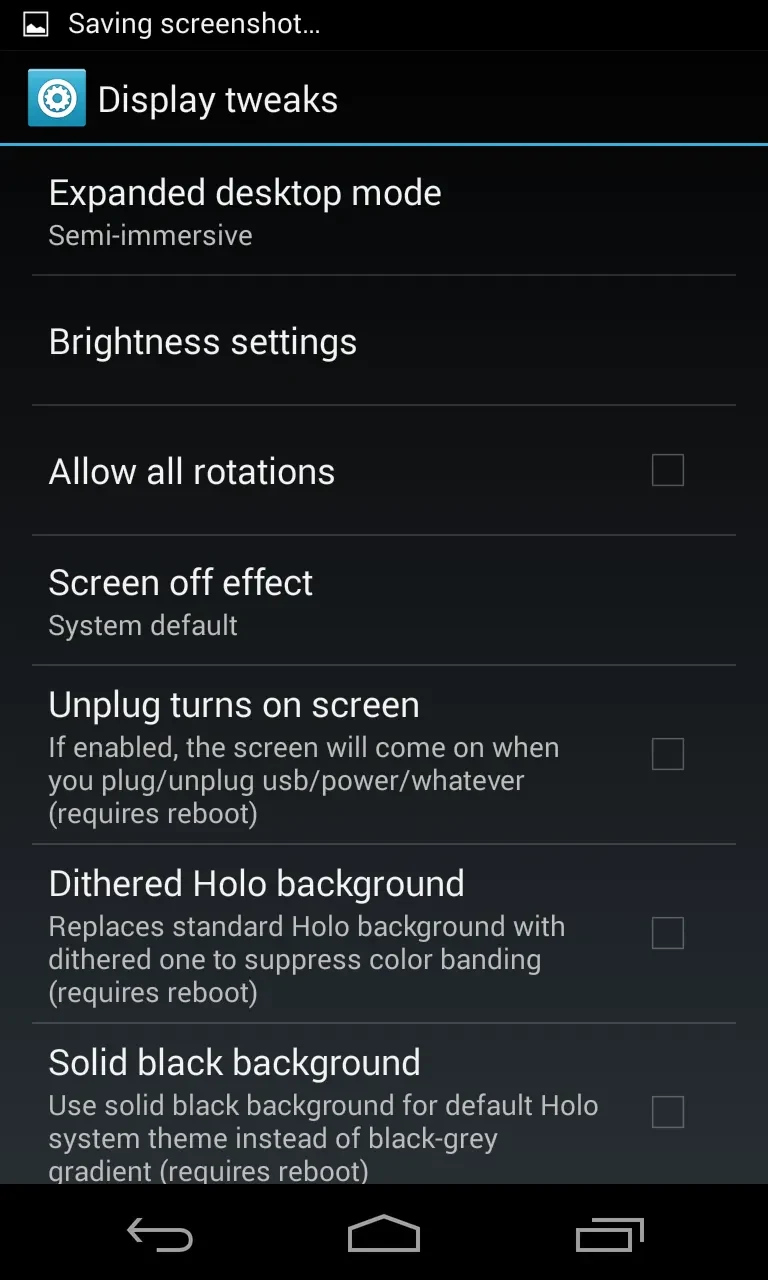
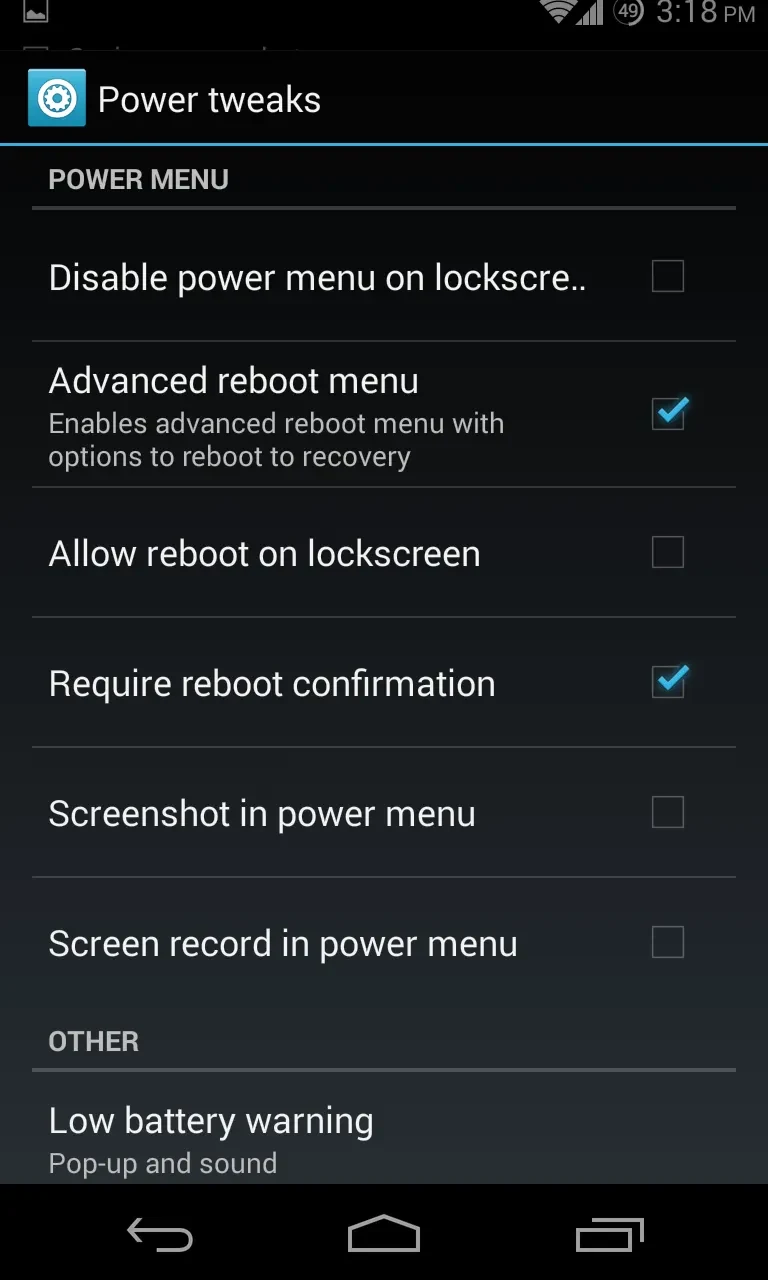
GravityBox allows you to configure screen brightness to suit various environments, which is particularly useful for adjusting minimum brightness levels to help save battery life. Beyond display settings, the utility lets you change the functionality assigned to the hardware buttons of your Android terminal. It also includes RAM management tools that allow you to track the consumption made by various apps installed on your device.
How do premium features and unlockers work?
Users who support development via a PayPal donation, or those who contribute to the project through translations or code fragments, can unlock premium features such as the ability to back up and restore GravityBox settings. A single transaction ID can be utilized across up to 10 devices. The application features a protection system that automatically blocks ID abuse if an ID is shared publicly or used by too many unauthorized users. Official releases validate licenses automatically, while custom builds require special hashes arranged via personal message with the developer.
What recent improvements have been introduced to the application?
Recent updates bring expanded download progress bar capabilities, including implemented extensions from the SBDP module, options for progress bar animations, centered positioning, thickness adjustments, edge margins, and support for multiple concurrent or clearable progress bar notifications. Other updates include auto-hiding logic for idle notifications, new sound notification controls, faster screenshot performance via dynamic context-aware delay, compatibility enhancements with GravityBox Unlocker v1.4.3, and updated translations for Chinese and Hungarian languages.
Who will find this utility most useful?
This utility is well-suited for Android users running version 5.0 or higher who want deep, granular control over their device's operating system environment. It benefits individuals who wish to optimize battery life through precise brightness management, monitor application RAM usage, customize hardware button behaviors, and personalize interface components like the status bar and lock screen without navigating complex system code.
Version history
View all09 Sep 2026 · stable
Frequently asked questions
What happens if my transaction ID gets blocked?
The system automatically blocks transaction IDs that show signs of abuse, such as being used by more users than allowed or being exposed on public forums. If your ID gets blocked under these circumstances, you can contact the developer via personal message to have a new, special ID issued.