
Screenshots
About this app
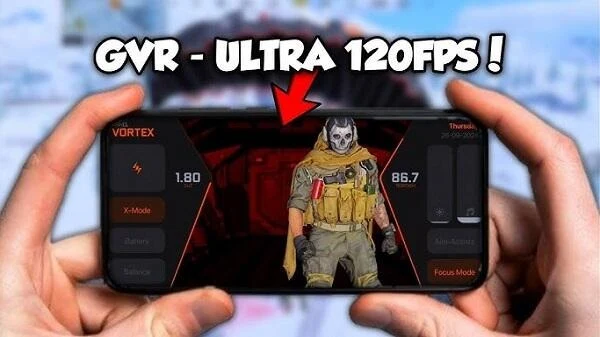
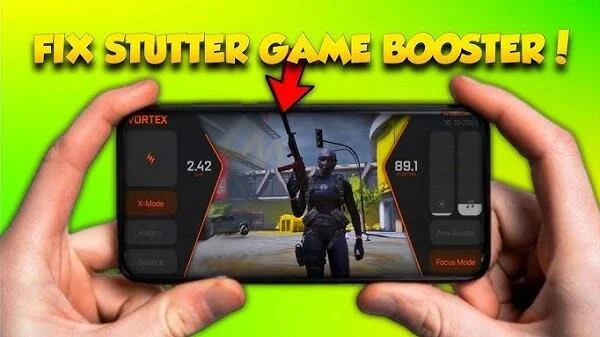
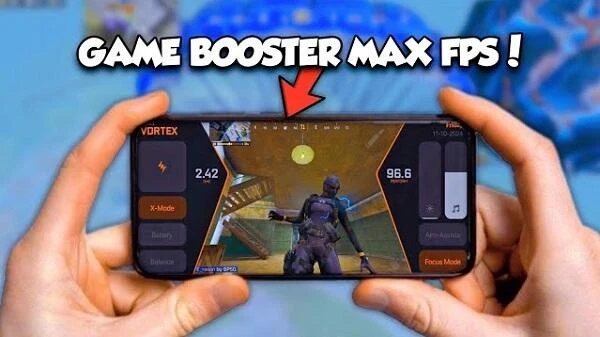
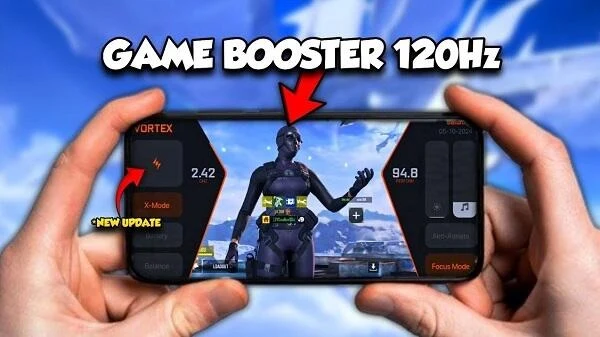
GVR Game Booster is an Android tool designed to prepare a device for mobile gaming by freeing memory and managing system resources. Its one-click optimization is intended to reduce stuttering and frame-rate drops, while a dashboard lets users monitor device status. The app also gathers games in one place and offers options for mobile network traffic and power use. These functions may suit players looking for basic game and device management tools, though the source notes that the app can drain battery faster and interrupt other background apps.
How does GVR Game Booster aim to reduce stuttering?
The app focuses on RAM and system resources: it can clean up background processes and free resources before or during gaming. Its description presents one-click optimization as a way to improve application performance and reduce lag and frame-rate drops. These are intended effects, not a guarantee that every game or device will run smoothly.
It also offers a power-saving mode described as balancing performance with battery consumption. This may be relevant during longer gaming sessions, but the listed drawback is faster battery drain, so the app's power-related behavior may not suit every user's needs.
Can it help manage games and check device status?
GVR Game Booster collects games in one place, giving users a central way to access their games through the app. A visual dashboard displays device-status information, allowing users to inspect the presented data rather than relying only on the optimization function.
The source does not specify which individual status readings are shown or describe game-by-game controls in detail. Its documented management features are game collection and device monitoring.
What other tools are included for a gaming session?
The app can prioritize gaming traffic on mobile networks, a feature intended to reduce ping and support smoother online play. It also includes a screen-recording function with audio, so users can capture gameplay along with sound.
These tools serve different purposes: traffic prioritization is aimed at network play, while recording is for capturing what happens on screen. The source does not provide further recording settings or explain how traffic prioritization behaves on particular networks.
What should Android users consider before using it?
The app is described as free to download and use, and it is not available as an iOS app. The source also cautions that GVR Game Booster may interrupt other background apps and drain battery faster. Those trade-offs matter for users who want other apps to keep running or are trying to conserve power.
Overall, its documented functions are most relevant to Android players who want a central game list, resource cleanup, device-status monitoring, and a few gaming-session tools in one app. The available information does not specify particular device requirements or guarantee a performance improvement on any given game.
Version history
View all01 Sep 2026 · stable