
Screenshots
About this app
Overview
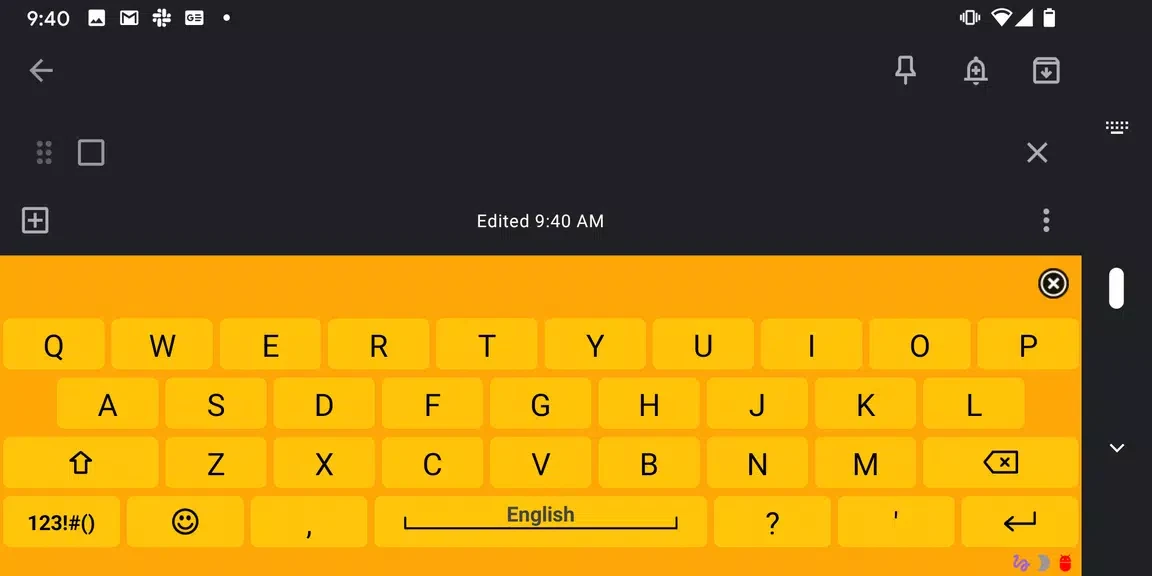
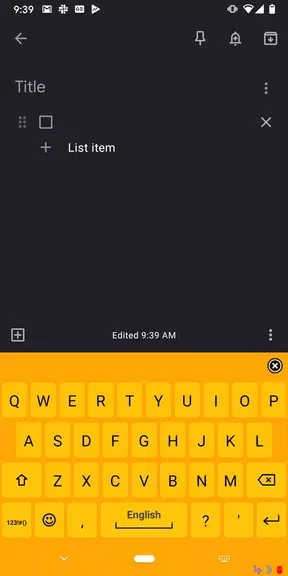
Hawaiian language pack adds a custom keyboard layout to AnySoftKeyboard so users can type Hawaiian text on Android devices. The layout includes special characters required for correct Hawaiian spelling and lets people switch between languages during messaging or note-taking. It supports both beginners who want to practice vocabulary and advanced users who already communicate in Hawaiian. By providing an authentic input method, the pack helps preserve and share the language in everyday digital exchanges without requiring separate translation tools.
What You Can Do
⭐ Switch to the Hawaiian layout inside AnySoftKeyboard settings to type messages, emails, and documents using proper Hawaiian characters and spelling conventions.
⭐ Access an included dictionary that suggests common words and helps correct spelling while composing text in Hawaiian.
⭐ Customize key placement and appearance through AnySoftKeyboard options to match personal typing preferences and screen size.
⭐ Practice vocabulary by typing regularly in the Hawaiian layout, which reinforces spelling and phrase structure over time.
⭐ Engage with Hawaiian-speaking contacts by sending text that follows authentic orthography, supporting clearer written communication.
Using the App
After installing the pack, open AnySoftKeyboard, select the Hawaiian layout from the available languages, and begin typing. Users can adjust keyboard themes, key sizes, and dictionary behavior through the host app settings. The layout functions offline once installed, and switching between Hawaiian and other installed languages occurs with a single key press. Regular use of the dictionary suggestions improves accuracy for both learners and fluent writers.
Why It May Appeal
✅ Provides direct support for Hawaiian orthography inside an existing keyboard app, avoiding the need for additional input methods.
✅ Offers a practical way to maintain language skills through daily device use rather than separate study sessions.
Things to Consider
❎ The pack requires a separate installation of AnySoftKeyboard and does not function as a standalone keyboard application.
❎ Vocabulary coverage depends on the included dictionary, which may need occasional manual additions for specialized terms.
Version history
View all05 Nov 2024 · stable