
Screenshots
About this app
HUDWAY Go: Navigation with HUD is a GPS navigation app that shows the road ahead and the next turn through 3D, classic map, and heads-up display views. To begin a trip, set a destination, choose a route, and place the phone or tablet somewhere stable so the selected guidance view can be seen while driving or riding as a passenger.
Choosing a route view
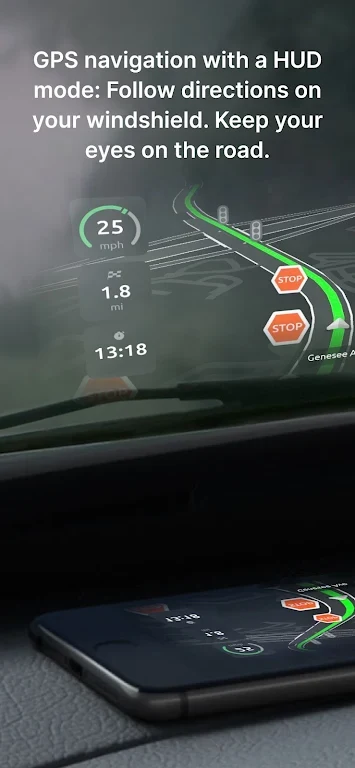
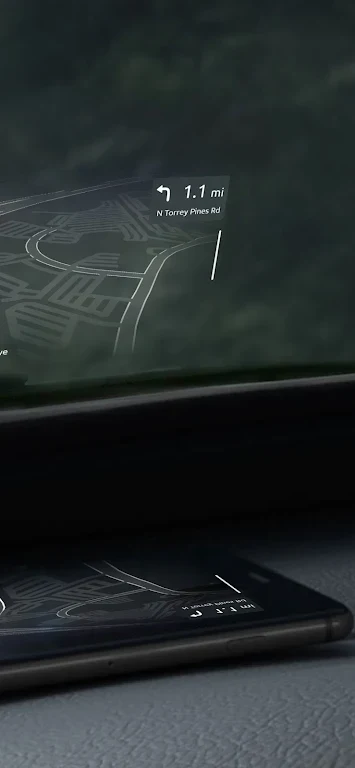
The 3D route view provides a visual representation of the route and upcoming road direction. This is intended to make the next part of a journey easier to follow at a glance. Users who prefer a conventional navigation layout can select the classic map view instead. Heads-up mode is available for both the map and 3D route views, reflecting the route and directions on the windshield when the device is positioned appropriately.
Following turns and trip information
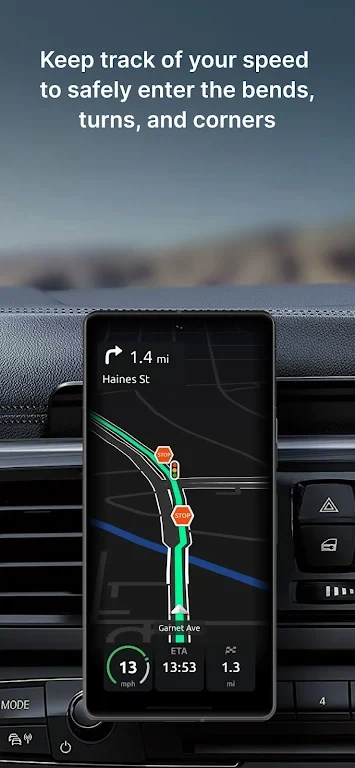
Navigation guidance includes the next manoeuvre and the places that need to be reached along an unfamiliar route. Customizable voice directions provide spoken instructions that can be adjusted to the user's preference. Trip widgets can show practical journey details such as estimated time of arrival, current speed, distance travelled, and directions for the next manoeuvre.
The app also supports alternative routes and stopovers, allowing a journey to include different route choices or additional places. Favorite locations can be saved for use with places the user visits regularly.
Speed and journey records
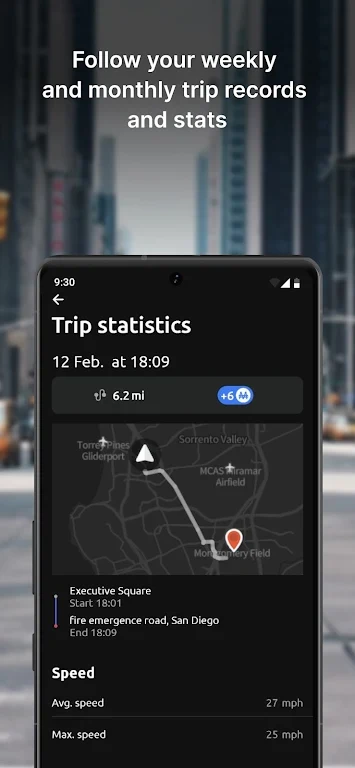
HUDWAY Go includes speed-limit information and speed-camera alerts along a route. It also presents a summary of fuel consumption and cost for each trip. Beyond information for the current journey, the app provides personal records, a driving score, and weekly and monthly driving statistics.
Using the display in a vehicle
Screen visibility affects the heads-up display. The source information notes that reflections may be difficult to see in clear weather; in those conditions, regular mode with the phone secured in a mount can be used instead. Reflections are described as generally more discernible at night, dusk, or in dull weather.
The phone or tablet should be fixed firmly and positioned so it does not obstruct the driver's view. Because GPS navigation can use substantial battery power, the device should be charged before a journey or connected to a car charger during the trip.
Version history
View all21 Jan 2025 · stable
APK5.3.117 Jul 2024 · stable
Frequently asked questions
Can HUDWAY Go show alternative routes?
Yes. The app supports alternative routes and stopovers.
What driving statistics does the app provide?
It provides personal records, a driving score, and weekly and monthly driving statistics.
Can the app track fuel information for a trip?
Yes. It provides a summary of fuel consumption and cost for each trip.