
Screenshots
About this app
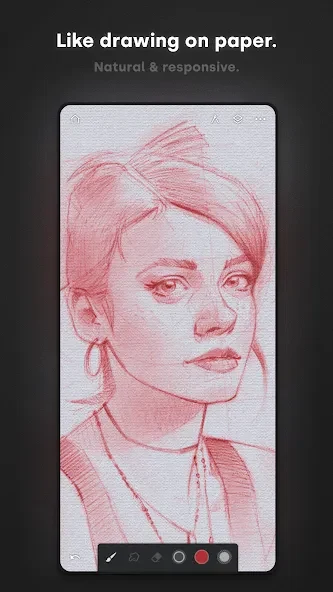
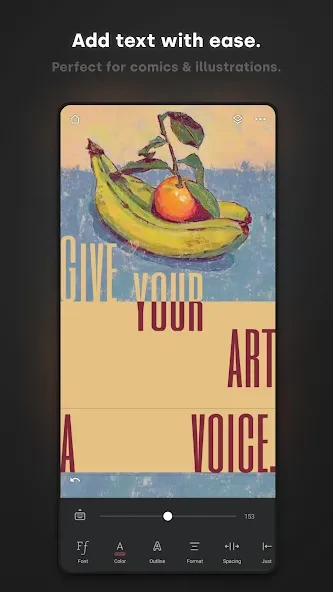
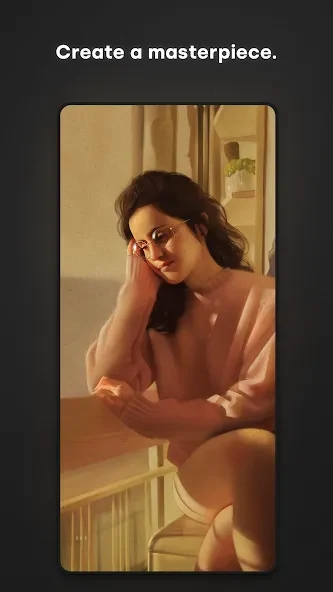
Infinite Painter helps artists create and refine digital artwork on Android phones and tablets, with tools for painting, sketching, illustration, and image-based projects. Infinite Painter supports canvases of different sizes, hundreds of built-in brushes, layered compositions, gradients, fills, transformations, and canvas previews, so a project can move from an initial sketch to a more finished image within one workspace. Pressure and tilt recognition on supported Android devices can make stylus work more precise, while import, export, and reference-image tools connect the drawing process with photos and other visual material.
Brushes, textures, and personal tool sets
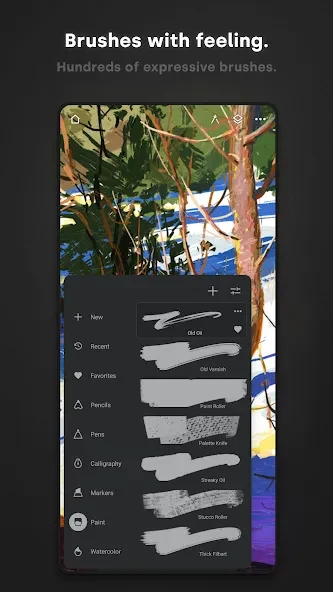
The brush system is built around a large collection of built-in brushes with detailed controls for shape, texture, and dynamics. These settings allow the same general tool to be adjusted for different stroke qualities rather than treating every brush as a fixed preset. Artists can also import or export custom brushes and arrange them into sets, which is useful when a project depends on a particular group of tools.
The Brush Creator can be used to make a new brush from a custom head shape. A black-and-white stamp representing the bristle pattern can be selected with the Lasso tool and added as a brush head, after which the remaining brush settings can be adjusted to change how it feels on the canvas. This provides a route to creating specialized tools, such as a brush intended to resemble an oil-paint mark, without changing the original artwork.
Layers, masks, and controlled editing
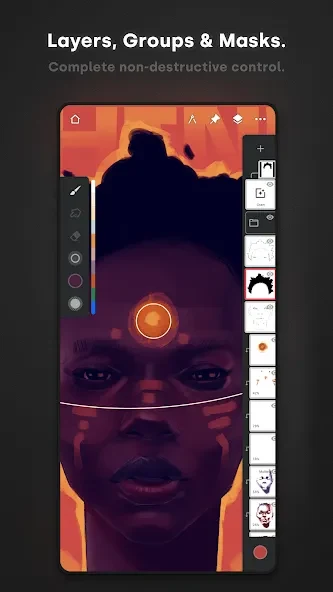
Layers provide a way to separate silhouettes, details, and other parts of a composition. Related layers can be grouped, and a Clipping Mask can be placed above a silhouette or another base layer to add detail without altering the underlying shape. This is useful when building a character or environment in stages, because a rendering pass can remain connected to its base while the original silhouette stays intact.
Selection and masking tools allow specific areas of an image to be targeted, while transformations can be applied to one layer or several layers together. Fill tools support gradients and patterns with live tolerance control, helping an artist adjust how broadly a fill covers an area. The canvas preview can be flipped or shown in grayscale, offering a way to inspect proportions and value relationships without changing the main working view.
Gestures, panels, and color control
The workspace can be kept relatively clear by adjusting panels to suit the current workflow. Brush settings can be docked for quicker access, and the eyedropper is available with a tap. Finger and stylus inputs can be assigned different actions, while gestures can rotate or flip the canvas, expand or collapse layers, and support navigation through a growing project.
The Color Wheel can also be docked directly on the canvas. A two-finger gesture places it in the workspace, where the Sun control can preserve the selected color value while the hue changes. With that control inactive, rotating the wheel changes the perceived brightness of the selected colors as well. This gives the color picker a more deliberate role in maintaining or varying color value during painting.
Guides, shapes, and perspective
For work that needs cleaner geometry, Infinite Painter includes guides and shape assistance. Holding the stylus at the end of a stroke can activate predictive shapes, including lines, arcs, ellipses, rectangles, and more complex paths. Smart Lines can also help position curved elements through adjustable points, which can be useful for repeated architectural or decorative forms.
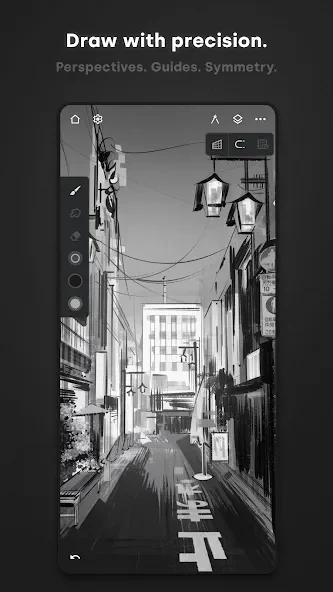
Symmetry modes support both straightforward mirrored designs and more complex radial or kaleidoscope patterns. Perspective tools include multiple guides and isometric layouts, while rectangles and circles can be dragged to fit the scene. A perspective grid can act as a visual guide when placing an irregular subject, or its Magnet option can help lock architectural drawing into the selected perspective. These tools work alongside layers and smart shapes, allowing construction lines, silhouettes, and rendered details to remain separate.
References, importing, and project output
Images can be brought into a project from the device gallery, the clipboard, or the camera. An imported image can become a layer or a Reference; choosing Reference places it above the canvas as a separate visual aid. The reference can be resized, flipped, and hidden with the Pin control, making it possible to consult source material without permanently painting over the main composition.
Infinite Painter can record a timelapse of the creative process and export completed work in JPG, PNG, WEBP, PSD, ZIP, or project-file formats. These options cover ordinary image sharing as well as workflows that retain project-related information. Finished artwork can be exported to the device or shared with other people, and the app also provides a community space where users can share paintings, interact with other artists, and find inspiration.
Compatibility and project management notes
The supplied app information states that Infinite Painter requires Android 7 or higher, although additional device requirements may affect Google Play compatibility. Rooted devices or nonstandard system versions may not work fully with Google Play services, and the app currently does not support Huawei devices running HarmonyOS because of the stated restrictions affecting the developer and that operating system.
Project data is stored locally in the device's internal storage. On Android 10 or higher, the project location is not accessible from outside the application, so moving a project to another device or keeping a separate backup requires exporting each project individually and transferring the resulting file with a file manager. Individual projects, brushes, and related Infinite Painter files can be imported and exported from within the app.
Brushes from Photoshop or Procreate cannot be installed directly because Infinite Painter uses a different brush engine. Brush files therefore need to be created for, or exported in a format supported by, Infinite Painter rather than transferred from those applications as compatible presets.
Version history
View all07 Sep 2026 · stable
Frequently asked questions
What Android version does Infinite Painter require?
The supplied information states that Infinite Painter requires Android 7 or higher. Other device conditions, including compatibility with Google Play Protect, may also affect installation.
Can Infinite Painter run on Huawei devices with HarmonyOS?
The supplied information says that Infinite Painter currently does not support Huawei devices running HarmonyOS.
Can Photoshop or Procreate brushes be imported?
No. Infinite Painter uses a different brush engine, so Photoshop and Procreate brushes are not compatible with it.
How can projects be moved to another Android device?
Export individual projects, brushes, or other relevant Infinite Painter files from the app, then transfer the exported files to the other device and import them there.
Where are Infinite Painter projects stored?
Projects are stored locally in the device's internal storage. On Android 10 or higher, the project location cannot be accessed from outside the app, so exporting projects is required for transfer or backup.
Which file formats can Infinite Painter export?
The supplied feature information lists JPG, PNG, WEBP, PSD, ZIP, and project files as available export formats.