
Screenshots
About this app
InShot Video Editor Pro is a video editing app for turning imported clips, images, music, and text into edited videos when you need to assemble media and shape its visual or audio style. The source describes support for videos in various formats, along with filters, music, subtitles, images, stickers, transitions, effects, and controls for changing playback speed.
When a project needs several media layers
For edits that combine more than one visual element, the app supports multi-layer editing. You can place multiple video clips, images, and text layers into one composition, while picture-in-picture is available for layered video arrangements. This makes it possible to combine a main clip with additional visual material instead of treating every item as a separate video.
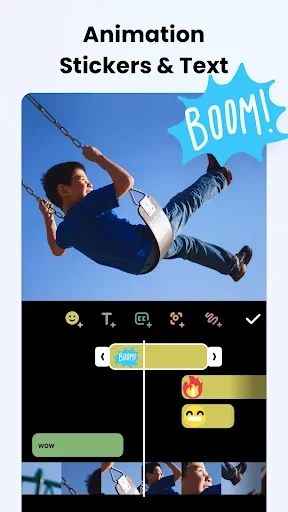
Text can be adjusted by changing its color and size, and text animation is also supported. The app includes more than 1,000 stickers, which can be added alongside text when an edit needs labels, expressions, or decorative elements. These controls are particularly relevant to video and photo meme projects, where the message is carried by a combination of footage, captions, and graphic additions.
When footage needs a different visual treatment
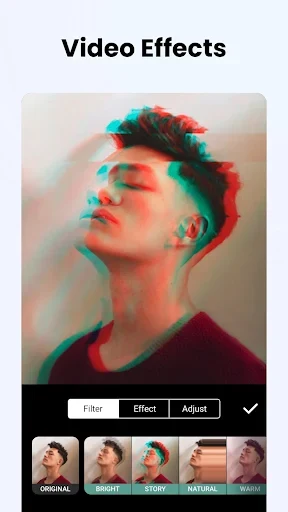
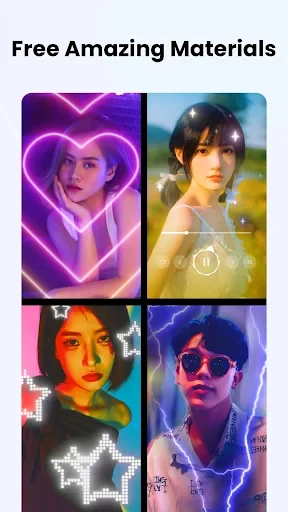
InShot Video Editor Pro includes video filters such as RGB, stop motion, and Old TV styles. Filters can be used to give clips a particular visual appearance, while the listed effects include GLITTER, LINE, RIPPED PAPER, ANALOG, and DISTORT. The source also describes AI-based tools for background removal, auto-enhancement, color correction, AI Face & Body Editor adjustments, and AI Photo Editor functions.
For footage recorded against a solid-color background, the Chroma Key tool removes that background so it can be replaced with another backdrop. This provides a separate way to alter the setting of a clip when a green-screen style workflow is appropriate.
When scenes need smoother connections
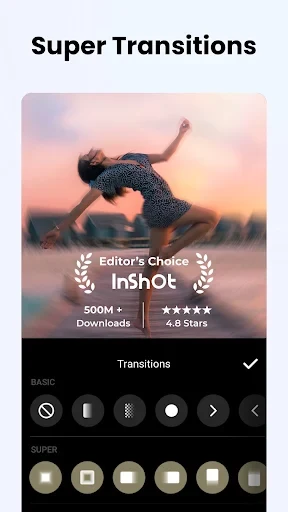
The editor provides more than 55 transitions, including fade in/out, light, glitch, ghost, and slice options. These are intended to connect separate scenes with different visual changes rather than relying on one transition throughout a project. The source also states that the transition collection is updated regularly, although it does not specify a fixed schedule or future contents.
Playback speed can be changed from 0.2x up to 100x. This range supports both slowed-down moments and accelerated sequences. The supplied editing guidance also refers to speed curves for more varied slow-motion or time-lapse effects, in addition to straightforward speed changes.
When sound is part of the edit
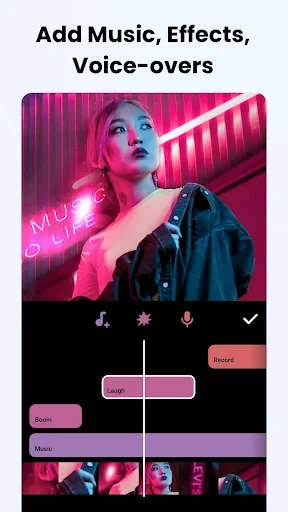
The app provides a music and sound-effects library with background music and tracks described in the source as royalty-free or copyright-free options. You can also import custom music, voiceovers, and sound effects. Combining these sources can help build an audio track around the visual sequence, while the supplied guidance identifies audio ducking as a way to balance levels between audio elements.
When clips need consistency before export
Color correction tools are included for adjusting footage and maintaining a more consistent appearance across clips recorded with different lighting conditions. The source also recommends previewing edits with aspect-ratio presets for Instagram, TikTok, or YouTube so the composition can be checked for those platforms before the video is finalized.
The interface has been redesigned with revised icon placement and smoother navigation. The source describes it as intended to be easier for beginners to use and states that the interface supports multiple languages. InShot Video Editor Pro is also described as supporting 4K video editing and export, which is relevant when a project requires that output resolution.
Version history
View all05 Jan 2026 · stable