
Screenshots
About this app
Overview
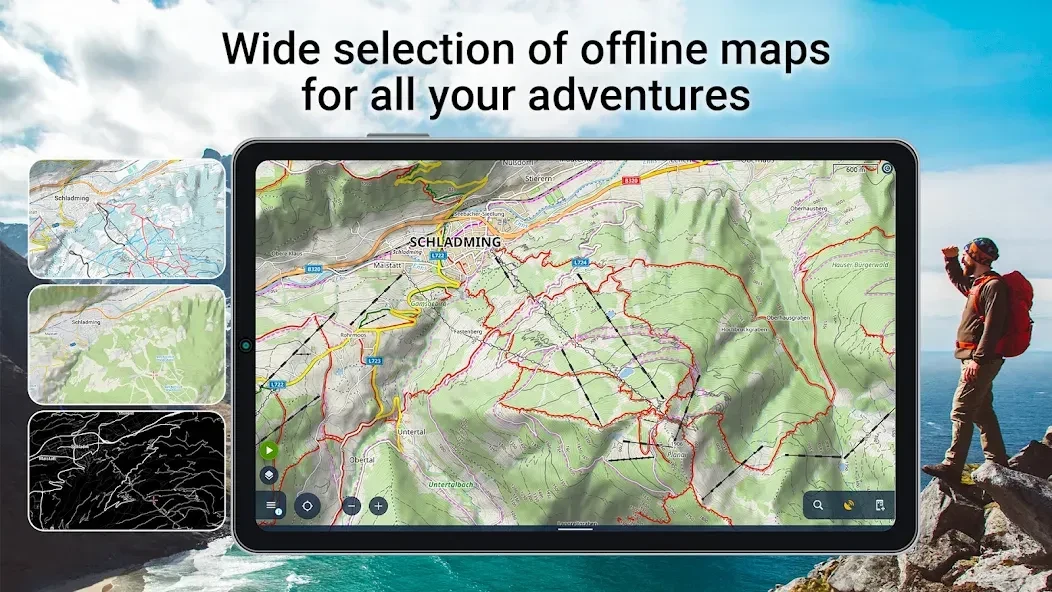
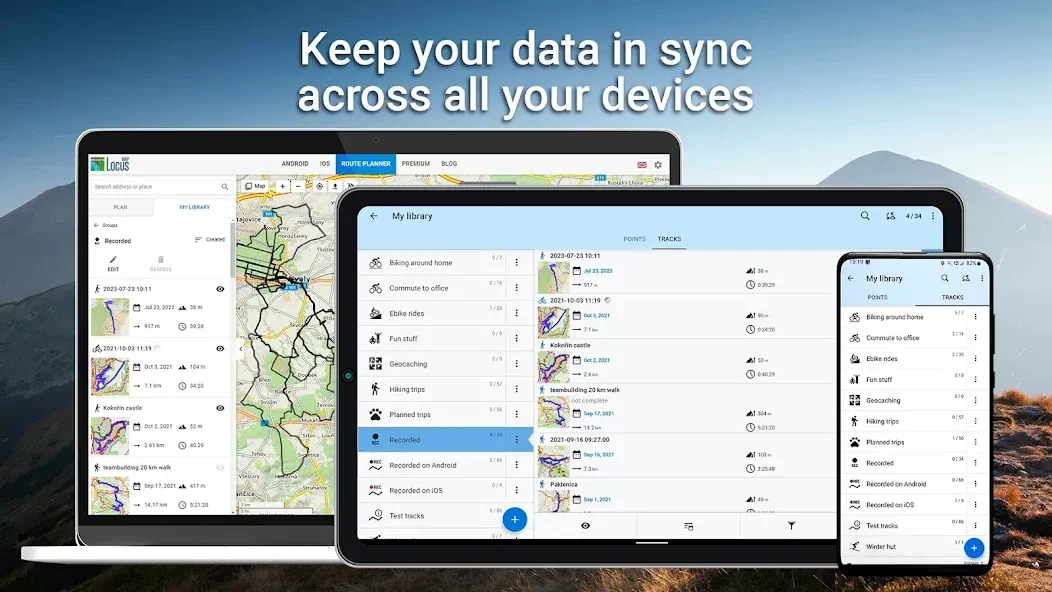
Locus Map Pro is a mapping application for recording journeys, planning routes, managing points of interest, and navigating outdoor activities. It can save track statistics, simulate routes, and exchange tracks or POIs with several file formats and web services. The app also supports geocaching through an add-on, map-and-compass guidance, and turn-by-turn voice navigation with offline routing services. Its function panel places controls such as the GPS indicator and track manager in one visible area, helping users access common tools while hiking, cycling, working outdoors, or preparing a trip.
What You Can Do
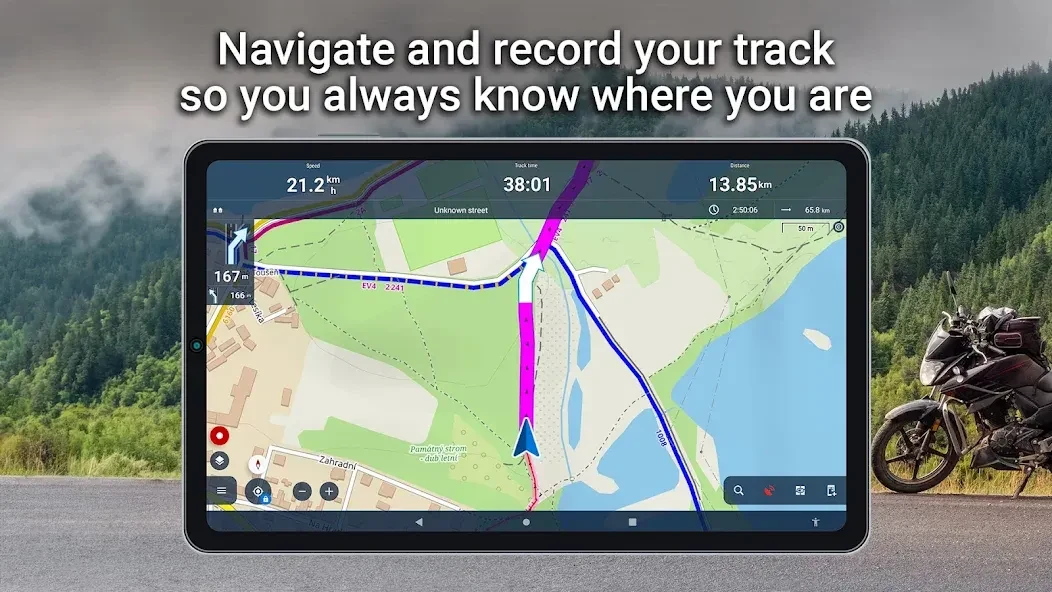
⭐ Record tracks and store information about their statistics, making it possible to review the data from a walk, ride, workout, or other journey.
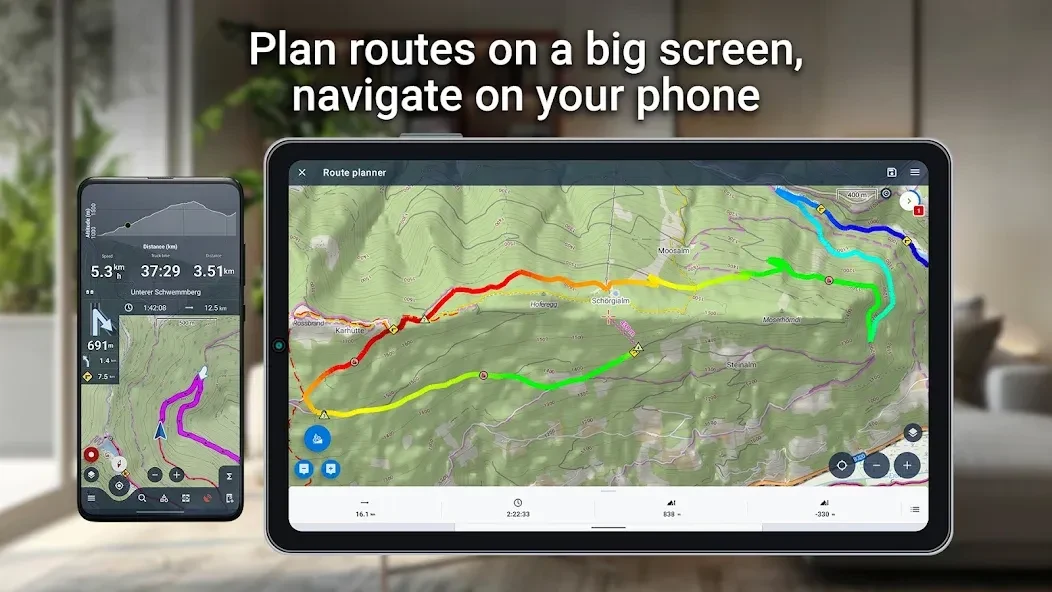
⭐ Plan trip or workout routes before setting out, and use route simulation to review how a planned journey may progress.
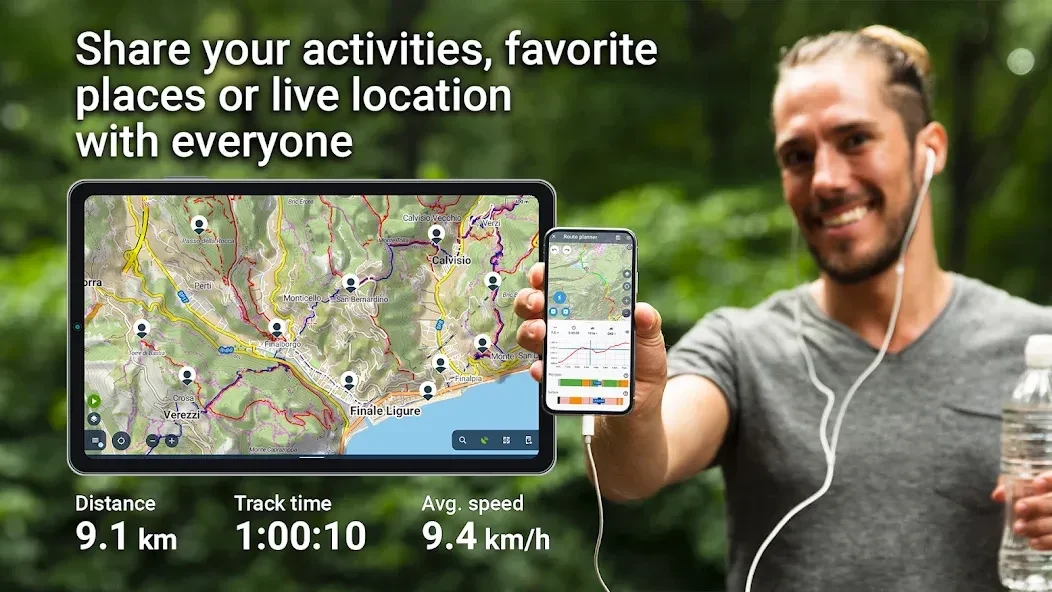
⭐ Import and export tracks and routes in formats including KML, KMZ, and GPX. The app also connects with listed services such as Strava, Runkeeper, GPSies, Google Earth, and Freelogbook.biz for exchanging route data.
⭐ Create a personal database of points of interest, then import or export POIs in multiple formats. A dynamic OpenStreetMap POI database is also supported.
⭐ Use geocaching tools with the Geocaching4Locus add-on. Geocaches can be downloaded to the device, while the app provides map and compass navigation to them.
⭐ Follow turn-by-turn voice guidance using supported offline routing services, which is useful when navigation needs to continue without relying entirely on an online route service.
Using the App
The function panel is designed to keep navigation and data controls easy to reach. Long-pressing a button opens a popup with information about the button's function and options for modifying the panel. The GPS indicator shows Locus GPS status and can open a GPS and compass screen containing a skyplot and motion-sensor data. Its long-press action can quickly activate or deactivate Locus access to GPS.
Long-pressing the tracks, points, or data manager button can hide all tracks and points on the map and clear other temporary map items. The dashboard toggle also has a shortcut: holding it opens dashboard selection so users can switch dashboards without searching through deeper menus.
Why It May Appeal
✅ It brings route planning, track recording, POI management, geocaching, and navigation together instead of limiting the user to a single mapping task.
✅ Support for several file formats and external services makes it easier to move route information between the app and other mapping or fitness tools.
✅ The combination of voice guidance, compass information, GPS status, and offline routing services provides several ways to follow a planned route.
Things to Consider
❎ The app offers many configurable controls and tools, so the source's user feedback describes a steep learning curve for newcomers. Users may need time to become familiar with the panels, dashboards, databases, and geocaching workflow.
❎ The listed minimum requirement is Android 4.0 or later, while some functions depend on supported services or the Geocaching4Locus add-on.
Version history
View all09 Sep 2026 · stable
Frequently asked questions
What can Locus Map Pro be used for?
It can record and plan tracks, navigate routes, manage points of interest, support geocaching, and provide turn-by-turn voice guidance with supported offline routing services.
Which route and track formats are supported?
The source lists KML, KMZ, and GPX, along with exchanges through services including Strava, Runkeeper, GPSies, Google Earth, and Freelogbook.biz.
Does the app support geocaching?
Yes. With the Geocaching4Locus add-on, users can download geocaches and navigate to them using map and compass tools.
What Android version is required?
The listed minimum requirement is Android 4.0 or later.