
Screenshots
About this app
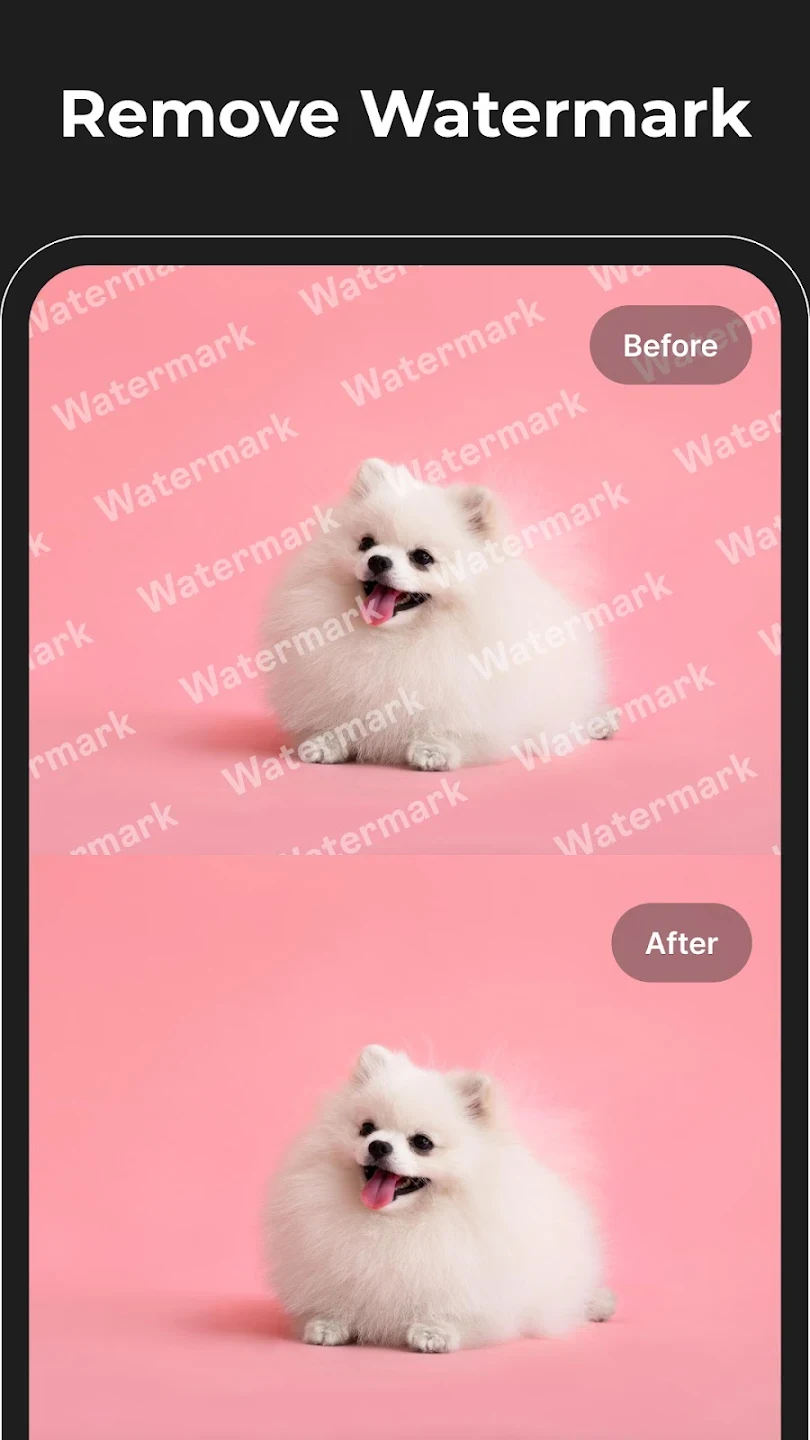
Magic Eraser is an AI-assisted photo editor for removing unwanted objects, text, and watermarks from images. Its main purpose is to help clean up a picture so the intended subject is more prominent, while also offering tools to refine or creatively alter the image. Users can remove backgrounds, adjust clarity and color, retouch portraits, and try styles such as anime, cartoon, realistic, or black and white. Image generation from text prompts and simple logo design extend its uses beyond editing existing photos.
What can Magic Eraser remove from a photo?
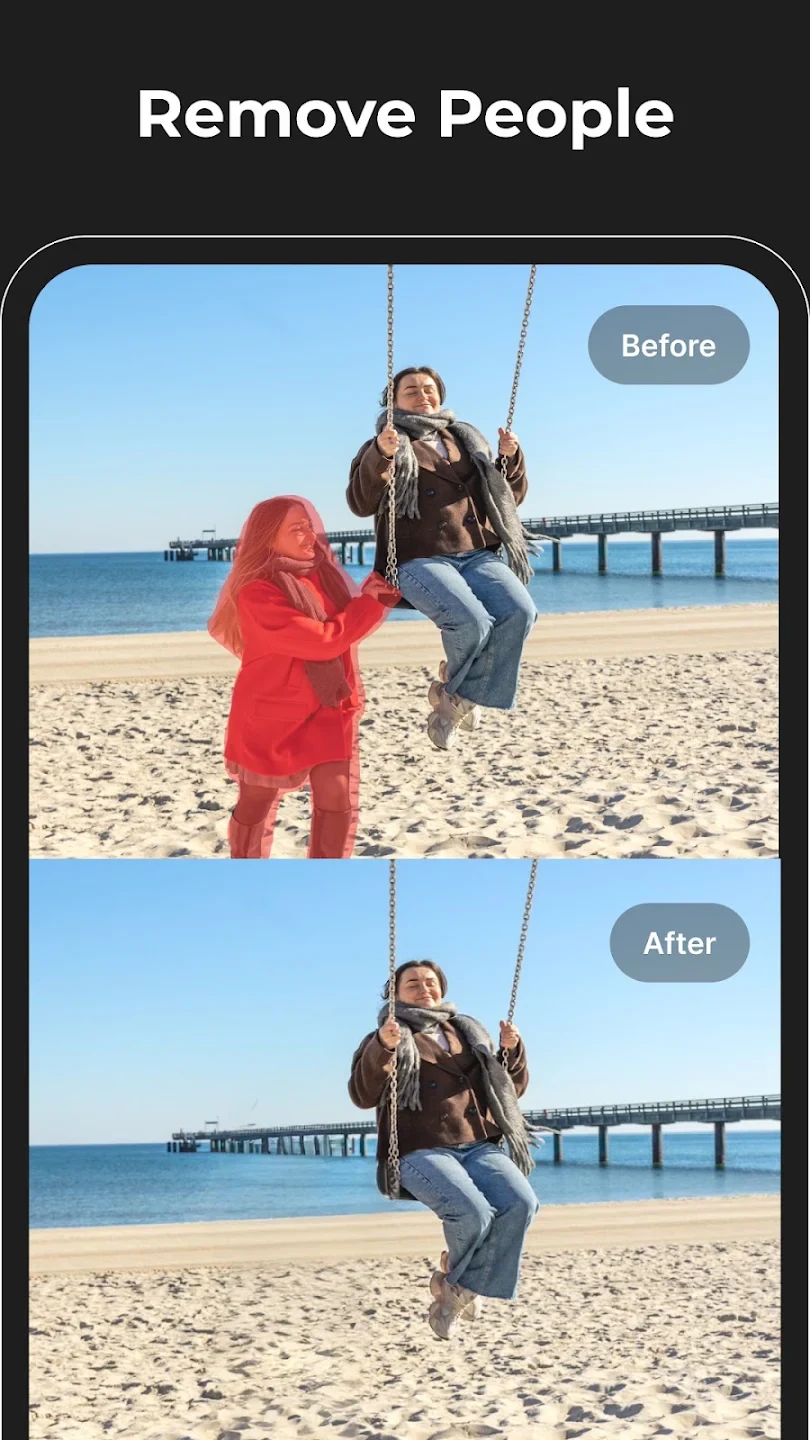
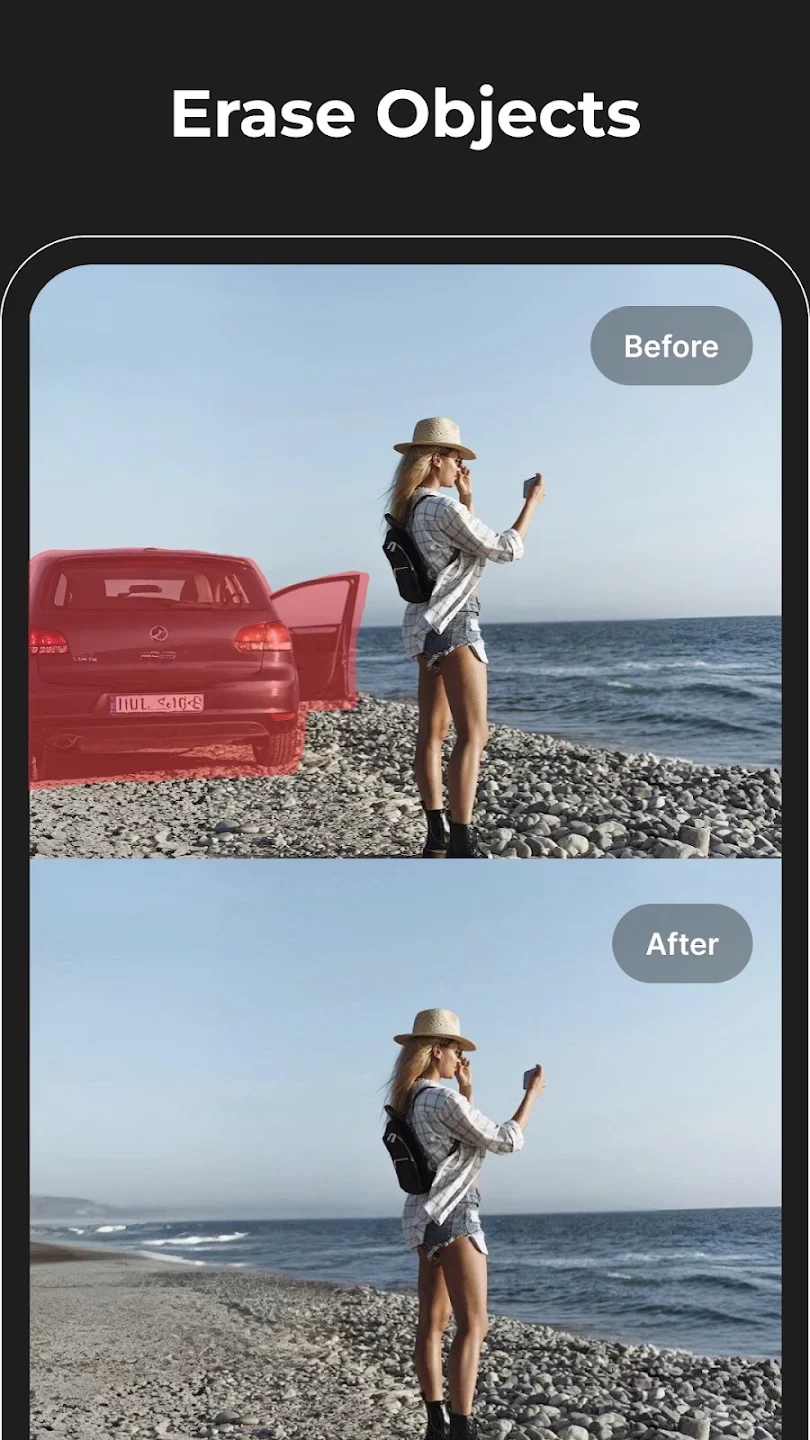
The app is designed to erase objects and people that distract from a picture, as well as text, marks, and watermarks. For example, its object-removal tools can be used to clean up a travel photo or remove an unwanted element from a portrait. The source describes highlighting or brushing over the item to remove; AI then attempts to fill the area using the surrounding scene.
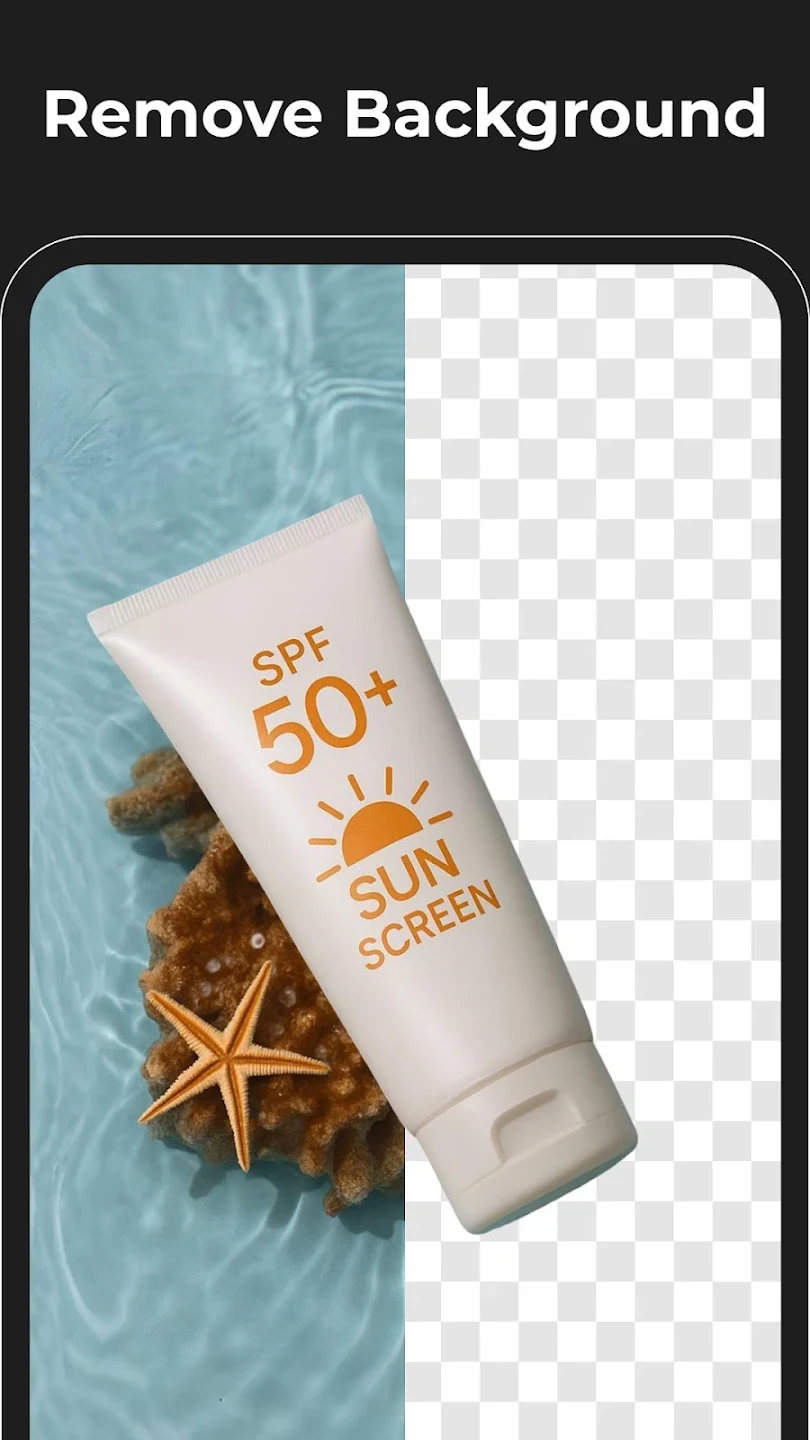
Background removal is another option when a subject needs to be separated from its original setting. After removing a background, users can add a new scene or other creative content. These tools may suit product images, profile pictures, and social posts where a cleaner backdrop is wanted. The app also describes its eraser as a way to make the main subject stand out, rather than as a general-purpose photo editor alone.
How can it improve image quality and portraits?
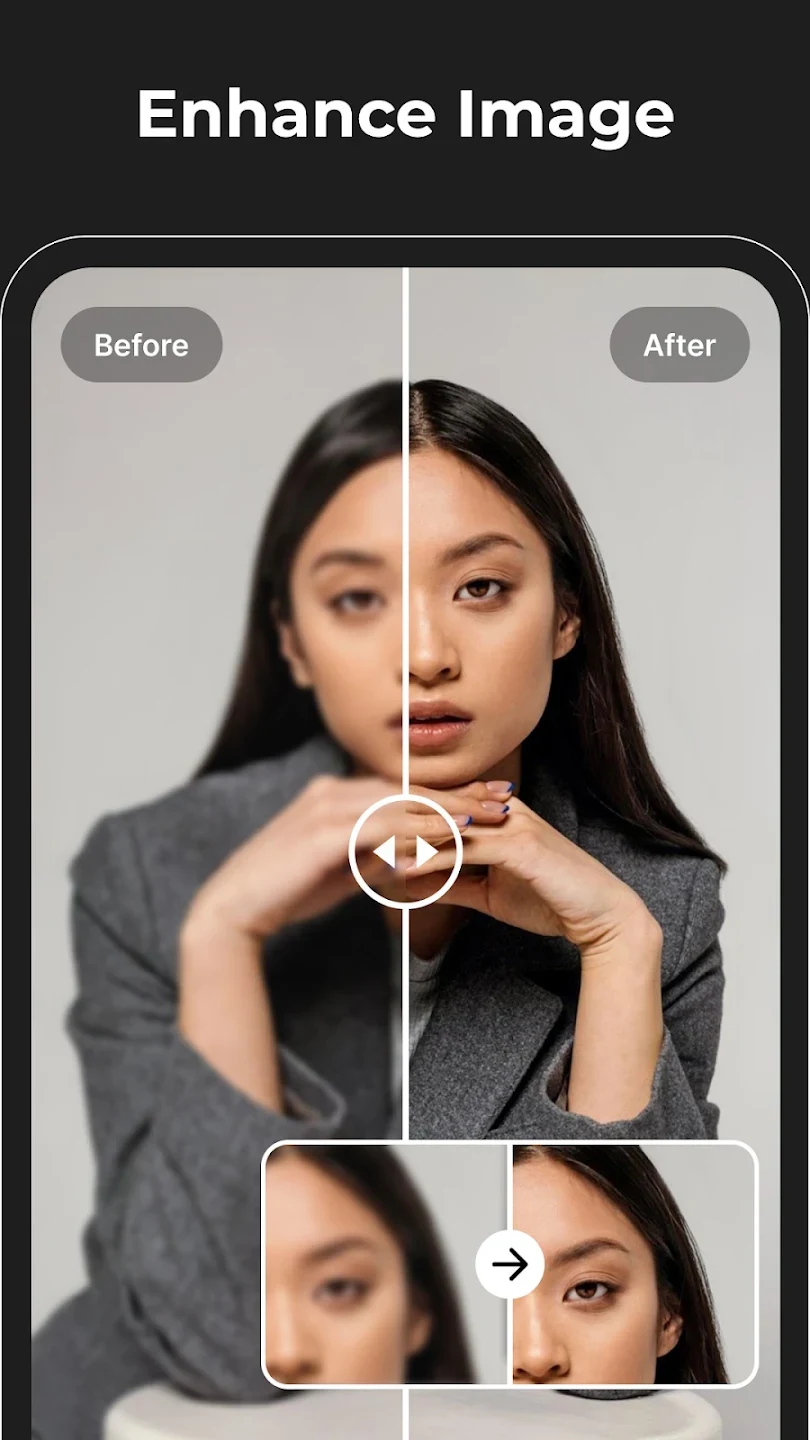
Magic Eraser includes enhancement tools for adjusting sharpness, contrast, and color. It can be used to improve clarity in slightly blurred images or reduce haze, and the description also mentions improving the clarity and color of old photos. These controls give users options to refine an image’s appearance after removing distractions or to adjust its look for a feed, brand style, or other intended use.
Portrait retouching tools address minor imperfections such as acne and wrinkles. The app also describes quality tools for images that are small or compressed, including reshaping and converting them to a higher resolution. The source does not specify exact output limits or detail how these adjustments work, so users should treat them as editing options rather than a guarantee that every image can be restored to a particular level of quality.
Can I change a photo’s framing or add different elements?
The canvas expansion feature extends image edges, which can help when adjusting a composition for a banner, poster, or cover photo. Rather than only cropping to the existing frame, this tool is intended to create additional space around an image. It may be relevant when a picture needs a different layout, though the source does not describe specific canvas sizes or controls.
Magic Eraser can also swap or add elements, including clothing or accessories, and is described as matching their color, lighting, and texture to the surrounding scene. This can support a simple composition change without taking a new photo. These options are distinct from object removal: one is intended to add or replace content, while the other clears unwanted items from the image.
What creative tools are included beyond photo cleanup?
Users can transform photos into styles such as anime or cartoon, with the wider description also naming realistic and black-and-white treatments. These styles can be used to make alternate versions of an existing image, such as an avatar or social post. The app also includes AI image generation from text prompts, giving users a way to create a visual from a written idea rather than starting with a photo.
A simple logo-design tool is included among the integrated AI options. Together, the style transformations, prompt-based image generation, and logo design make the app relevant to users looking for both edits and new visual material. The source does not explain the range of styles, prompt controls, or logo customization, so these tools are best understood by their stated purpose rather than assumed to offer particular design settings.
Who might find these tools useful?
Magic Eraser may fit people who want to remove distracting details, make a background cleaner, or retouch a portrait without moving to a separate editing task. Its enhancement and framing options may also be useful for preparing product photos, profile images, banners, posters, and social media posts. The combination of cleanup and creative tools means it covers several kinds of image work, from small corrections to more noticeable stylistic changes.
It may also appeal to users who want to experiment with AI-generated visuals or alter existing photos into different styles. The supplied information does not give detailed requirements for using individual features, export specifications, or a full account of pricing, so those details should not be assumed from the feature descriptions. The clearest fit is for someone seeking a mix of photo cleanup, basic enhancement, and AI-assisted creative options in one app.
Version history
View all14 Jul 2026 · stable