
Screenshots
About this app
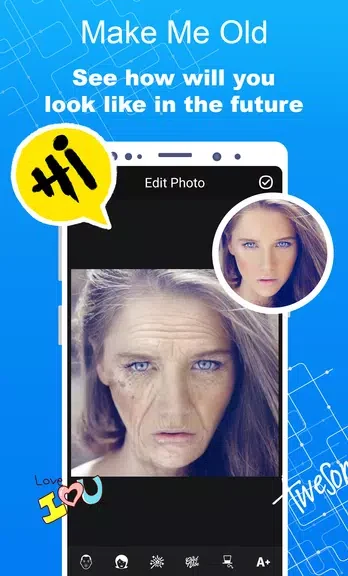
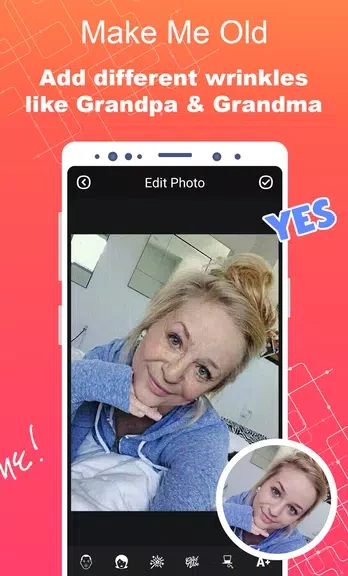
Make Me Old - Aged Face Maker helps you turn a portrait into a playful older-looking version by adding age-related details. You can start with a picture from your gallery or take a new one, then use stickers to add features such as wrinkles and gray hair. It is a way to experiment with how a face might look with those changes, whether you are editing your own photo or having fun with friends and family. The result is a creative photo edit, rather than a prediction of anyone’s future appearance.
Choose a photo to age
The app accepts an existing gallery photo or a newly taken picture. The source recommends choosing a clear, well-lit image so the face is easier to work with when adding aging details.
Build an older-looking face
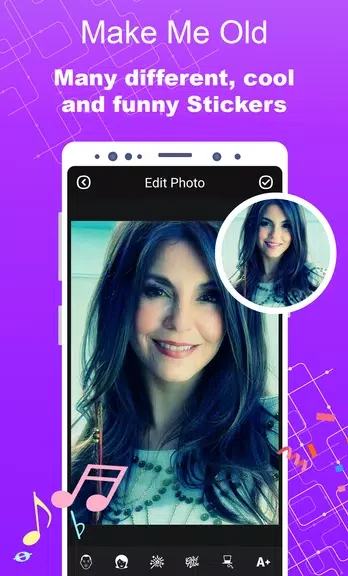
Wrinkle, gray-hair, and other age-related stickers provide the editing options described for the app. You can try different combinations to make an aged portrait that looks amusing or suits the photo you chose.
Keep or share the result
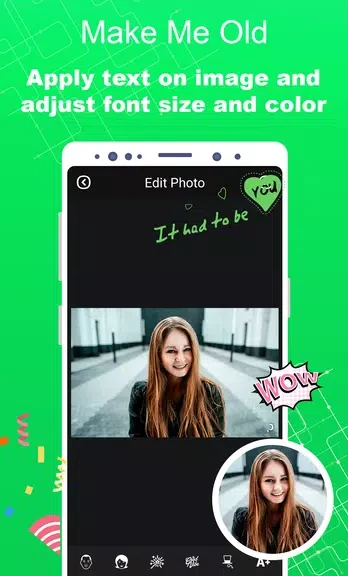
Once you have finished an edit, you can save the aged photo or share it with friends, including on social media. The same approach can be used with photos of friends or family for a shared joke.
Version history
View all05 Nov 2024 · stable
Frequently asked questions
Can I use a photo I already have?
Yes. You can choose a photo from your gallery or take a new one.
What aging details can I add?
The app offers stickers for wrinkles, gray hair, and other age-related features.
Can I save an edited photo?
Yes. The source says you can save your aged photos and share them with friends.