
Screenshots
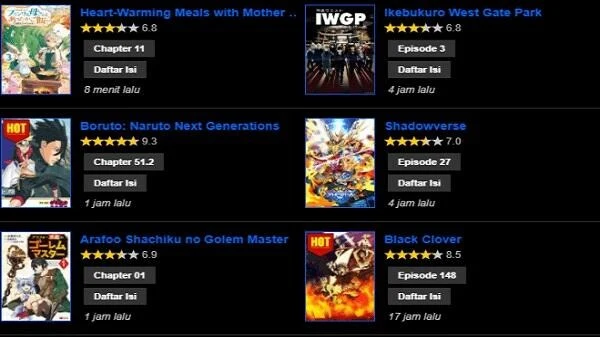



About this app
Mangaku.Pro is an Android app designed for reading manga, manhwa, and manhua from a broad collection that spans multiple genres. It addresses the task of locating and following comic series by supplying search and filtering functions so users can identify titles of interest and begin reading immediately. The app sends automatic notifications when saved titles receive new chapters and supports downloading chapters for offline access. Reading settings can be adjusted for font size, page-turning style, and speed. The same platform also streams anime videos in HD. These capabilities allow users to keep up with ongoing series across Japanese, Korean, and Chinese titles without repeated searches or constant network use after downloads are complete.
How does the search function work in Mangaku.Pro?
The search feature accepts keywords to locate specific comics quickly. Once a title is found, users can open it with a single tap and continue from their last reading position through the history record. This reduces time spent browsing when a particular series is already known.
What reading adjustments and display options does the app provide?
Font size, page-turning style, and turning speed can be modified to suit individual preferences. A dark mode and comfort view reduce eye strain during extended sessions. The zoom control lets users enlarge or reduce panels with two fingers, which helps when examining detailed artwork or when vision needs require larger images.
Which content formats and genres are supported?
The library contains full chapters of manga, manhwa, and manhua across action, romance, comedy, horror, and fantasy. The same app streams anime videos from matching genres in HD. Downloaded comics and videos remain available without an internet connection, and the collection receives regular additions of new releases.
Who is likely to find Mangaku.Pro useful?
Readers who follow series from Japan, Korea, or China and want both comic pages and occasional anime videos in one place can use the app to maintain favorites lists and resume progress across devices. The simple navigation and Indonesian-language support make the interface accessible for users who prefer straightforward menus and offline access after initial downloads.
Version history
View all09 Sep 2026 · stable