
Screenshots
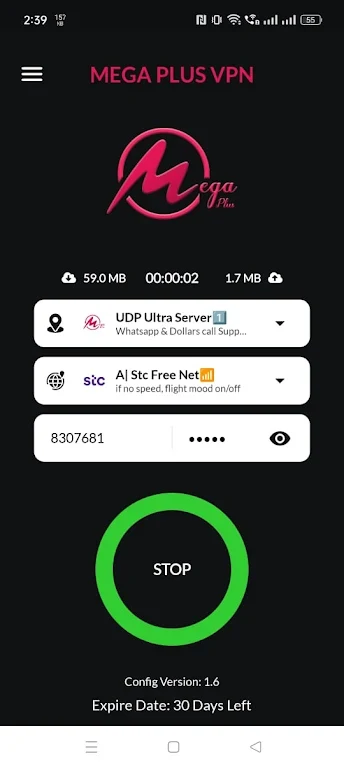
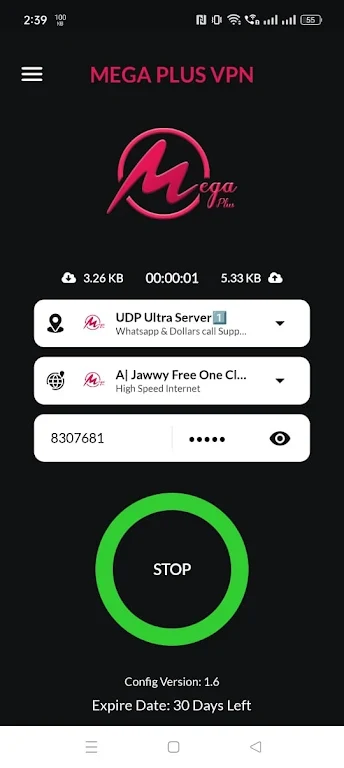
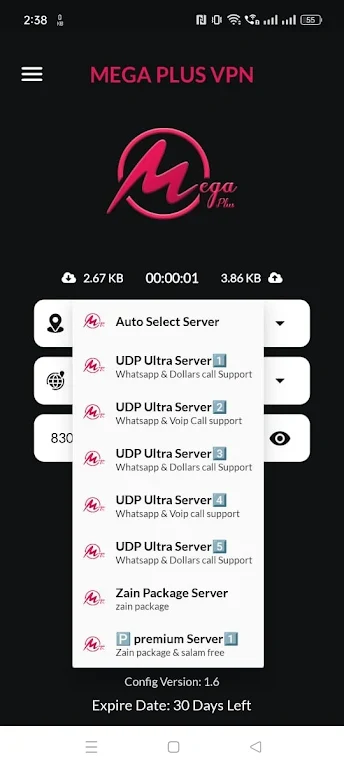
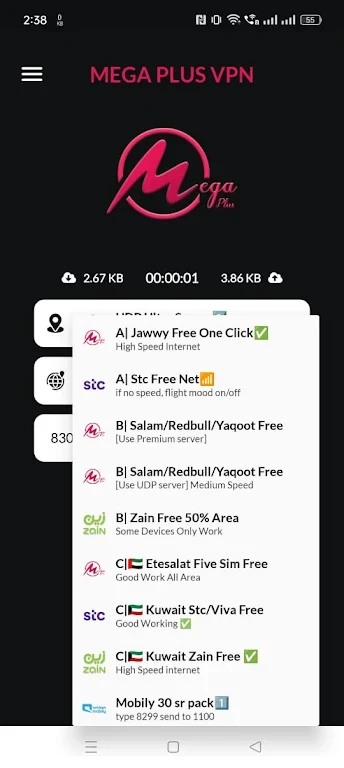
About this app
Mega Plus Vpn is presented as a browsing tool for connecting to the internet through a range of supported VPN-related protocols. Its documented options include HTTP, SSL, WS, Inject, UDP, and Direct Protocol, giving users several connection methods to choose from within one application.
Protocol support for different connection needs
The app brings several protocol types together rather than focusing on a single connection method. HTTP and SSL are listed alongside WS, Inject, UDP, and Direct Protocol support. This makes the protocol selection a central part of the app's function, although the supplied information does not explain when to use each option or describe configuration steps.
Browsing across different devices
Mega Plus Vpn is described as supporting smartphones, tablets, and computers. The source also states that it can be used on multiple devices at the same time, so the same app concept is intended to cover more than one type of personal device. Specific operating-system requirements are not provided in the listing.
Simple controls and connection use
The interface is described as user-friendly and suitable for people without technical expertise. In practical terms, the application is intended to bring its connection choices into an accessible control layer for web browsing. The source refers to browsing, streaming, and downloading as supported use cases, but it does not provide independent performance measurements or explain how connection speed varies by protocol or network.
Usage terms described in the listing
The supplied description states that the app is free to download and use and does not require subscription charges. It also presents the application as a way to access the internet through a VPN connection. Details about permissions, server locations, encryption methods, data handling, and specific compatibility requirements are not included in the available information.
Version history
View all16 Oct 2024 · stable