
Screenshots

About this app
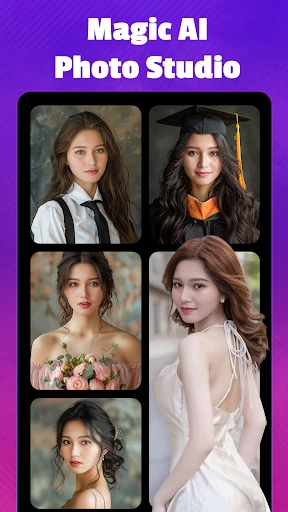
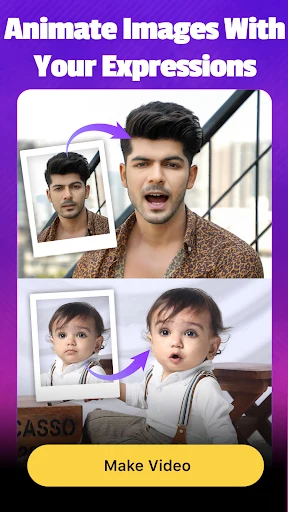
Mivo is a video and photo editing application for creating and adjusting media projects on Android. Its tools include music, text, transitions, effects, and filters, with options for reviewing edits and sharing finished content. The supplied description also identifies face swapping as an editing feature.
Editing tools
The app brings several kinds of adjustments into one editing workflow. Users can add music and text to videos, apply transitions between parts, and use other effects to change a project. Filters are available for both image and video editing, so the described editing options cover photos as well as video clips.
Mivo also includes templates and a selection of filters and transitions, according to the source. Face swapping is another listed capability for creating altered images or videos. The source describes the interface as simple to navigate, but does not specify particular controls or explain how the face-swapping process works.
Preview, export, and sharing
A preview mode lets users view changes while editing before permanently saving them. The description says edits can be saved to storage connected through USB or Wi-Fi. It does not provide further details about supported storage devices or the steps needed to connect them.
The app is described as supporting media formats including MP4 and MOV, and as exporting finished content in 4K resolution. Edited results can be shared directly through social media; Facebook and Instagram are named as examples. The source does not specify additional export settings or other supported sharing destinations.
Other listed details
The source characterizes Mivo as suitable for quick editing and mentions a range of templates, but does not give a detailed workflow beyond its preview and export options. It also reports that the app contains ads. No further information is provided about ad settings or how frequently ads appear.
Version history
View all09 May 2026 · stable