
Screenshots
About this app
Movie4K is a video player for Android that its listing describes as handling a wide range of video file formats, from common types such as MP4, MKV, and AVI to less common containers. The supplied listing data places it in the Media & Video category with version 1.0, so it is best understood as a media player whose main practical task is opening and watching video content stored on a device.
Playing many video formats
The main feature the listing emphasizes is format support. It names AVI, MP4, WMV, RMVB, MKV, 3GP, M4V, MOV, TS, MPG, and FLV, followed by a longer set of additional containers and codec-related extensions, including WebM, VOB, MTS, and MXF. For a person who has video files in mixed formats, this kind of broad support can reduce the need to convert files before watching them. The listing does not explain how well each format plays on specific devices, so users with unusual files should test them directly.
Finding and resuming videos on the device
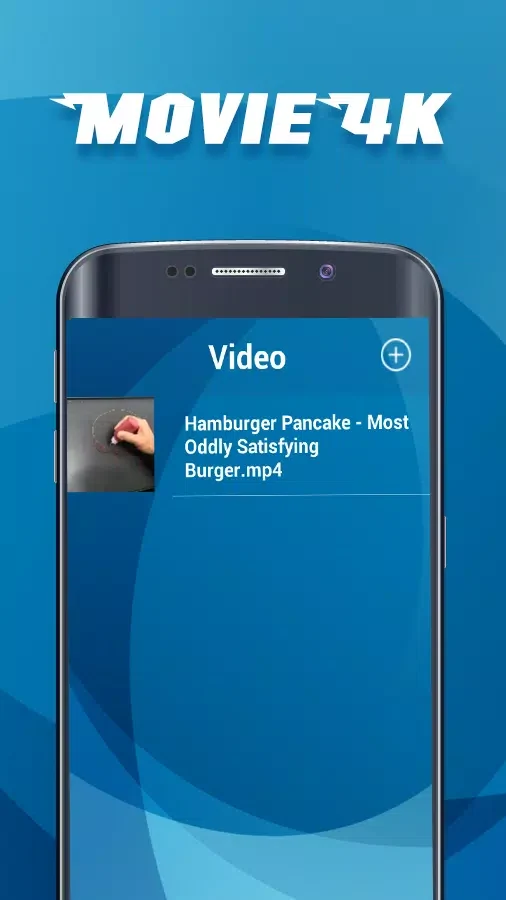
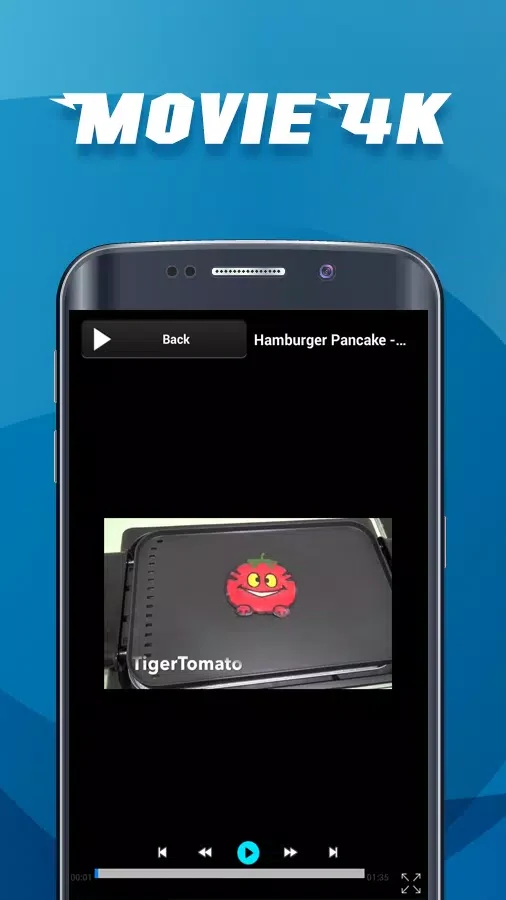
According to the listing, the app lists all video files and automatically identifies video and audio files stored on the device. It also says playback starts quickly and can resume where the viewer left off. Clip recording is mentioned as a separate function. These features fit together as a local library and playback workflow: the app finds files, lets the viewer start one quickly, and keeps the place in longer videos. The listing does not give step-by-step instructions for these actions, so the exact menus are not described here.
Streaming and catalog claims
Much of the promotional text describes a different experience: a large online library of movies and TV shows, browsing by genre, a watchlist, personalized recommendations, and high-speed streaming with 4K picture quality. The supplied data does not explain how these catalog features relate to the device-file playback described in the feature list. Because the listing is a promotional description rather than independent verification, these claims should be treated as the developer's stated features until confirmed in the app itself.
The listing also says the app can save content for offline viewing, works on phones, tablets, and smart TVs, supports Chromecast and multilingual subtitles, has no ads, and receives regular library updates. These points are presented without supporting detail, so this article does not confirm them.
Usage notes from the listing
The listing includes several cautions. It advises checking local copyright and film distribution rules before using the app, avoiding sharing personal information, and keeping the app updated for security and feature improvements. It also suggests restricting access for children who should not view age-inappropriate content. The listing mentions a VPN as a way to protect personal information when accessing film content from unofficial sources, and it warns that connection issues or errors may occur when using Chromecast and subtitles.
Version history
View all22 Oct 2025 · stable
Frequently asked questions
Which Android version does Movie4K require?
The supplied listing data does not provide a valid minimum Android version. Its minimum OS field contains unrelated text, so the required version should be checked in the store listing before installing.
What version of Movie4K is described in the listing?
The supplied data lists version 1.0. Later releases may differ, so the current version should be confirmed in the store listing.