
Screenshots
About this app
Overview
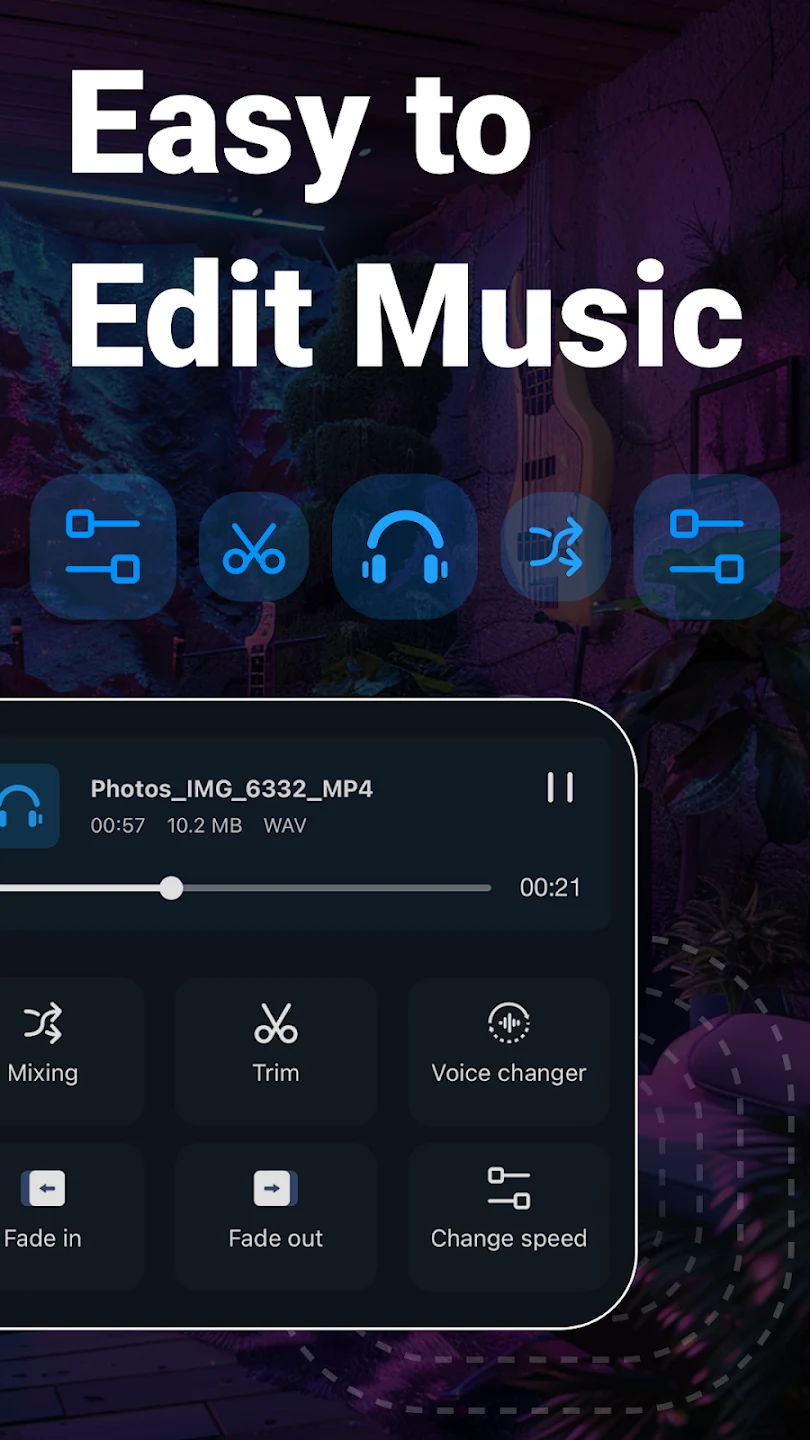
Music Audio Editor brings a broad set of audio editing tools to mobile devices, allowing users to work with music, recordings, and extracted video sound in one place. You can import audio in formats such as MP3, AAC, WAV, FLAC, M4A, and AMR, then trim, splice, mix, or adjust the file to suit a particular project. The app also supports voice changing, pitch adjustment, equalizer controls, vocal removal, and audio compression. Its tools can be used for creating ringtones, preparing karaoke tracks, building soundtracks, or converting videos into audio files for listening.
What You Can Do
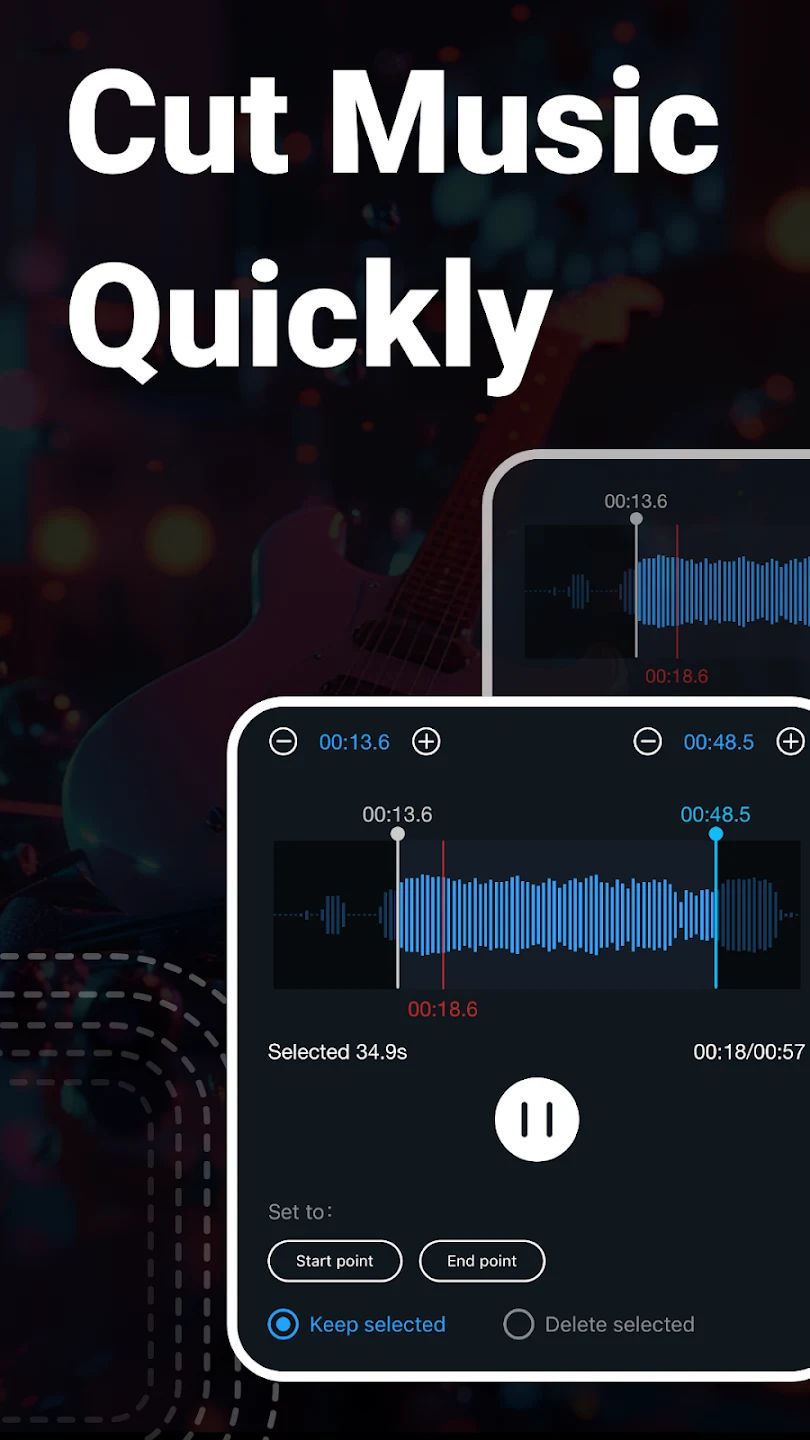
⭐ Trim audio by choosing the starting and ending points of a song or recording. This is useful when you need a shorter clip, a ringtone segment, or a focused sample from a longer file.
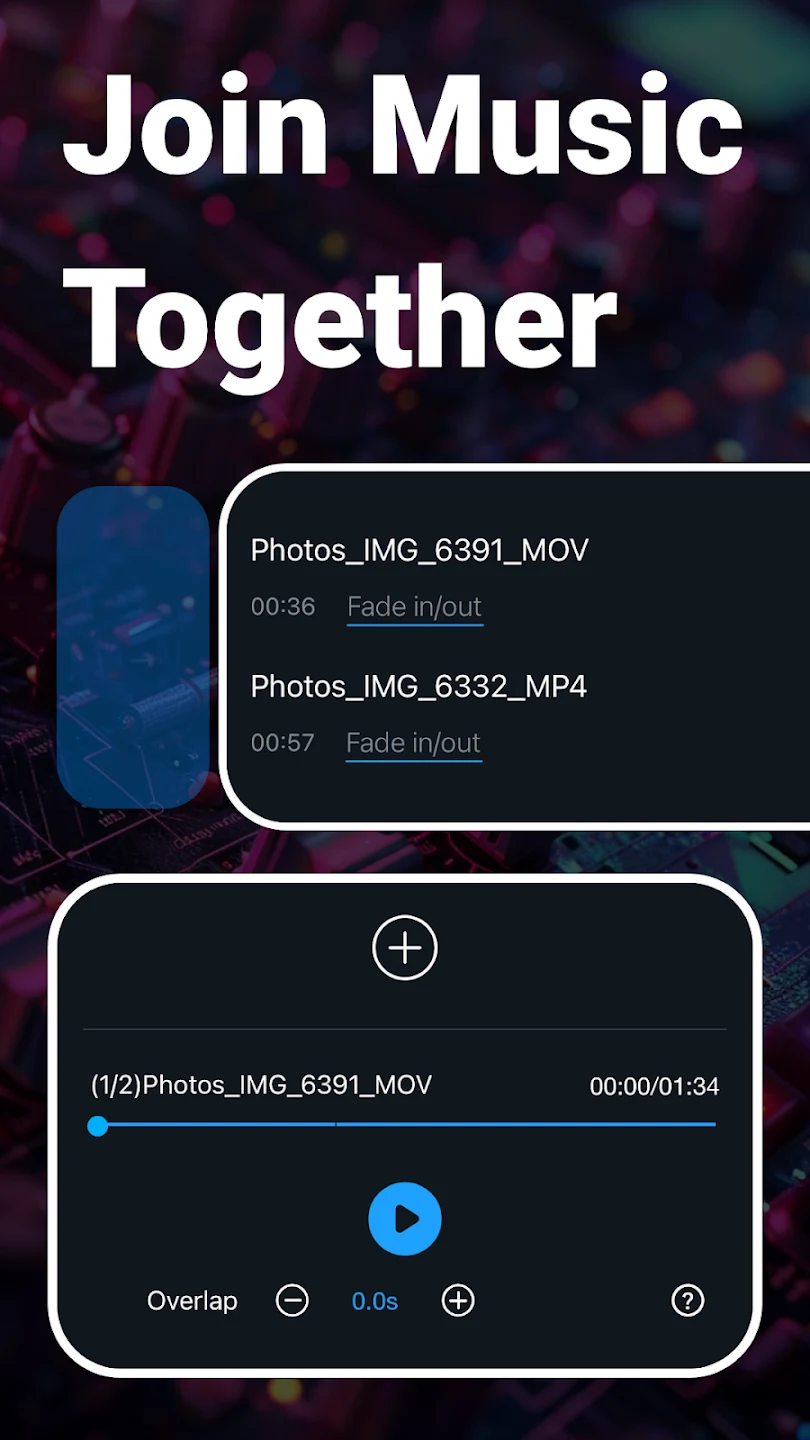
⭐ Splice and mix tracks to combine multiple audio files into one project. The multitrack tools can split audio into separate tracks and place background music alongside voice recordings.
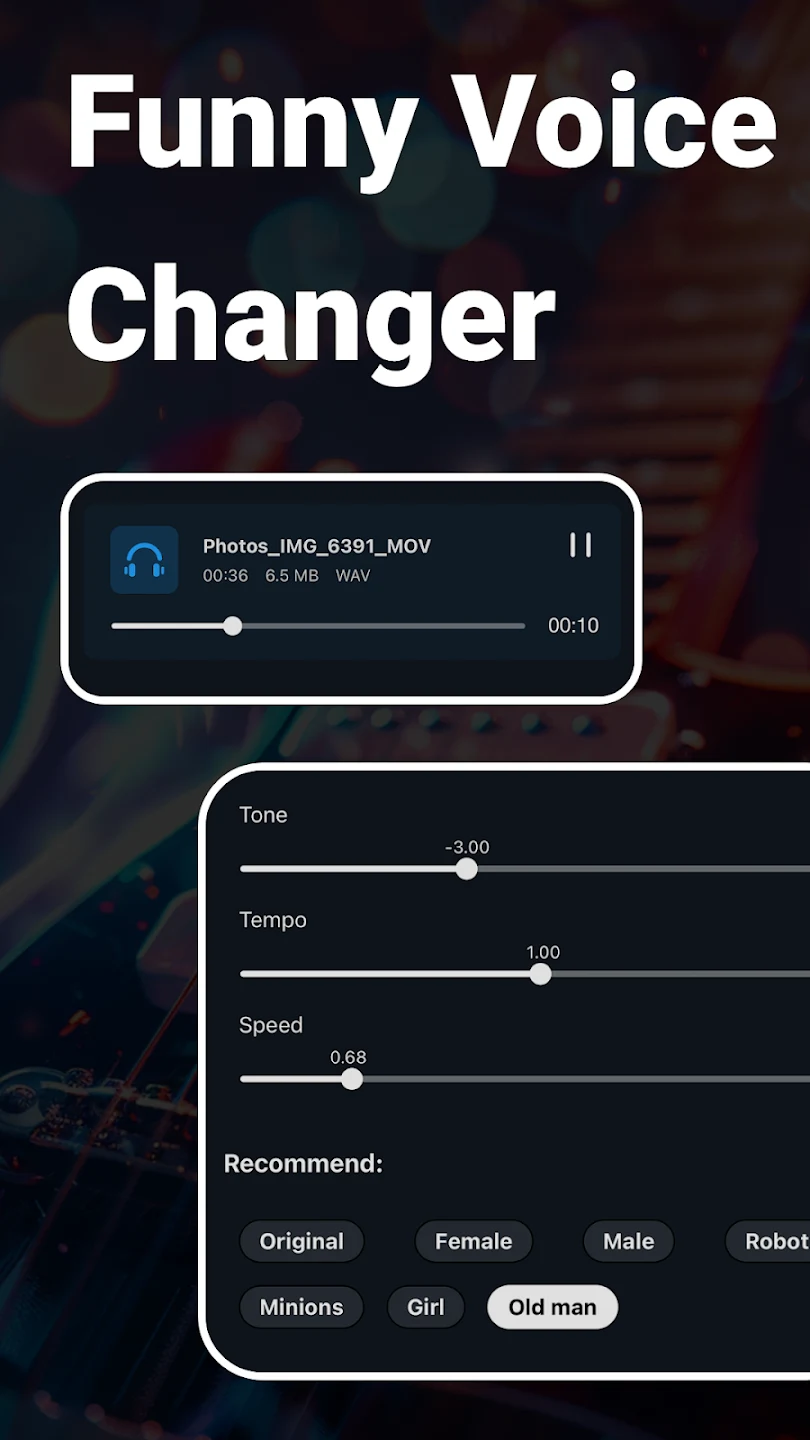
⭐ Change voices and musical characteristics with effects for male, female, old man, and robot-style voices. You can also adjust tone, pitch, and speed to give a recording or song a different sound.
⭐ Insert one audio file into another, including multiple inserted tracks in a single audio project. This supports layered arrangements and allows additional sound to be placed over an existing track.
⭐ Use the equalizer to adjust available sound parameters. The app provides multiple equalizer settings and lets users make manual adjustments for a more personalized result.
⭐ Remove vocals from songs to retain background music for karaoke-style use. The app also converts video files into audio, which can be useful when you want to listen to the sound from a music video separately.
⭐ Convert between supported audio formats and change mono audio to stereo. When a file is too large to share or upload, compression settings include the output sound channel, sample rate, and bit rate.
Using the App
The workflow starts with importing an audio file or selecting a video for audio extraction. For trimming, users set the beginning and end points before saving the selected section. Other tools provide a way to layer tracks, combine clips, add audio to video, or refine a recording with pitch, speed, voice, and equalizer controls. Video editing integration includes fade-in and fade-out effects for smoother soundtrack transitions. After editing, compression and format conversion options help prepare the result for sharing, uploading, or playback in a preferred format.
Because the app supports several independent operations, it can be used for both quick edits and more involved mobile projects. A user might cut a short ringtone, mix a voice recording with background music, extract audio from a video, remove vocals, and then export the result with selected technical settings. The source information does not specify an offline mode or particular export destinations, so those capabilities should not be assumed.
Why It May Appeal
✅ It combines basic editing and more specialized sound tools, so trimming, merging, pitch changes, vocal removal, compression, and format conversion are available within the same app.
✅ Its support for several common audio formats gives users flexibility when importing or converting files, including MP3, AAC, WAV, FLAC, M4A, and AMR.
✅ Users who prefer editing on a touchscreen can create ringtones, layered audio, karaoke-style tracks, and video soundtracks without needing a desktop audio editor.
✅ User comments describe the trimming workflow as straightforward and mention successful use for personalized ringtones, merging audio, layered editing, and video-to-audio conversion. These comments also note that the free app displays advertisements.
Things to Consider
❎ Advertisements are part of the free experience, according to user feedback. One review describes a short advertisement, while another says ads were present but not frequent.
❎ The source does not document an offline mode, supported maximum file sizes, or every available export setting. Users with specific technical requirements should check those details in the app before starting a project.
Version History
Version 2.8.4.2 adds a vocal effector for voice enhancement, a reverb effector, expanded equalizer choices, and an optimized customer support experience. The supplied information lists the same changes for version 2.8.4.1.
Version history
View all14 Jul 2026 · stable
Frequently asked questions
What can Music Audio Editor be used for?
It can trim, splice, mix, and compress audio; change voices, pitch, tone, and speed; remove vocals; convert audio formats; extract audio from video; and add audio to videos.
Which audio formats does the app support?
The supplied information lists MP3, AAC, WAV, FLAC, M4A, and AMR among its supported audio formats.
Can it remove vocals from songs?
Yes. The app includes a vocal-removal function intended to keep background music for karaoke-style tracks.
Can Music Audio Editor create ringtones?
Yes. Its trimming and saving tools can be used to select sections of audio for personalized ringtones.
Does the app contain advertisements?
User feedback included in the source mentions advertisements in the free app.