
Screenshots
About this app
MX Player apk is a multimedia player for Android that focuses on playing video files. Its listing describes controls for resolution, format support, gestures, subtitles, audio and night viewing, and this article covers those documented capabilities in the situations where they apply.
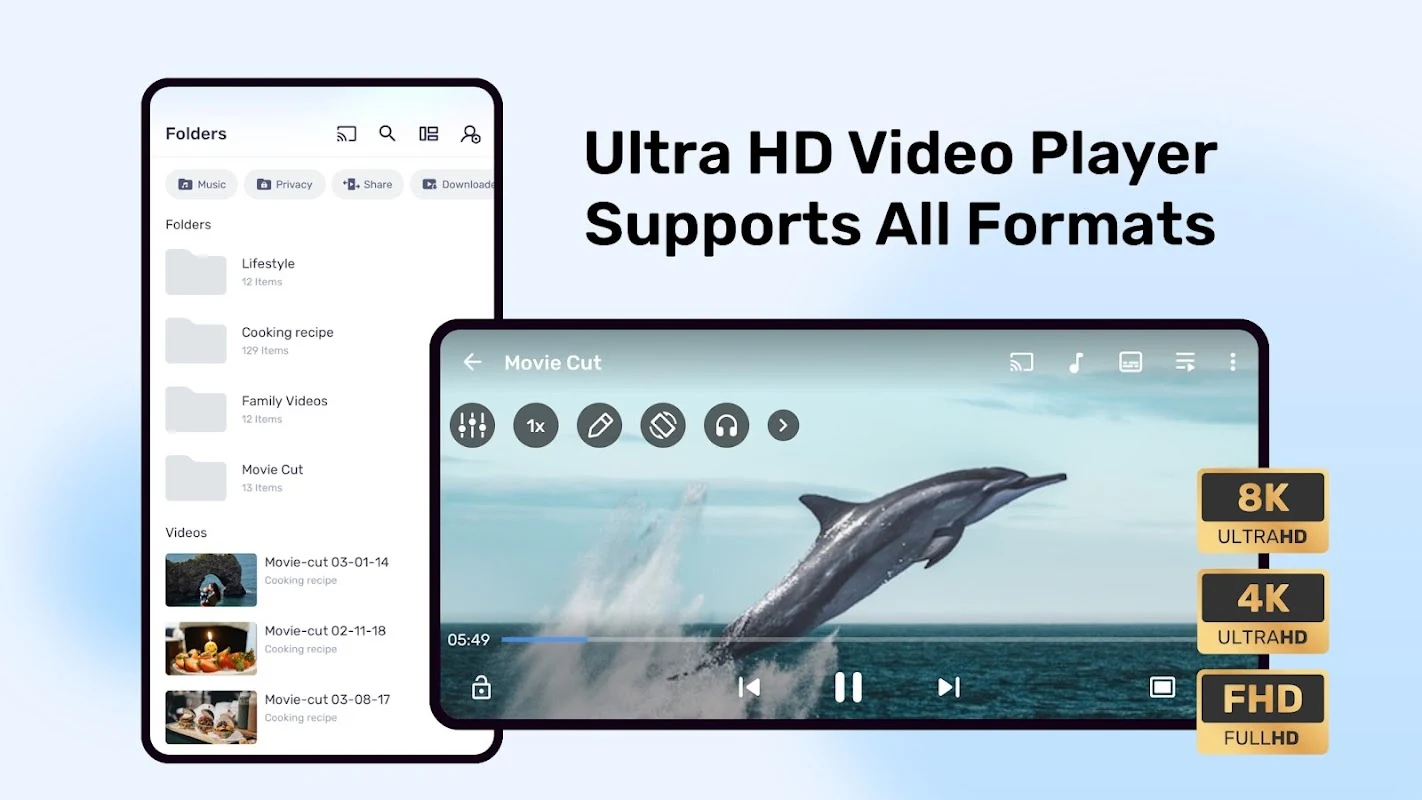
Playing high-resolution video and mixed file types
The listing says the app supports HD, Full HD and 4K playback. This depends on the phone itself, since the description notes that 4K support applies only when the user's device is compatible with those resolutions. The app is also described as supporting a wide range of video formats, including MP4, AVI and MKV, along with a variety of audio formats. This matters for people who keep files in several containers and do not want to convert them before watching.
Controlling playback with gestures and settings
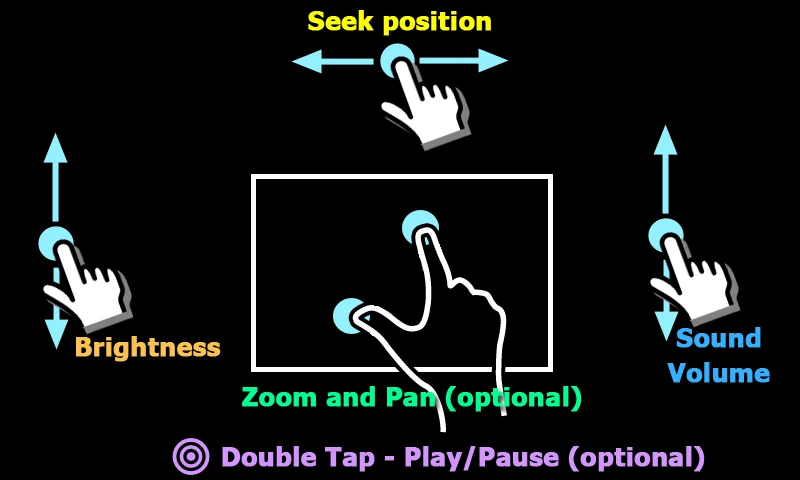
For moving around a video without reaching for on-screen buttons, the description lists swiping forward or backward to move between scenes, and sliding a finger across the screen to adjust volume or brightness. Pinch-to-zoom is also mentioned among the convenience features. In the settings, the listing describes adjustable playback speed, sound effects, and contrast and color adjustments, which allow the picture to be tuned to the viewer's preference.
Watching foreign-language content with subtitles
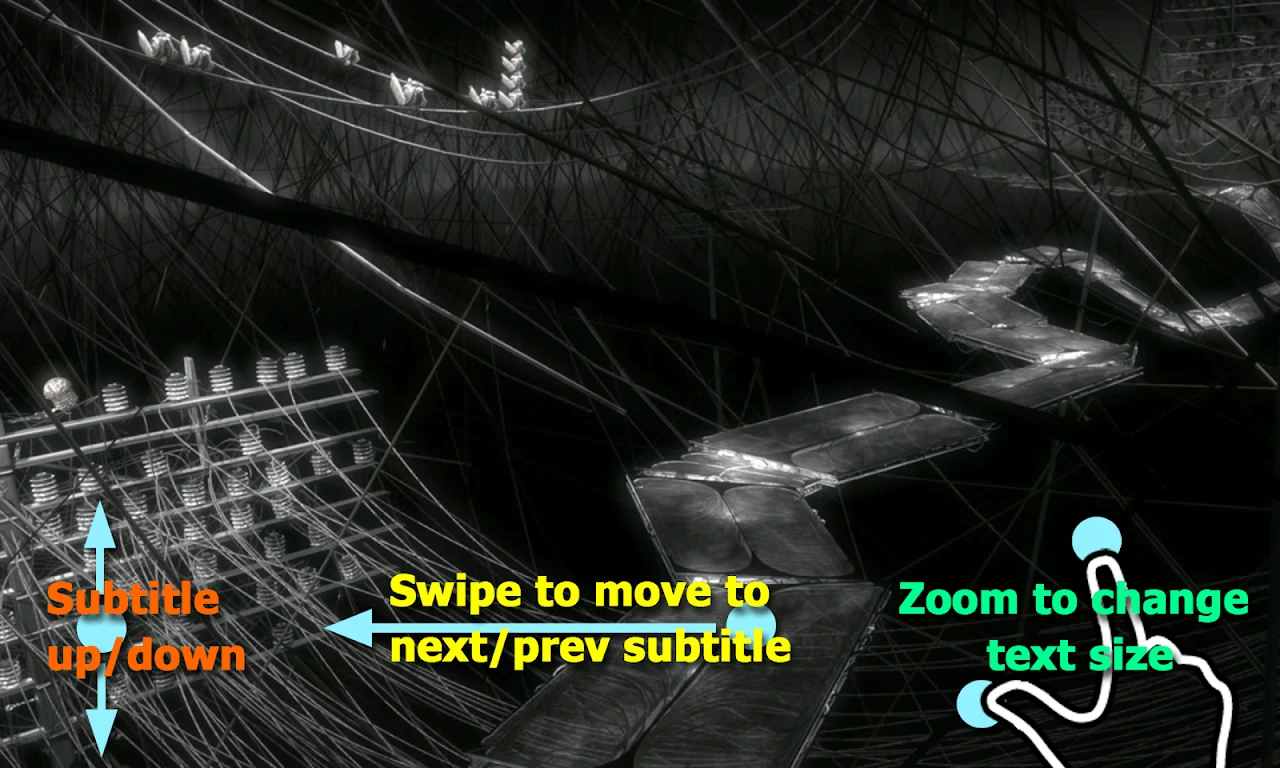
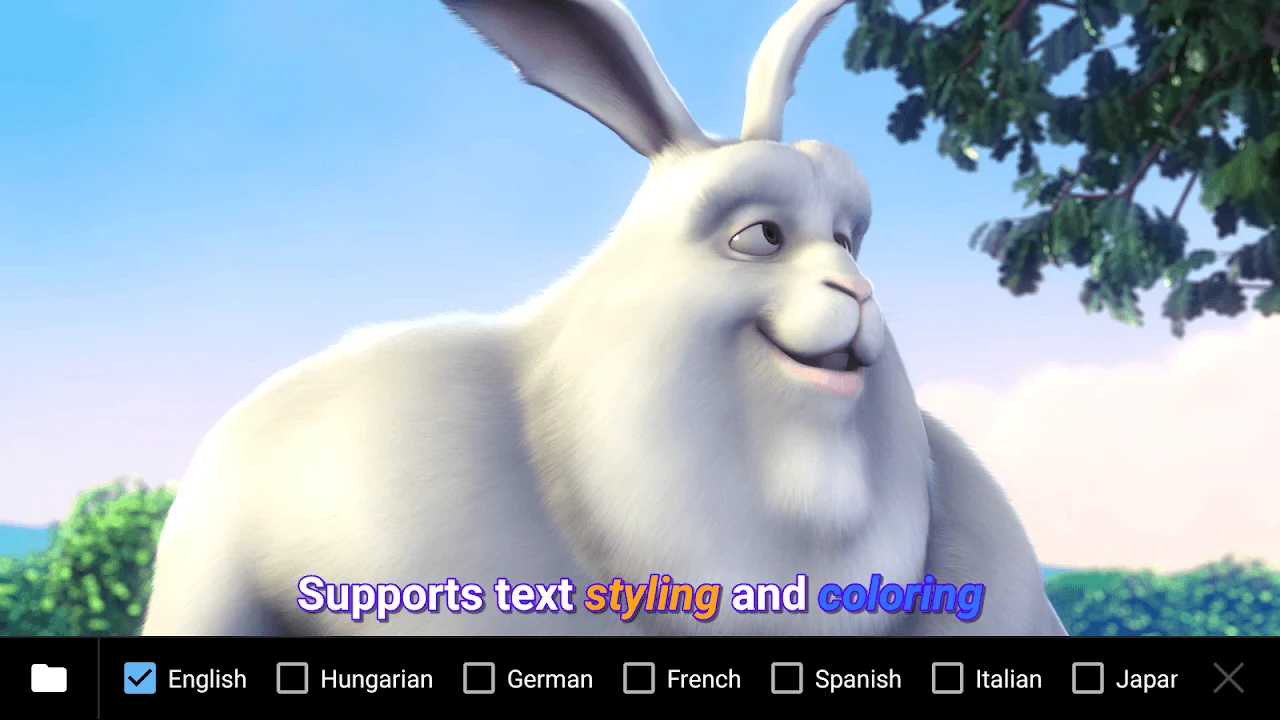
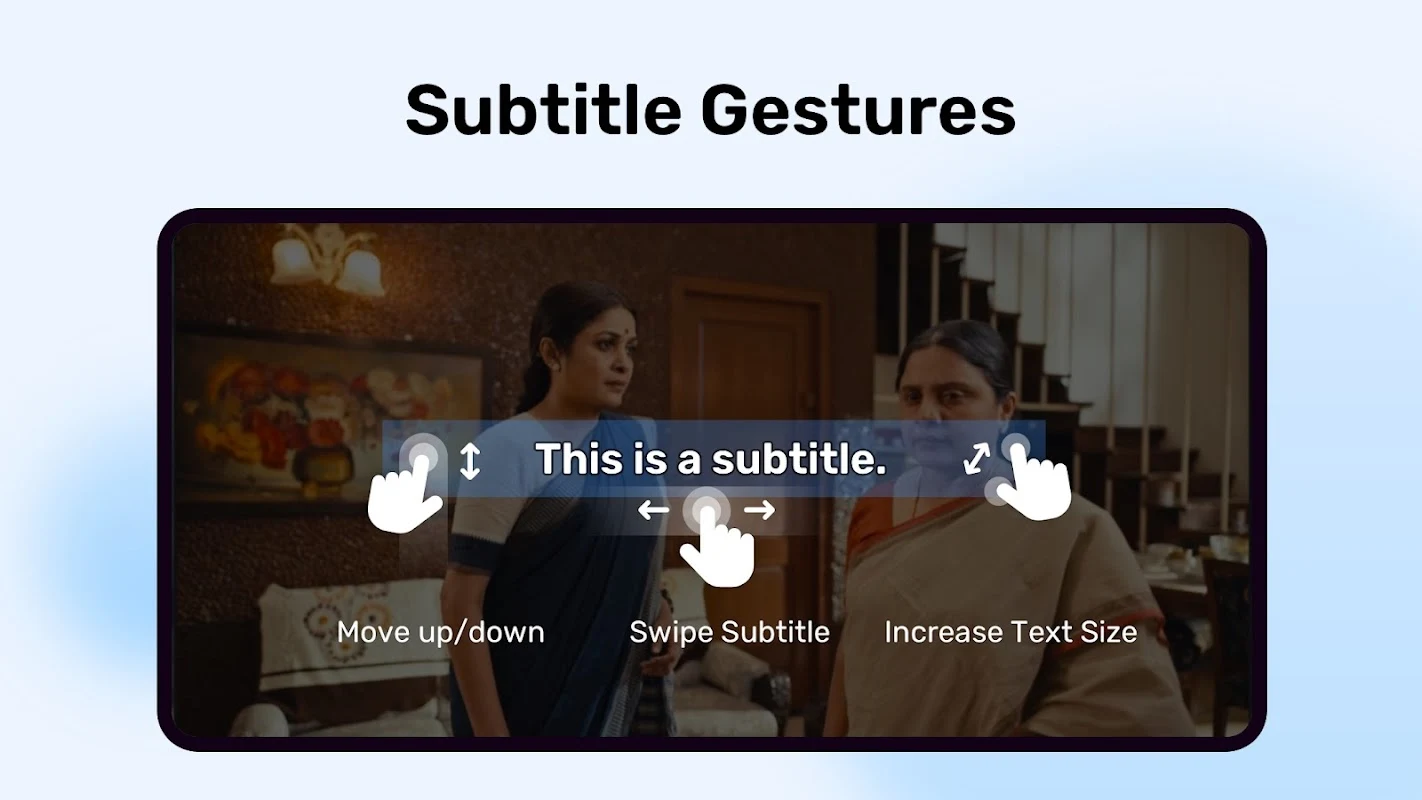
When a film or series arrives without the right language, the app can load separate subtitle files. The description names SRT and SUB as supported subtitle formats and says the font, color and size can be changed to suit the viewer. The listing also mentions support for multiple audio tracks, which helps when a file contains more than one language.
Listening while using other apps
Background video playback lets audio continue while the user works in another app, according to the description. The listing presents this as useful for spoken or music content, where the user wants the sound to keep playing without staying on the video screen.
Viewing in the dark
A Night Mode is described as reducing eye strain when watching in a dark room, especially during long sessions. The listing does not give further details about how the mode changes the display.
Device requirements
The description says the app requires a mid-to-high-spec phone for high-quality, smooth video playback. It also states that the app is compatible with both Android and iOS systems. The Android listing is the context for this article, so users should check the phone's capability against their intended resolutions and file types.
Points raised in user comments
The source includes several user comments that describe problems. One reviewer reports unskippable ads appearing after minimizing or pausing the app and asks for screen-off playback, saying the video pauses when the screen turns off. Another reports an unsupported audio track message for eac3 tracks after an update and subtitle timing that shifts after seeking. A third describes a subscription purchase that did not remove ads and a customer care number that did not connect. These are individual experiences recorded in the comments, not verified results, and they are presented here so that readers can weigh them alongside the developer's description.
Version history
View all09 Oct 2025 · stable
Frequently asked questions
Does MX Player apk keep playing video when the screen turns off?
The source description does not list screen-off playback as a feature. A user comment in the listing says the video pauses once the screen is turned off, and that user would like this capability added.
Which version and category is the app listed under?
The source lists version 2.1.1 and places the app in the Media & Video category.