
Screenshots
About this app
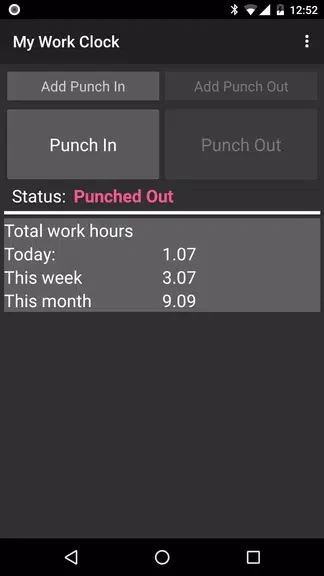
My Work Clock is an Android time-tracking app for recording hours spent at work. Its main functions cover clocking in and out, keeping records for separate jobs, and reviewing recorded time through summaries and reports.
Can you clock in and out from a widget?
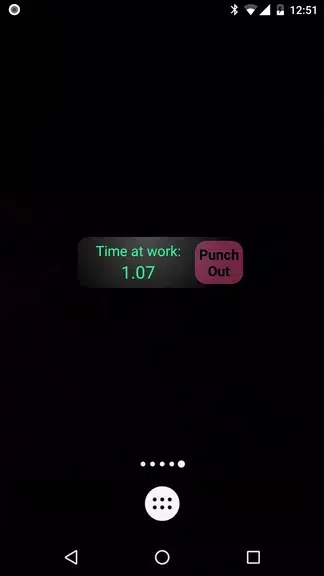
The app supports punching in and out directly from its widget. This provides a way to record the start and end of work without opening the main app for each entry.
How does it handle multiple jobs and overtime?
Multiple-job support lets you track time separately for each job, including side gigs. Overtime tracking is also included, with settings you can customize to fit your needs. These functions address both separating work records by job and accounting for extra hours within your time tracking.
What information can you review or export?
You can view quick information for a day, week, or month and generate simple work-hour reports. Report periods are configurable, so the reporting window can be adjusted rather than relying only on the quick calendar-based views. Records can also be sent by email as a CSV file for storage or use outside the app.
Does it connect with Google Calendar?
My Work Clock supports one-way synchronization with Google Calendar to add work-schedule information to your calendar. The documented connection is one-way, not two-way calendar synchronization.
Version history
View all16 Oct 2024 · stable
Frequently asked questions
Who develops My Work Clock?
The listed developer is NRS Magic LTD.
Which version is listed?
The supplied app listing identifies version 2.0.4.