
Screenshots
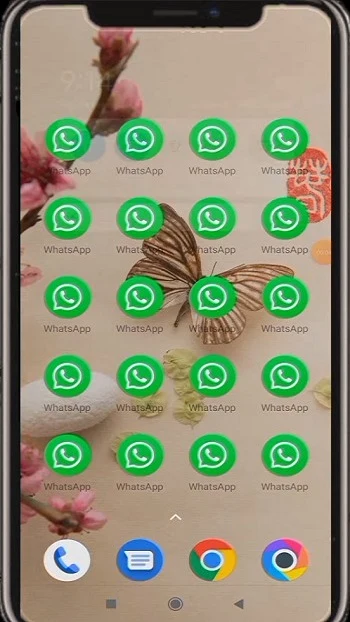
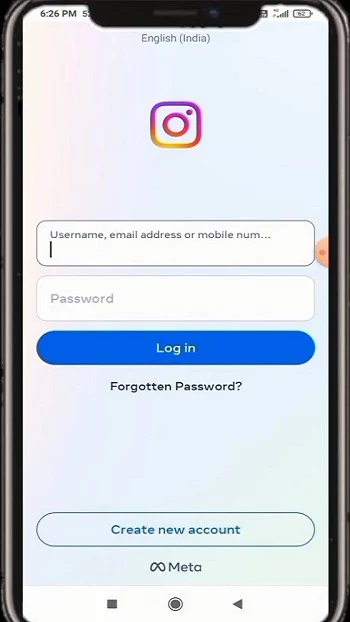
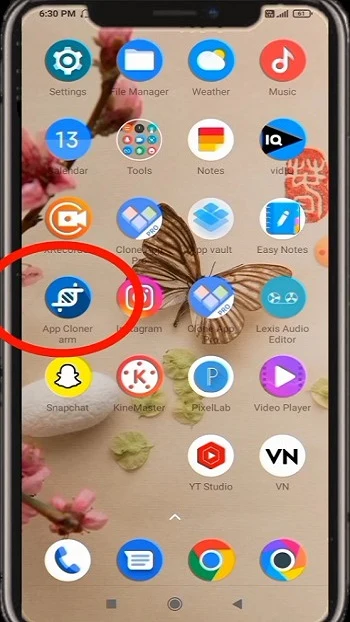
About this app
Overview
Nuga Cloner is an Android utility for creating and installing separate copies of existing apps. Those copies can run alongside the originals, which may help when you want to use more than one account on a supported service or keep a customized version of an app. The app also provides options to change a clone’s name and icon, adjust display settings, and manage certain permissions. Additional tools described in the source include password protection, stealth mode, and virtual location. Nuga Cloner requires Android 5.0 or later, but cloning is not compatible with every app.
What You Can Do
⭐ Create a copy of a compatible installed app and run it in parallel with the original. This can be useful for keeping separate accounts on one device, depending on the app and its compatibility.
⭐ Change the clone’s app name and icon to make it easier to distinguish from the original or from other copies.
⭐ Adjust display options, including size, language, and font. The source also describes rotation controls and the option to convert an app copy into a floating window.
⭐ Customize access and connectivity settings: the listed options include removing or changing permissions and limiting an app’s data use to Wi-Fi.
⭐ The source describes password protection, stealth mode, and virtual location among the app’s extended tools. It also lists premium options for creating multiple clones and changing privacy, storage, launching, networking, notification, and automation settings.
Using the App
The general workflow is to select an existing app, create a copy, and then install and configure that copy. Available adjustments let you identify it with a different name or icon and tailor selected display or permission settings. Floating-window and rotation controls offer further ways to adjust how a clone appears and behaves. The source says cloned apps have their own permission settings; this is an option for managing access, not a guarantee that every app will keep all data or functions separate. It also states that rooting is not required and describes regular and incremental backups for cloned apps.
Why It May Appeal
✅ Nuga Cloner brings app duplication and several kinds of customization into one utility, giving users control over aspects such as appearance, permissions, and Wi-Fi data use.
✅ The described workflow does not require root access, and the range of settings may suit people who want app copies configured differently from their originals.
Things to Consider
❎ Not all apps can be cloned. The source specifically names Google services, Snapchat, and Viber among examples that cannot be cloned, and warns that features relying on an app certificate may not work properly in a copy.
❎ Some advanced options are described as premium features. The source does not specify their prices or provide a complete breakdown of which options are available in each version.
Version Information
The supplied version is 3.2.3. Its listed changes include improvements to the “Randomize build props” option, device tagging and sorting controls, a “Show device tag” cloning option, and bug fixes.
Version history
View all09 Sep 2026 · stable
Frequently asked questions
What does Nuga Cloner do?
It creates and installs copies of compatible Android apps that can run alongside their originals, with options to customize some settings.
Does Nuga Cloner require root access?
The supplied information says root access is not required.
Can every app be cloned?
No. The source says some apps cannot be cloned and that features relying on an app certificate may not work properly in a copy.
Which Android version does it require?
The listed minimum requirement is Android 5.0.
Does Nuga Cloner support backups?
The supplied description says it supports regular and incremental backups for cloned apps.