
Screenshots
About this app
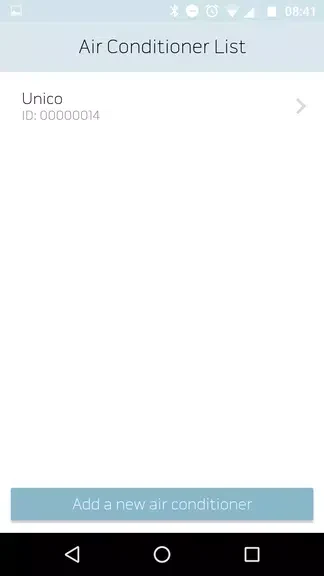
Olimpia Splendid Unico lets you adjust a compatible fixed air conditioner from your smartphone, so you can manage indoor conditions without using the unit’s on-device controls. The app supports air conditioning, heating, dehumidification, ventilation, and automatic operation, and can manage one or more units. After an initial configuration over Bluetooth, controls are available through Bluetooth, Wi-Fi, or a 3G/4G connection. Scheduling, alarm notifications, and a window-contact function add practical ways to manage operation around your routine.
Choose a mode for the indoor climate
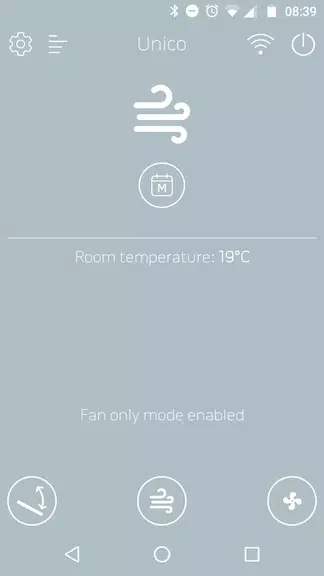
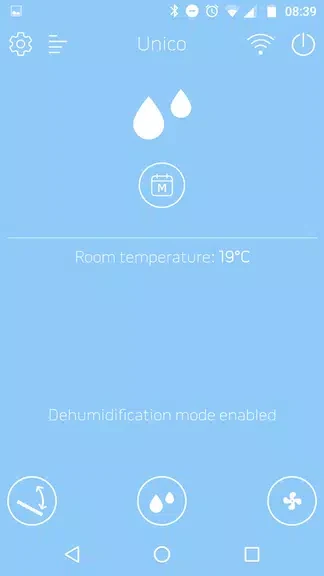
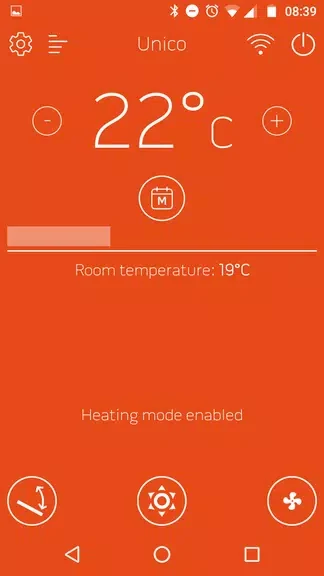
The five operating modes cover cooling, heating, dehumidification, ventilation only, and automatic operation. You can select a mode and adjust the temperature or settings to suit your needs. This range means the app can be used for more than changing a cooling set point: it also provides controls for heating and other supported functions on the air conditioner.
Set recurring periods for one or more units
A weekly timer can be configured with two daily periods. For each period, the schedule can specify an operating mode and set point, allowing settings to change automatically at different times of day. The app also supports management of multiple air conditioners, which is useful when more than one compatible unit needs to be configured from the same interface.
Connection, signal, and machine alerts
Bluetooth is used for the first configuration, while Bluetooth, Wi-Fi, and 3G/4G are listed as connection options for control. The app can display Wi-Fi signal strength, giving users a way to check the signal available to the air conditioner. It can also send notifications about machine alarms, so alerts can be seen through the app rather than relying only on checking the unit directly.
Window-contact control
Presence contact management can disable the air conditioner when a window is open. This links the contact status to the unit’s operation, helping avoid running the air conditioner in that situation. Together with scheduled mode and set-point changes, this provides an additional way to coordinate operation with conditions in the room.
Version history
View all04 Nov 2024 · stable
Frequently asked questions
Which operating modes does Olimpia Splendid Unico support?
The app supports air conditioning, heating, dehumidification, ventilation only, and automatic operation.
How does the app connect to the air conditioner?
The first configuration uses Bluetooth. The app also lists Bluetooth, Wi-Fi, and 3G/4G for controlling and managing the air conditioner.
Can Olimpia Splendid Unico schedule air conditioner settings?
Yes. Its weekly timer supports two daily periods, with a mode and set point for each period.
What does the window-contact feature do?
Presence contact management can disable the air conditioner when a window is open.