
Screenshots
About this app
Overview
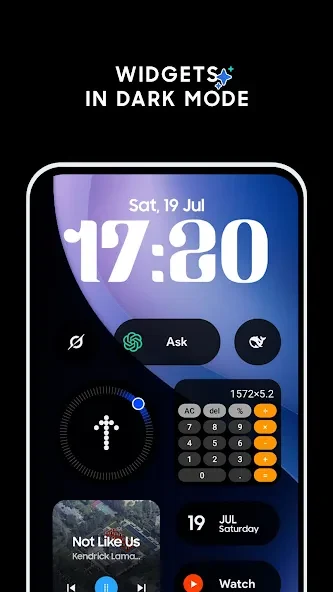
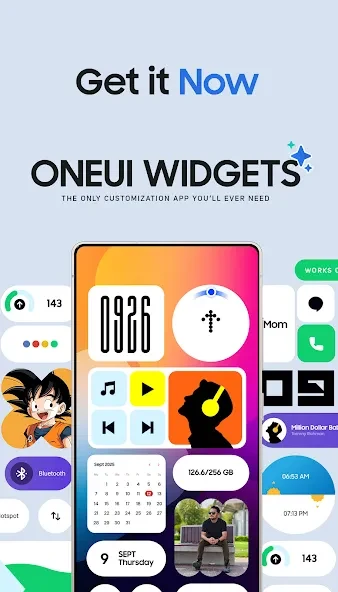
OneUI Widgets is a personalization application designed to help you quickly apply themes and style your phone's home screen. Featuring practical tools like digital and analog clocks, calendars, calculators, and a compass, the app provides fast access to essential functions while offering deep customization options, including icon changes. Featuring a simple, user-friendly interface that makes it easy to master its features, OneUI Widgets helps bring a vibrant look to your device and is compatible with a wide range of phones.
What You Can Do
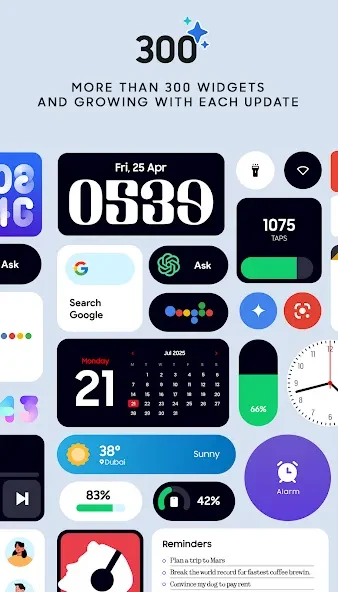
⭐ Access elegant digital and analog clocks alongside stylish calendar widgets to keep your schedule organized right from your home screen.
⭐ Monitor your device power levels using minimalist battery indicator widgets designed to blend smoothly into your grid layout.
⭐ Check current weather conditions, forecasts, moon phases, and sunrise or sunset times directly through dedicated weather modules.
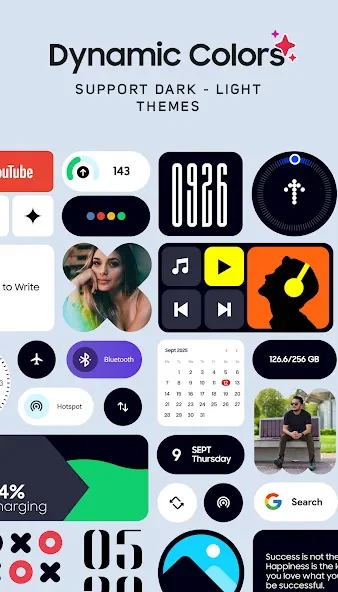
⭐ Toggle essential system settings like WiFi, Bluetooth, dark mode, and your flashlight with a single tap using quick settings widgets.
⭐ Keep your favorite contacts within instant reach utilizing a design inspired by Nothing OS aesthetics.
⭐ Display your favorite personal memories on your display with dedicated photo widgets, or track your steps using the built-in pedometer widget powered by your phone's motion sensors.
Using the App
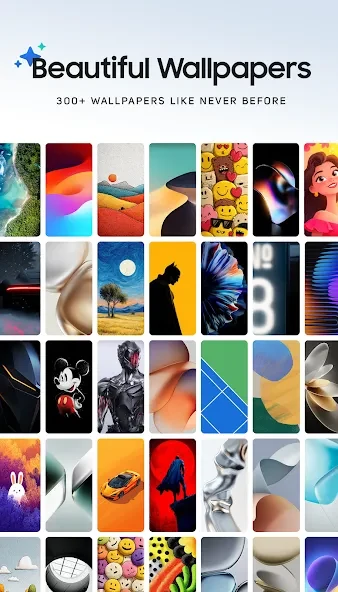
Getting started with the app involves installing OneUI Widgets and opening it once to grant any requested permissions. From there, you go to your home screen, touch and hold an empty space, and tap on widgets. Scroll until you locate OneUI Widgets, choose your desired category, and pick a size that fits your layout. After tapping add and placing your item, you can resize it by dragging the edges. Finally, arrange your grid layout, add more widgets as required, and apply a matching wallpaper from the app.
Why It May Appeal
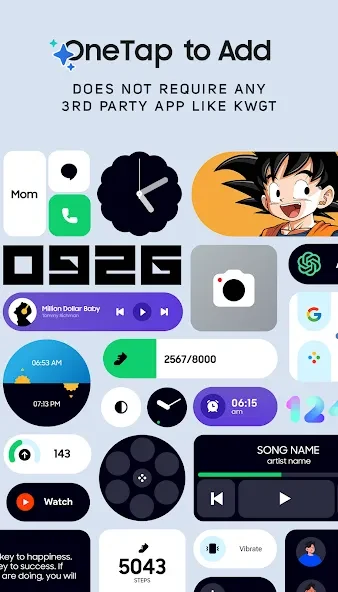
✅ Offers a wide variety of pre-styled elements ranging from productivity tools to Google-focused options without requiring complicated manual setup through external tools.
✅ Features a pedometer that tracks daily step counts using built-in motion sensors without storing or analyzing private health data.
✅ Complements clean device aesthetics with smooth animations and minimal battery drain while matching popular design languages.
Version history
View all26 Aug 2026 · stable