
Screenshots
About this app
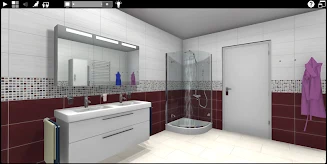
Palette Home is a room-planning app for laying out spaces and viewing the designs in 3D. Users can define a room’s dimensions, add features such as doors and windows, and place installations including stoves and pitched roofs. The planning tools support room types such as bathrooms and living rooms, as well as stove-focused designs.
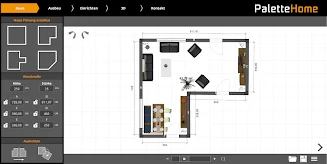
Set up the room plan
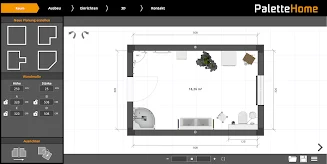
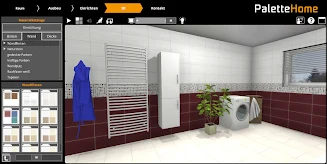
Room measurements provide the basis for a design. Users can then place doors, windows and other installations, including features on a front wall. The app also offers an organized collection of objects that can be dragged into the plan. According to the supplied description, objects can align themselves to walls, helping with their placement in the layout.
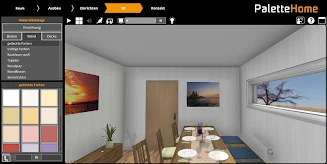
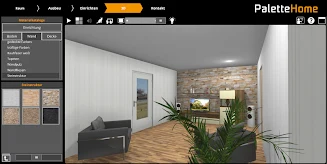
Explore the design in 3D
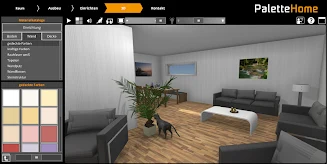
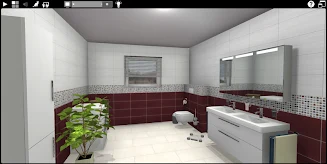
After arranging a room, users can switch to 3D mode and move around the designed space to examine it from different positions. This provides a three-dimensional view of the planned room alongside the measurements and object placement used to build the plan. The app describes this as a way to visualize the proposed space; it does not specify particular rendering controls beyond switching to 3D and moving around.
Save and continue with Palette CAD tools
Plans can be saved and imported into the Palette CAD PC program. The source also names Palette MOVE and Palette PLAY as related apps for further exploration and describes transferring designs among Palette CAD programs. It does not detail the steps or requirements for moving a plan between these products.
Version history
View all24 Jun 2024 · stable