
Screenshots
About this app
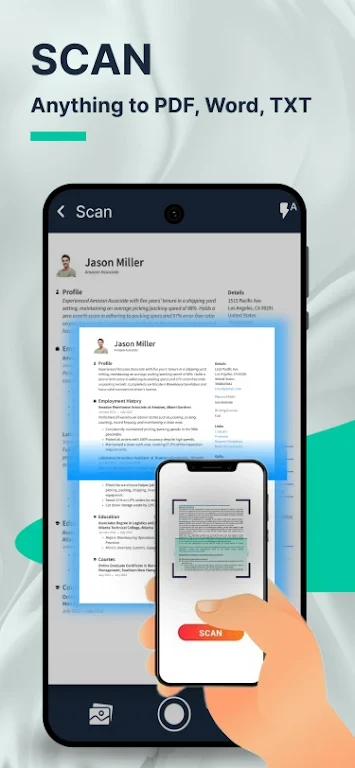
PDF scanner- Document scanner turns a phone camera into a tool for digitizing paper documents. It can scan documents, save the results, and share them from the app, making it suitable for handling paperwork in digital form.
Scanning and file formats
The app supports scanning documents and saving them as either PDF or JPEG files. This gives users a choice between a document-oriented PDF and an image-based JPEG, depending on how the scanned material needs to be stored or shared.
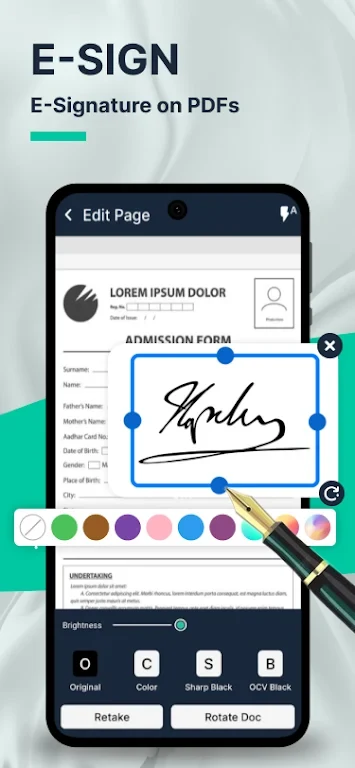
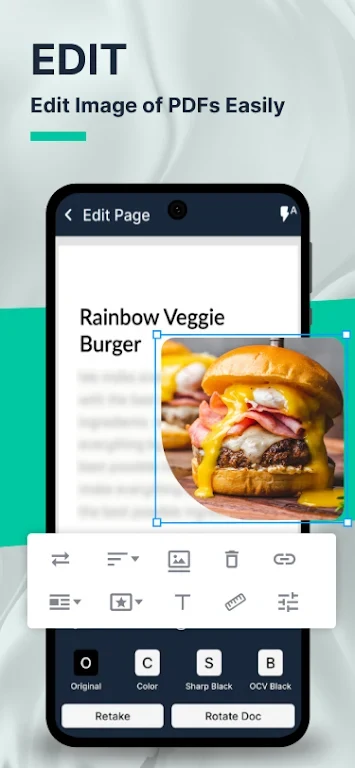
It also provides document editing as part of its scanning workflow. Scanned files can be prepared in the app before they are saved or shared, although the supplied information does not specify the individual editing tools.
PDF conversion and protection
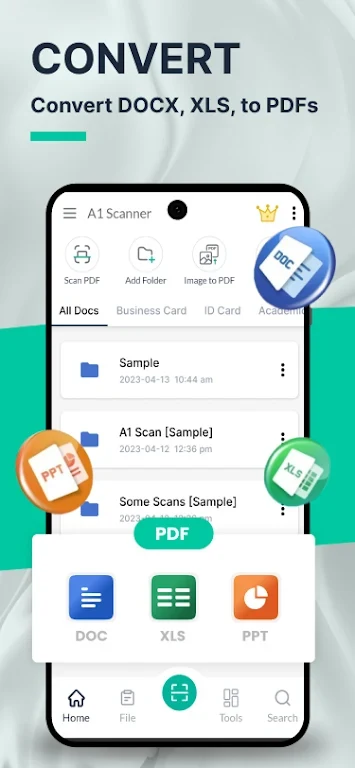
Scanned documents can be converted to PDF without an internet connection. The app also allows users to password-protect PDF files, which can help control access to documents containing sensitive information. This is a file-protection option within the app and is not described as a general security guarantee.
Usage and sharing
The source describes the app as free to use, with no subscriptions or additional fees, and says it supports unlimited document scanning. Its simple interface is intended to keep scanning, editing, saving, and sharing in one workflow. Offline PDF conversion is specifically documented; the source does not establish that every app function works without an internet connection.
Version history
View all22 Jun 2024 · stable