
Screenshots

About this app
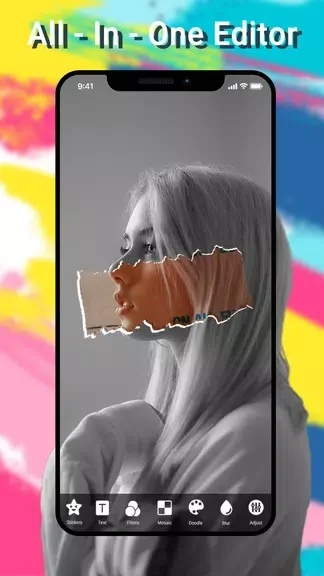
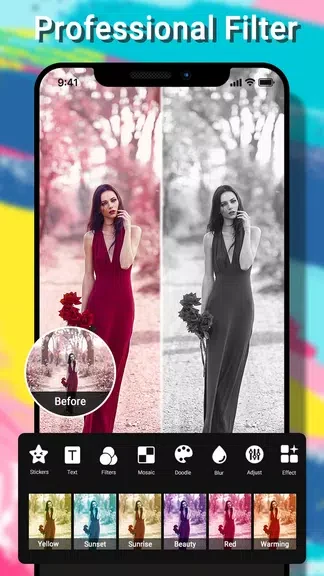
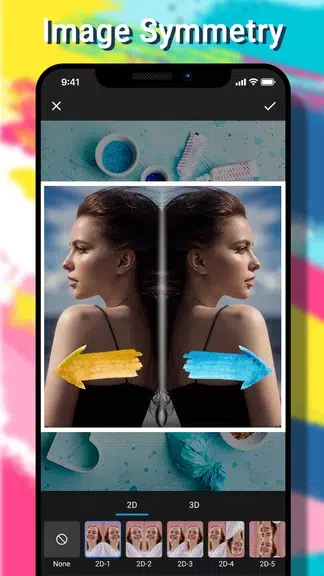
Photo Editor:Pic Collage Maker is an Android app for editing individual pictures and combining photos into collages. It brings together basic adjustments, decorative tools, and layout options, so you can work on an image before sharing it or arrange several pictures in one composition. Rotation, cropping, blur, and HDR sit alongside filters, stickers, text, doodles, and mosaic effects. For collages, you can choose layouts and change their backgrounds and frames. The app also supports sharing finished work on Instagram and Facebook.
What can you change in a single photo?
You can rotate and crop an image, apply blur or HDR, and use the app’s portrait-processing tools. Mosaic styles offer another way to alter parts of a photo. These options cover both adjustments to the image and more visible effects, depending on the result you want.
How can you add a personal touch to an edit?
The app includes more than 60 filters and over 130 stickers. You can also add text or draw with its doodle shapes. These tools are suited to decorating a picture or adding a message without turning it into a collage.
What can you control when making a collage?
The collage maker combines multiple photos in a layout that you can customize. Background and frame options let you change how the pictures are presented together, whether you are grouping related shots or preparing a single image to share.
Who might find these tools useful?
Photo Editor:Pic Collage Maker may suit someone who wants both single-photo editing and multi-photo layouts in one app. Its mix of adjustments, decoration, and collage controls is particularly relevant if you prepare pictures to share with friends or post on Instagram or Facebook.
Version history
View all05 Nov 2024 · stable