
Screenshots
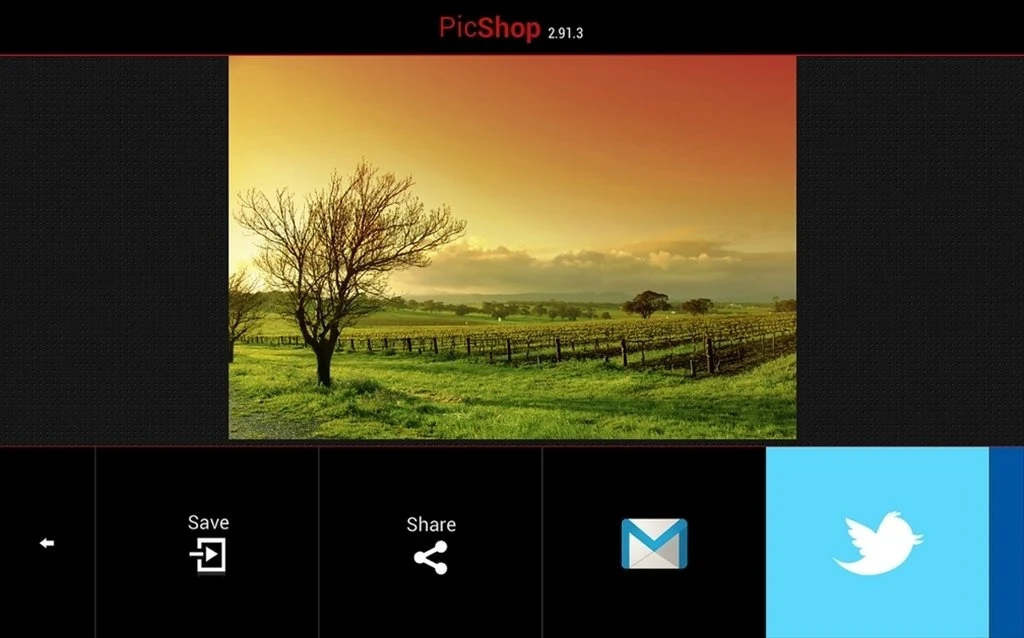
About this app
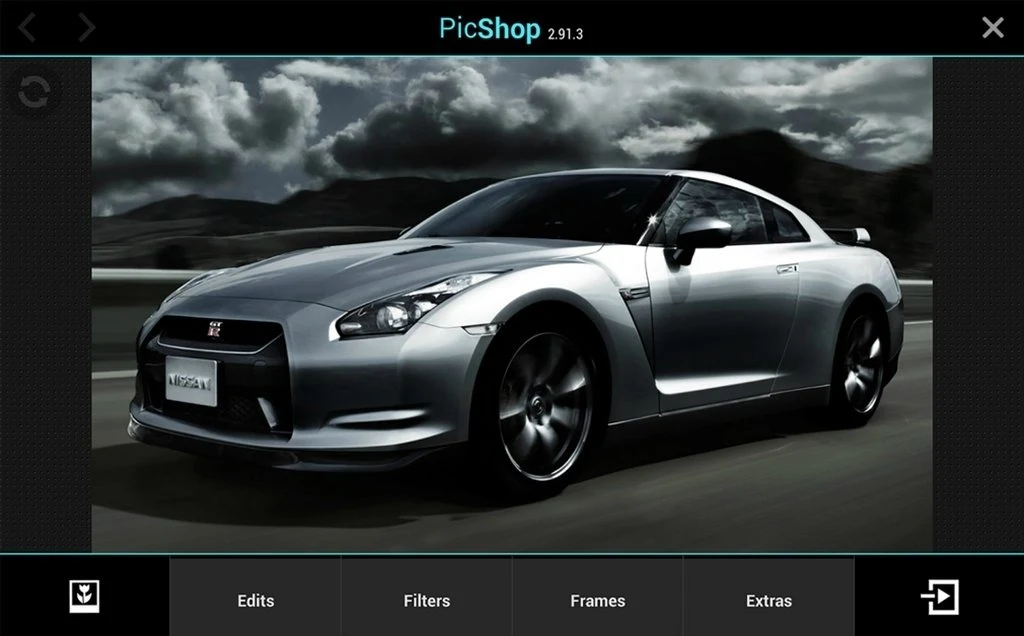
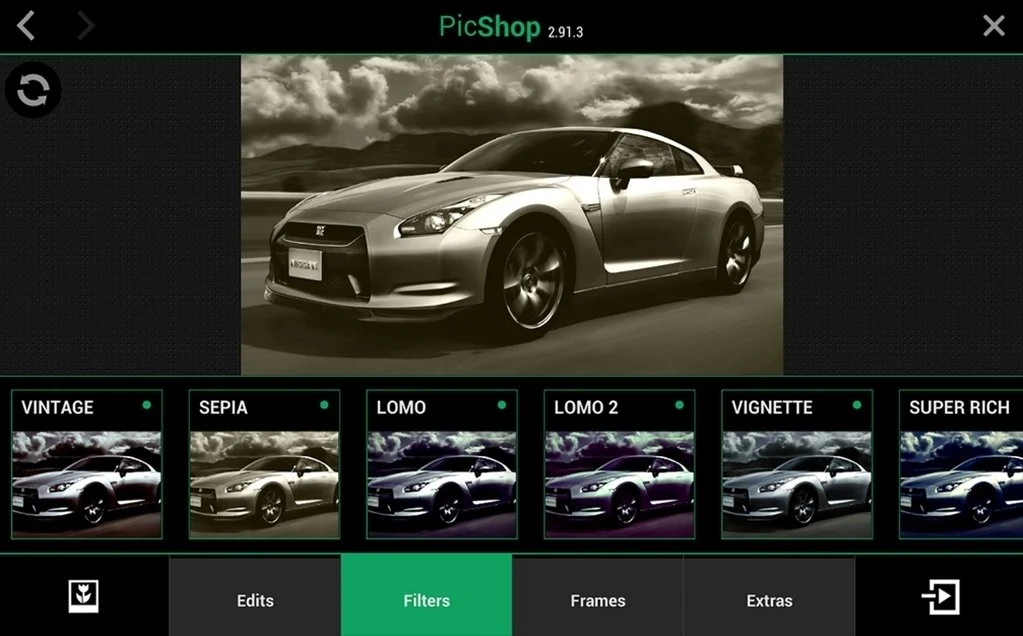
PicShop helps Android users improve and personalize photos without relying on a full desktop editing suite. Its tools cover everyday adjustments such as brightness, contrast, colour correction, filters, and cropping, while text, stickers, speech bubbles, and drawing brushes support more creative edits. Images can be imported and exported in formats including JPG, PNG, GIF, and BMP. The straightforward interface is designed for quick navigation, making the app useful for simple corrections, social posts, memes, and informal photo projects.
Everyday photo adjustments
The editing tools bring several common tasks together in one workflow. Users can adjust brightness, apply filters, correct colour, change contrast, and crop an image to a preferred size. The source describes the crop tool as preserving image quality, while the range of adjustments makes it possible to refine a photo before adding decorative elements or sharing it.
Creative overlays and drawing
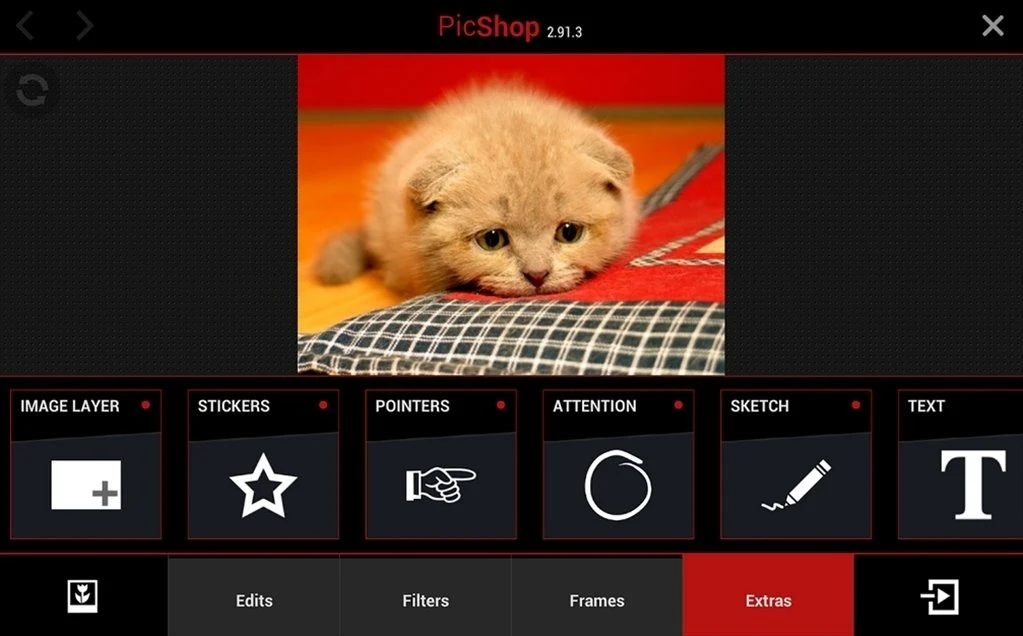
PicShop also supports edits that go beyond basic correction. Captions and labels can be placed on pictures with adjustable font options, while speech bubbles and a meme-making mode suit humorous or annotated images. Sketch Mode includes eight brushes, and stickers such as hats, moustaches, and love-themed designs provide additional ways to decorate a composition.
Layers, formats, and sharing
Extra images can be added as layers for collage-style work, allowing several visual elements to be combined in one project. The app supports importing and exporting multiple image formats, including JPG, PNG, GIF, and BMP. Once an image is ready, it can be shared directly through supported social media platforms such as Facebook and Instagram, with email sharing also described in the supplied information.
Appearance and practical limits
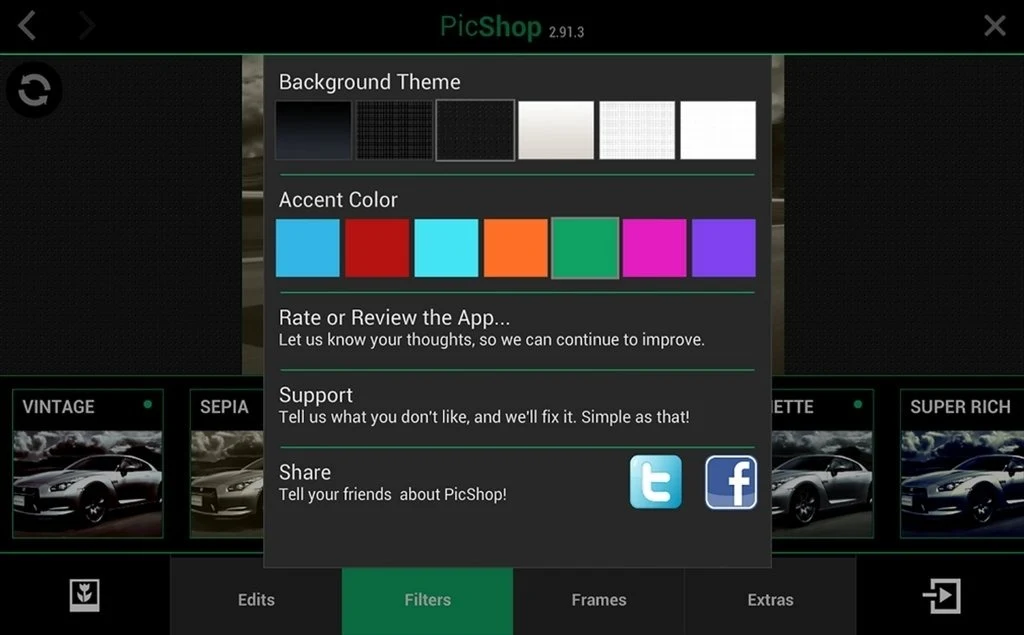
The interface is intended to be easy to navigate, and users can customise the app with their own theme colour. The source also describes PicShop as lightweight and suitable for devices running Android 2.2 or later. It may not provide the depth of a full professional photo editor, and some advanced tools or effects may be locked.
Version history
View all08 Sep 2026 · stable
Frequently asked questions
Which image formats does PicShop support?
The supplied information lists JPG, PNG, GIF, and BMP among the supported import and export formats.
Can PicShop add text to photos?
Yes. PicShop supports captions and labels, with adjustable font options for text overlays.
Does PicShop support sharing edited photos?
Yes. Edited images can be shared through supported social platforms such as Facebook and Instagram, and the supplied information also mentions email sharing.
Can PicShop be used for collage projects?
Yes. The app allows additional images to be added as extra layers, which can be used to create collages.
Are there any limitations to PicShop?
The source notes that PicShop has fewer features than full photo editing software and that some advanced tools or effects may be locked.