
Screenshots
About this app
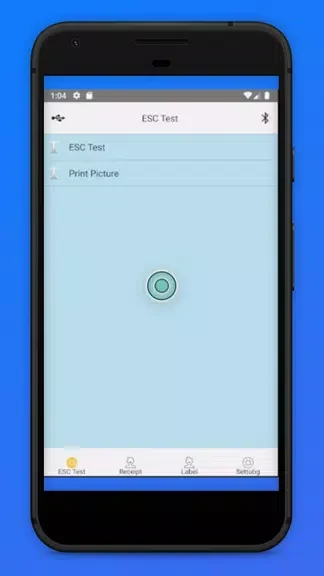
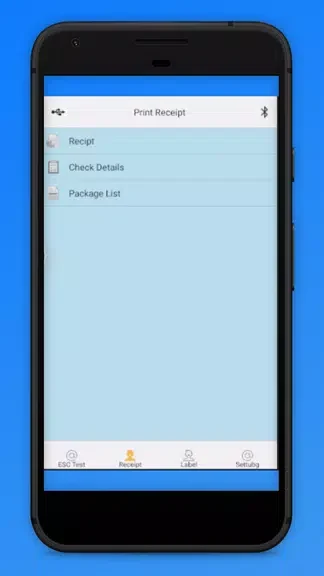
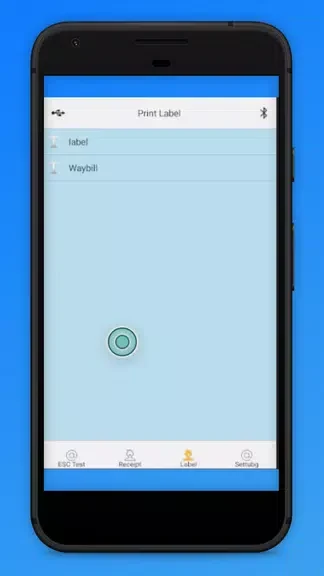
Printer - BlueTooth Thermal Pr helps you print documents, receipts, and photos from an Android phone through a Bluetooth thermal printer. Its portable approach is useful when printing needs to happen away from a traditional wired setup, whether for personal tasks or business use. After pairing the phone and printer, users can send content to print without dealing with cords. The app is designed around a straightforward interface, while thermal paper provides an accessible option for producing clear prints on the go.
Bluetooth printing from a phone
The app connects to a compatible Bluetooth printer, allowing users to print without a wired connection. This combination of phone-based control and portable hardware can make short printing tasks more convenient in different locations.
Thermal printing for everyday use
Printer - BlueTooth Thermal Pr supports documents, receipts, and photos. The source material also describes the resulting prints as clear and crisp. Because the app uses thermal paper, it presents that paper type as an affordable and readily available option for both personal and business printing.
Settings for a smoother print
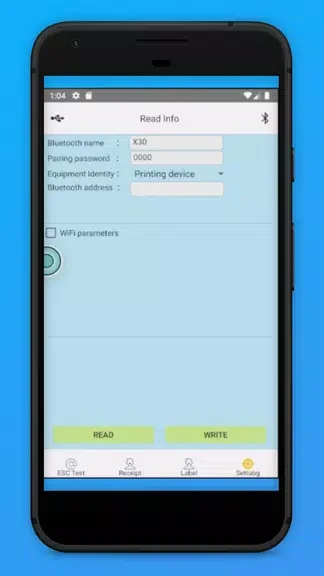
Before printing, users should choose the appropriate paper size and orientation in the app settings. These choices help avoid printing errors and allow the output to match the intended format. The simple interface is intended to keep the process manageable from connection through printing.
Preparing the printer and phone
The Bluetooth printer should be switched on and paired with the phone before a print job begins. Users should also check the battery levels of both devices, since sufficient charge helps support uninterrupted printing sessions. These checks are especially relevant when printing away from a fixed setup.
Version history
View all15 Nov 2024 · stable
Frequently asked questions
What can Printer - BlueTooth Thermal Pr print?
The app can print documents, receipts, and photos through a Bluetooth thermal printer.
What should I do before printing?
Turn on the Bluetooth printer, pair it with the phone, select the correct paper size and orientation, and check the battery levels of both devices.
Does the app require a wired printer connection?
The app is designed to connect with a Bluetooth thermal printer without cords or wires.