
Screenshots
About this app
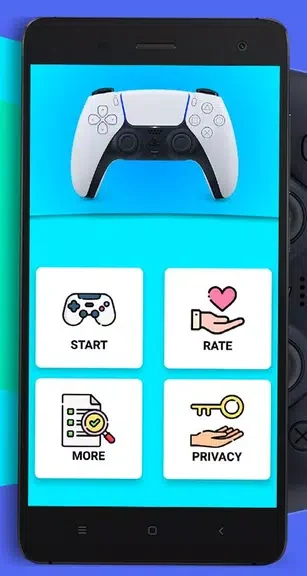
Ps Controller enables users to mirror the display from a PlayStation 5 or PlayStation 4 console onto an Android phone while also turning the phone into a functional game controller. This setup proves useful when a physical DualShock controller is unavailable or when someone prefers to game on a portable screen without additional accessories. The process relies on a shared wireless network between the phone and the console to transmit video and accept input commands.
Screen Mirroring Process
The application transmits the console's video output to the phone, allowing gameplay on the mobile display instead of the television. Users can view the full game image on the smaller screen during sessions when the main display is occupied or inaccessible.
Controller Emulation
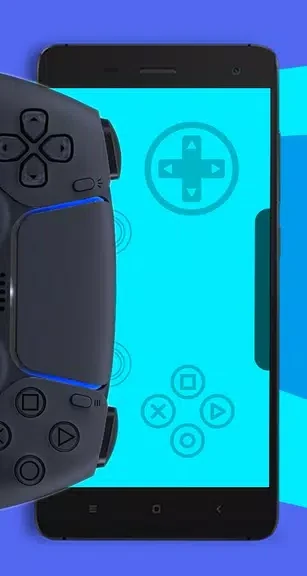
Users can map phone touches or buttons to replicate DualShock inputs, eliminating the need to locate or buy a separate controller. The phone accepts commands that the console recognizes as standard controller signals.
Connection Requirements
Both devices must join the same Wi-Fi network to maintain a stable link for mirroring and control signals. A consistent local connection supports uninterrupted video transmission and responsive input handling.
Display and Input Adjustments
Settings within the app let users resize the mirrored image for better visibility and remap controls to suit individual play styles. These options allow the phone interface to match preferred layouts for different games.
Version history
View all02 Dec 2024 · stable