
Screenshots
About this app
Rarevision VHS Camcorder Pro helps you record photos and videos with a simulated VHS camcorder appearance. Its tools combine retro visual treatment with adjustable recording details, allowing you to create footage designed to resemble older home videos, party recordings, school performances, or other scenes captured with vintage equipment.
Record with a retro camera look
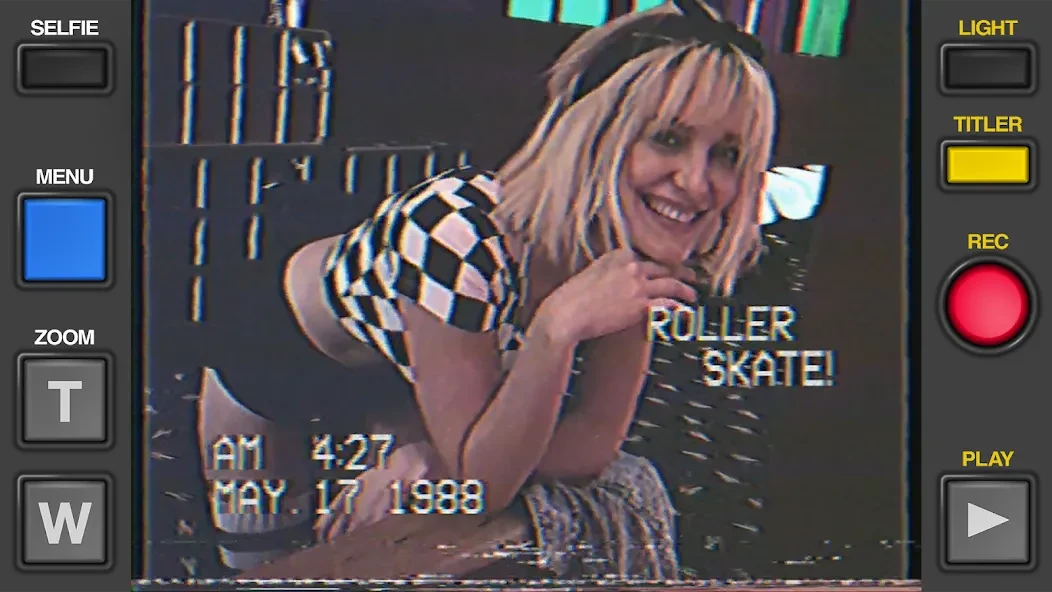
The app applies VHS-style aesthetics while you use the phone camera to create new photos and videos. Dynamic filters let you alter the color palette and overall visual appearance, so the result can be adjusted toward different forms of retro presentation rather than relying on a single fixed effect.
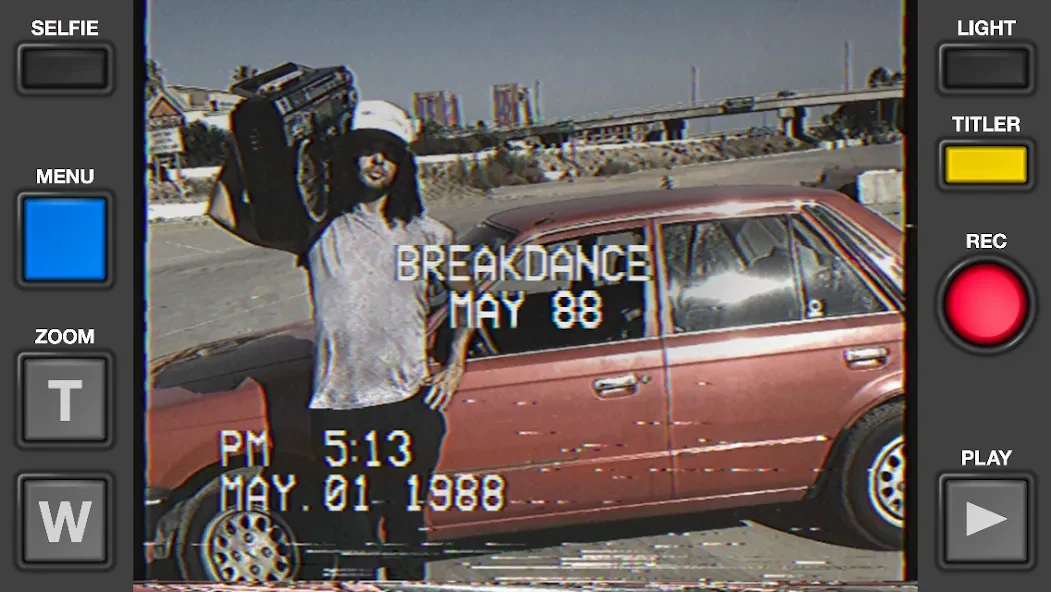
For a more recognizable camcorder presentation, the app can add simulated on-screen recording dates. These dates are customizable, which lets you choose the displayed time information instead of accepting a fixed overlay. The date treatment is intended to reinforce the appearance of an older recording and can be used when creating footage with a period-style theme.
Add titles, zoom, and sound details
Rarevision VHS Camcorder Pro also includes on-screen title controls. You can add prominent retro-style titles and select from customizable title fonts to give videos a more personal opening or caption treatment. The title options are separate from the date display, allowing both types of information to contribute to the finished visual design.
A simulated zoom lens provides another camcorder-inspired control. Rather than presenting the phone camera as a modern recording tool, this effect is designed to imitate the exaggerated zoom behavior associated with older video equipment. The app also provides retro sound effects for recorded videos, and the source describes soundtrack options for adding a cinematic 1980s- or 1990s-style audio layer.
Choose the frame and review the result
The app supports more than one screen presentation. You can use a classic 4:3 ratio for a narrower, traditional television-style frame or select widescreen recording for a fuller display on a modern phone. This choice affects how the recorded scene is presented and gives you control over whether the result leans toward an older home-video format or a wider composition.
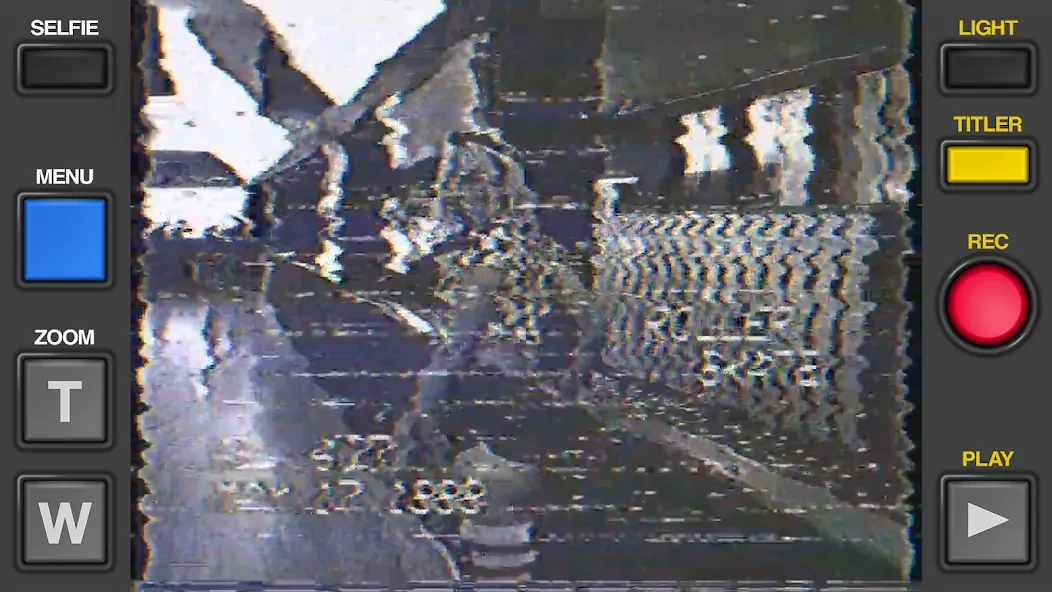
Instant playback effects allow you to preview recorded footage with its visual treatment, glitches, date changes, and zoom elements. Reviewing the result in the app helps you see how these details appear together before sharing the finished video.
Apply the treatment to existing videos
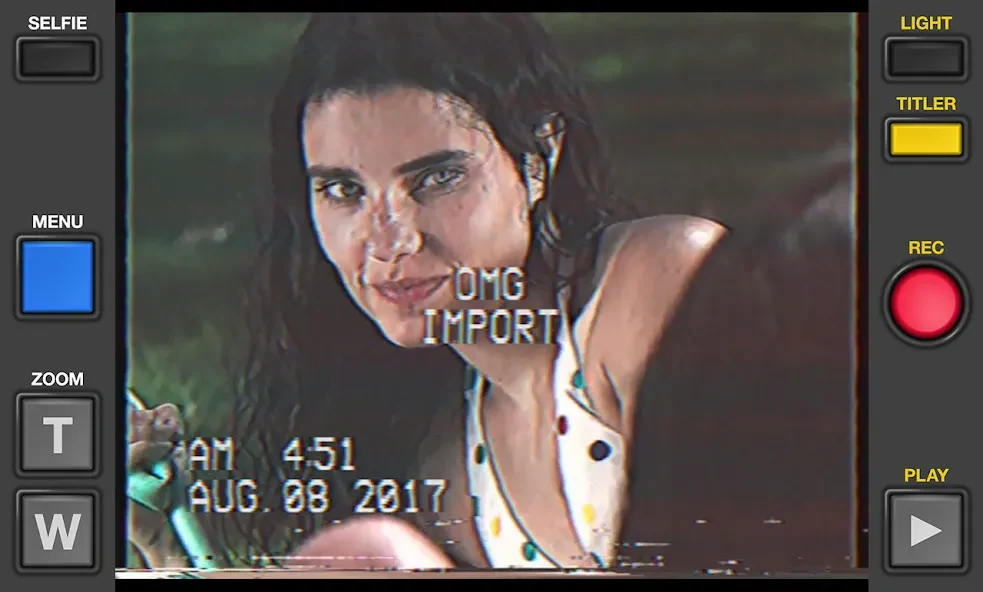
The app is not limited to footage recorded directly through its camera interface. You can import videos from other apps and apply the VHS treatment to them. This makes it possible to use the retro filters, recording details, titles, and related presentation tools with existing clips as well as newly captured material.
Share completed recordings
After creating a retro-styled photo or video, the app provides sharing through social media platforms. This supports a workflow in which footage is recorded or imported, adjusted with VHS-inspired controls, reviewed with playback effects, and then passed on for sharing.
Version history
View all09 Dec 2025 · stable
Frequently asked questions
What version of Rarevision VHS Camcorder Pro is listed in the source?
The supplied app information lists version 1.6.8.