
Screenshots
About this app
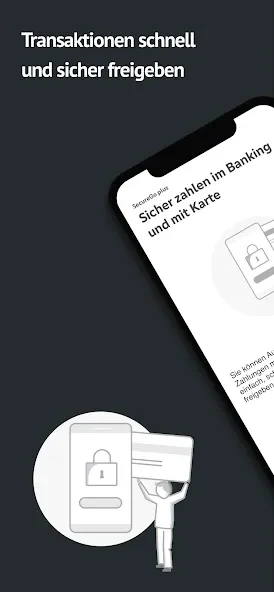
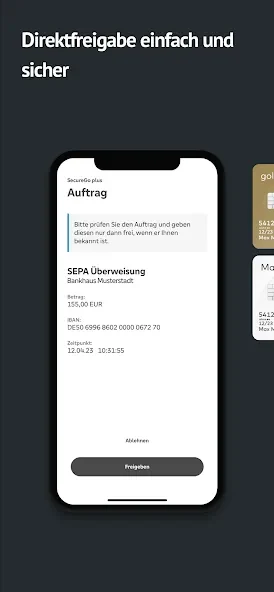
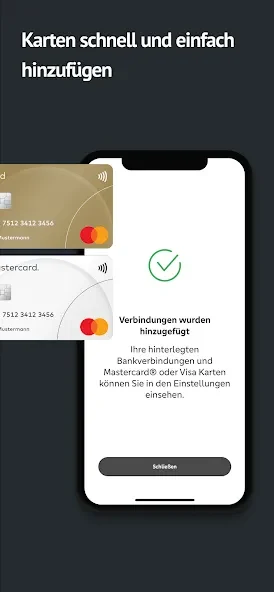
SecureGo plus is an Android app for authorizing banking transactions and online credit card payments. It is intended for people who need to approve banking orders or online payments through a mobile device, including when they are away from home. The app also describes direct authorization for new online banking and credit card accounts.
What transactions can SecureGo plus authorize?
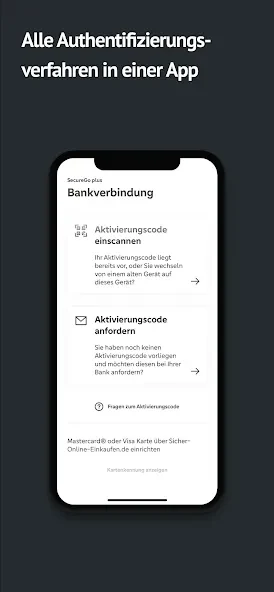
The app is described as a tool for authorizing banking transactions and online credit card payments. Its listed functions include approvals for banking orders and online payments, bringing these authorization tasks together in one app rather than requiring users to move between multiple platforms. The source does not specify which individual banks, card issuers, or transaction types are supported, so those details cannot be established from the supplied information.
What controls are available when approving transactions?
Fingerprint or facial recognition can be used for authorization upon request, according to the feature description. These are presented as optional ways to authorize, not as mandatory requirements. The source also describes direct authorization for new online banking and credit card accounts, which relates to setting up those services as well as approving transactions.
Can the app be used on more than one device?
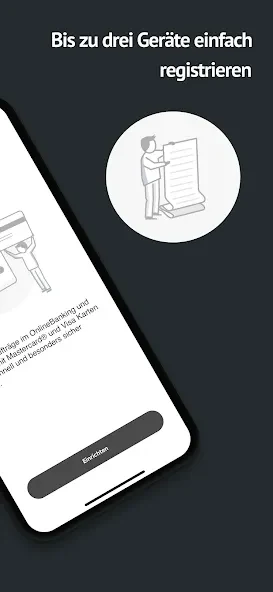
SecureGo plus is described as usable simultaneously on up to three devices for online banking. This is a stated device limit for that use; the source does not explain how devices are registered or whether every approval function works identically across them. The app is framed for handling approvals in different settings, including at home, at work, or while out.
What does the source say about approval-code recovery?
The changelog for version 4.0.0 notes an option to reset the approval code if it has been forgotten. This is the specific recovery control mentioned in the supplied description. The app details list version 4.4.0, but provide no further explanation of changes to this function in that version.
What Android version is required?
The listed minimum operating-system requirement is Android 12.1 or later. The source does not provide additional device compatibility details. Users can compare that stated requirement with their device's Android version when considering the app.
Version history
View all07 Oct 2026 · stable
Frequently asked questions
Which version is listed in the app details?
The supplied app details list version 4.4.0.