
Screenshots
About this app
Slides2Go APK is a presentation management tool for organizing and delivering presentation materials on mobile devices and other supported devices. It lets users customize presentations, manage related documents, review how presentation content is used, and share materials through a dedicated page.
Presentation analysis and document management
The application analyzes presentations and their components to support document improvement. Its analysis includes general user behavior and the time spent in a presentation, along with an assessment of the meaning of the presented content. These details can be used to align presentation improvements with a selected objective.
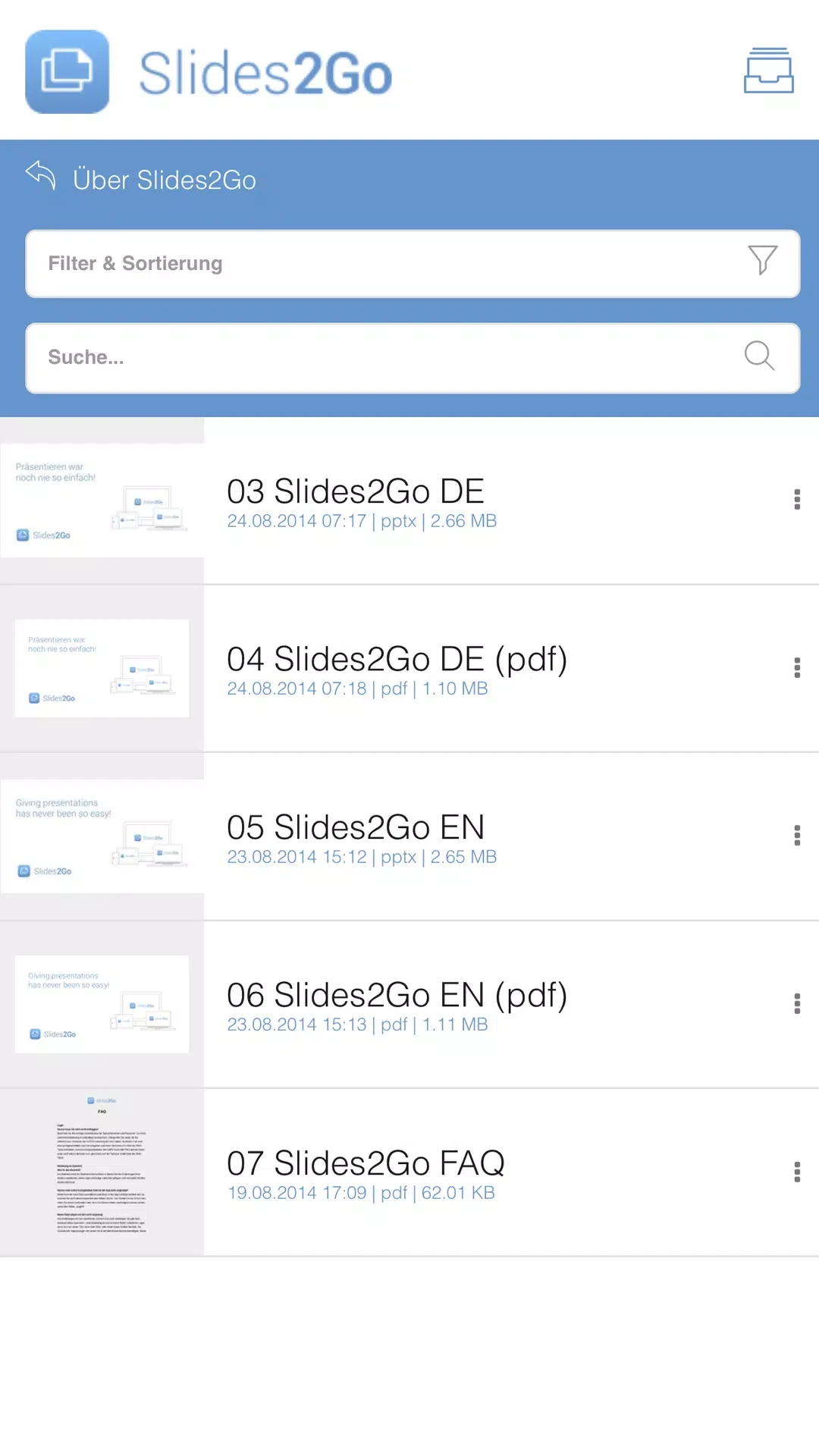
Slides2Go APK is also designed to keep presentation materials organized for meetings and other uses. Its structured document management helps users locate materials, while the description states that documents remain up to date. Presentations can be customized and managed according to individual requirements.
Formats, devices, and offline access
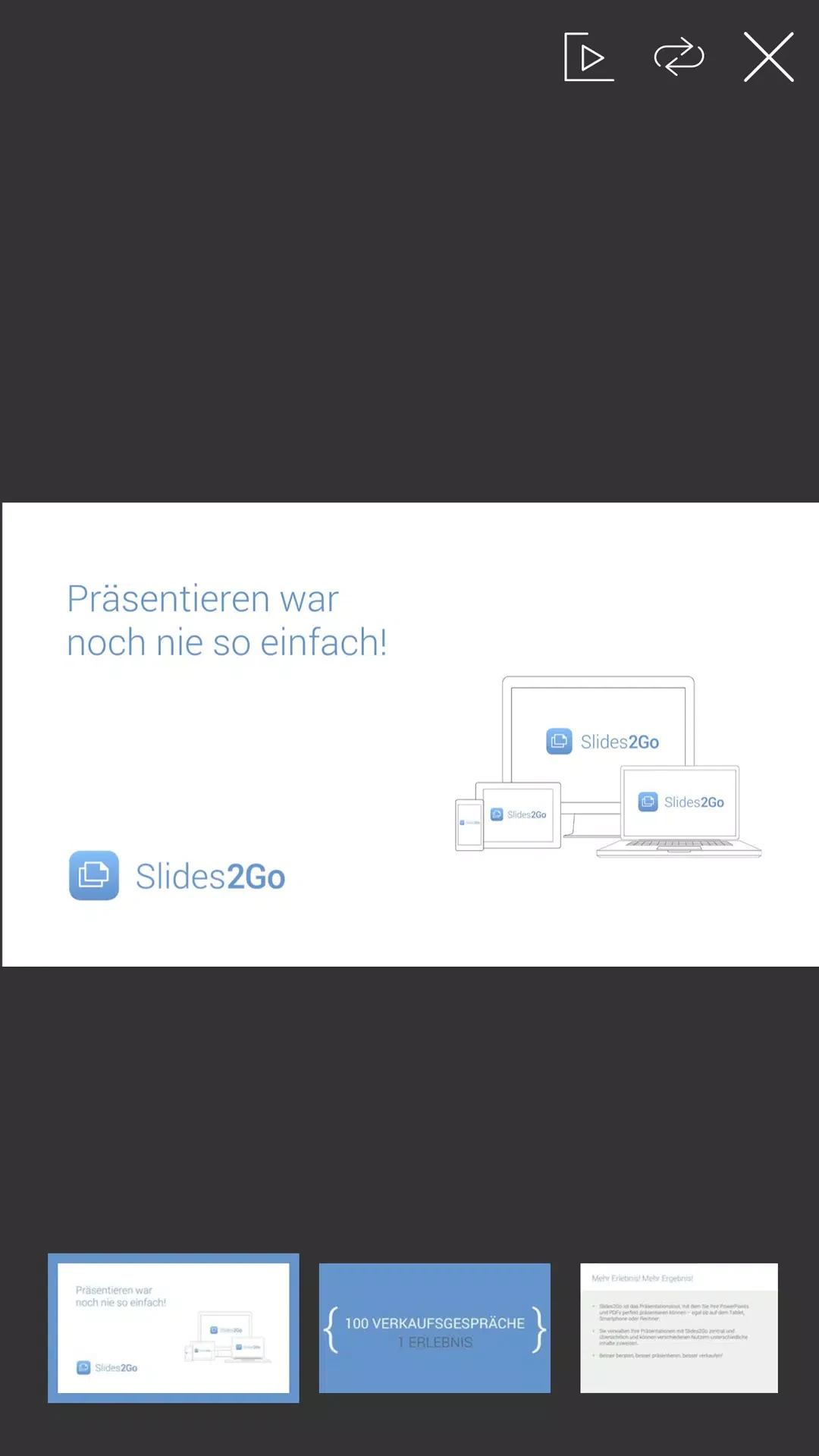
The application supports several presentation and media formats, including PowerPoint, PDF, Office files, and MP4. It can also handle multimedia content embedded in presentations. The supplied information describes Slides2Go APK as usable across different devices, including smartphones, tablets, computers, and most mobile phones.
Presentations and product information can be accessed offline when the user has the appropriate authorization. This offline access is therefore dependent on the permissions assigned to the user rather than being presented as unrestricted access.
Sharing and user permissions
Slides2Go APK provides a share page for forwarding presentation data to customers or other recipients. Shared material can be made available as an HTML link or as a PDF for download. The description gives examples of presentation data ranging from 30 MB to 300 MB, indicating that the sharing workflow is intended for sizable presentation files.
A web-based back end supports administration of users and permissions. Administrators can create user groups with different privileges and organize access according to those groups. The source also describes the system as scalable for deployments ranging from individual users to large organizations, with management intended for many users across different industries and purposes.
Guidance and support
A built-in user guide is provided to help users learn the available functions. The product information also describes customer service support for questions about using the software. Together, these resources provide documented assistance alongside the presentation and administration tools.
Version history
View all20 Oct 2025 · stable