
Screenshots
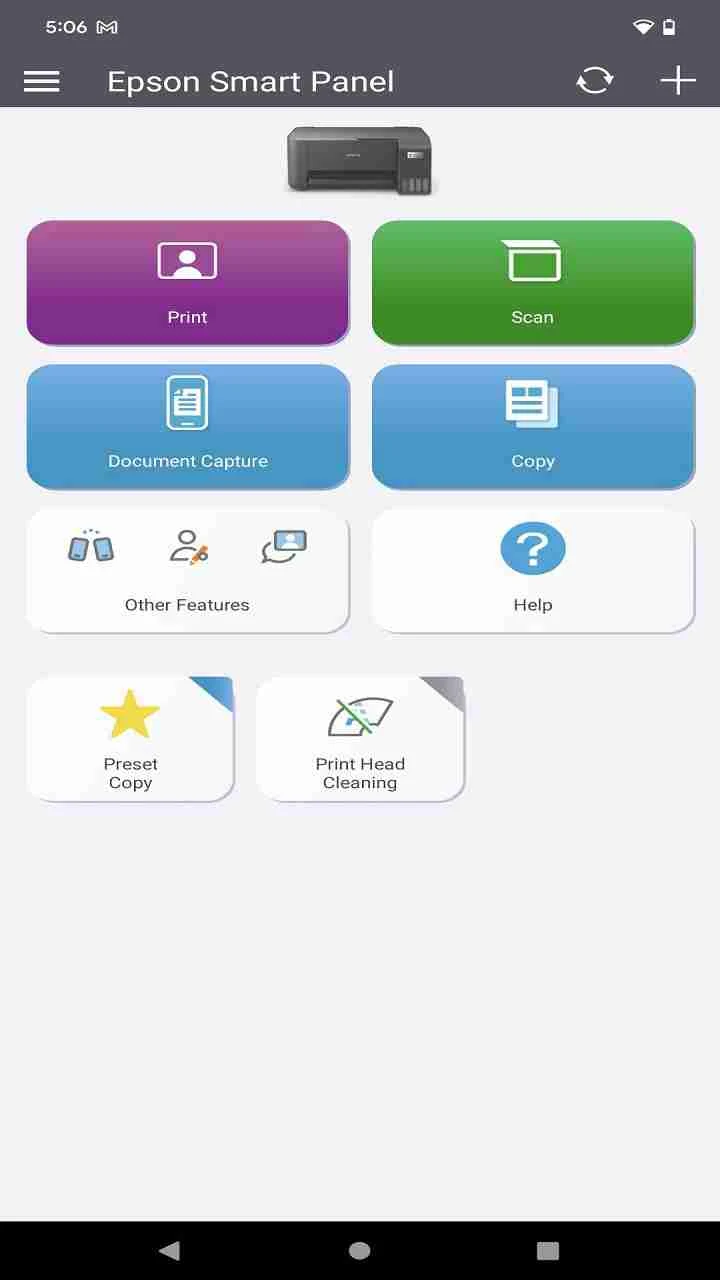
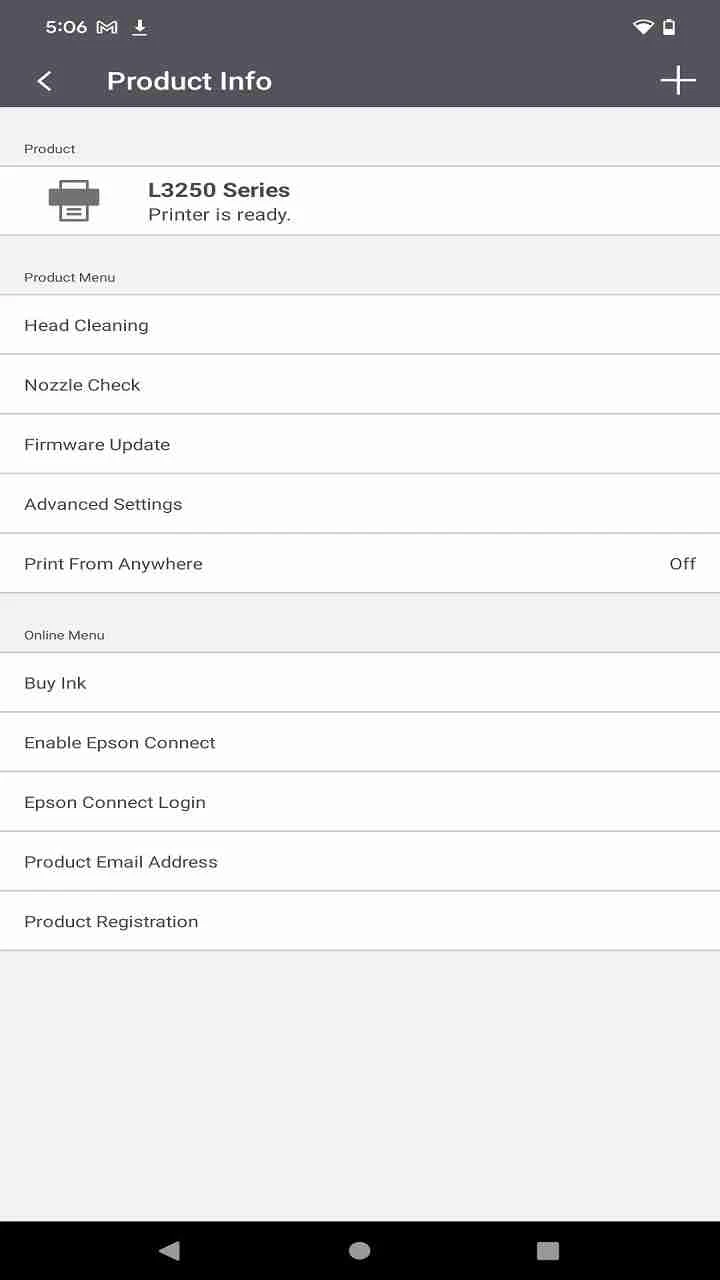
About this app
Smart Panel APK is a utility for creating a floating sidebar that provides quick access to selected mobile apps and tools. Users can call up the sidebar by long-pressing it, then use the shortcuts they have chosen without relying on the regular home-screen arrangement. The app also groups several organization and device-management functions around this central panel.
Quick access through a floating sidebar
The main function is a customizable sidebar for frequently used apps and tools. Users can select the items they use most often and adjust those choices as their needs change. This makes the panel a focused access point for selected shortcuts rather than a replacement for every part of the device interface. The supplied information describes the customization process as straightforward and suggests reviewing the selected items regularly so the panel continues to reflect current habits.
The sidebar is opened with a long press. The source does not specify additional gestures, placement controls, or shortcut limits, so those details are not assumed here. Its documented purpose is to keep chosen apps and tools available from a floating interface while the user works with the device.
Task management and process control
Smart Panel APK also includes a task manager that can terminate software and game processes. The stated purpose of this control is to reduce memory usage and improve device speed. This makes process management a supporting function of the floating panel, aimed at giving users a direct way to close selected running items. The available information does not explain how processes are selected, whether exclusions are supported, or how the app measures memory and speed.
Search and app organization
A search function is described as a way to locate friends, apps, or data on the device with a few taps. The source does not identify the exact searchable locations or provide technical details about indexing, so this feature is best understood as a general device search capability.
The app also offers automatic app sorting. It groups apps into categories intended to keep the home screen organized. In addition, users can enable intelligent suggestions that learn from usage patterns over time. The supplied information does not define the suggestion rules or the categories created by the sorting tool.
Interface appearance and controls
The interface can change its colors to match a selected wallpaper. This dynamic color matching is presented as a way to keep the panel and surrounding interface visually coordinated. Smart Panel APK is also described as having a personalized home screen and a simple design, but the source does not provide specific layout controls beyond the documented panel customization, app sorting, and wallpaper-related color changes.
Version history
View all22 Oct 2025 · stable
Frequently asked questions
How is the floating sidebar opened?
The source says users can call up the floating sidebar by long-pressing it.
What can be added to the sidebar?
Users can add frequently used mobile apps or tools and choose the items they want to access from the panel.
What does the task manager do?
It allows users to terminate software and game processes. The stated purpose is to reduce memory usage and improve device speed.
Can the app organize installed apps?
Yes. The source describes an automatic sorting tool that groups apps into categories to keep the home screen organized.