
Screenshots
About this app
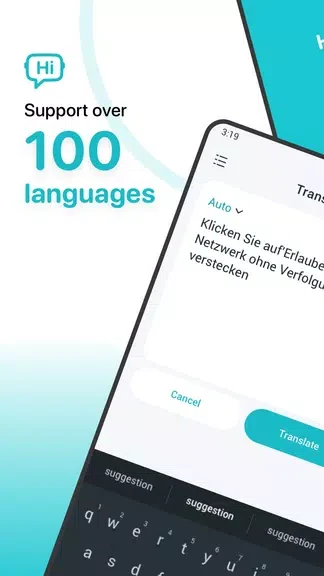
Smart Translator - OCR, VPN brings together translation tools and a VPN service for tasks such as understanding text in another language or accessing foreign websites. It supports more than 100 languages and offers text, voice, image, and offline translation options.
When you need to translate written or spoken language
For typed text, enter the words you want translated; for spoken input, use the voice translation option. The app supports translation between more than 100 languages, including English, Spanish, French, Welsh, Yiddish, and Zulu. Once a translation is available, you can copy it or share or send it. A phrasebook also lets you star and save translated words and phrases for future reference.
When the text is in a photo
For text displayed in an image, the app offers camera translation: point the camera at the text to translate it. You can also import a photo for translation. These options are distinct from typing text or speaking it into the app, and provide ways to work with text that is already part of an image.
When internet access is limited
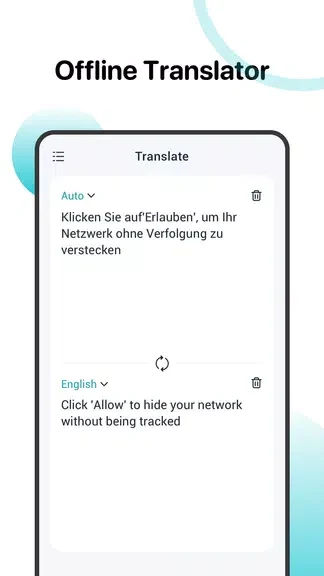
The app includes offline translation, allowing text translation without an internet connection. This can be useful while travelling or in other situations where connectivity is limited. The description specifies offline translation for text; it does not state that voice or image translation is available offline.
When accessing foreign websites
A built-in VPN service is included for accessing and browsing foreign websites. This is a separate capability from translating text or speech: the app describes the VPN as a way to reach websites while using its language tools for translation.
Version history
View all09 Sep 2024 · stable