
Screenshots
About this app
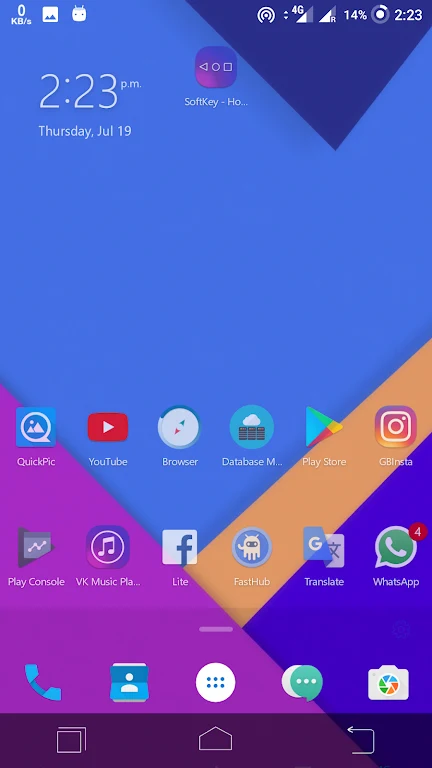
SoftKey - Home Back Button provides an on-screen navigation bar for using Home, Back, and Recent Tasks functions when a phone or tablet’s physical navigation buttons are unavailable. It supports both a three-button layout and gesture navigation, while allowing the navigation bar’s position, appearance, size, and visibility to be adjusted to the device and the user’s preferences.
Using the on-screen navigation controls
The central function is a replacement navigation bar with three basic actions: Home, Back, and Recent Tasks. These controls are available as on-screen buttons, and the app also includes gesture navigation. The documented gestures include swiping up from the bottom to return to the Home screen, swiping and holding to switch between recently used applications, and swiping from the left or right screen edge to return to the previous level.
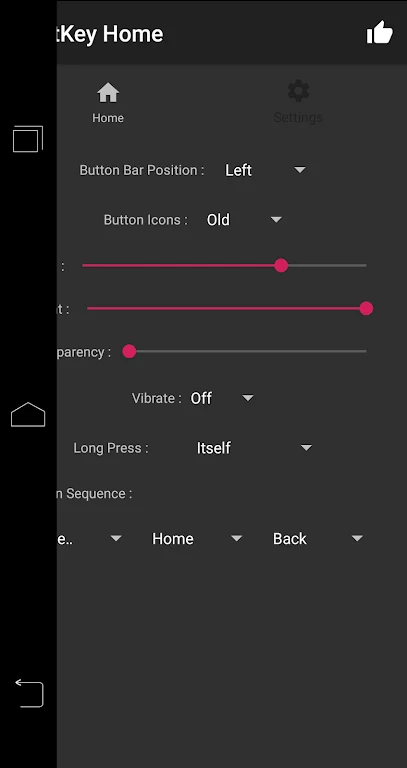
Users can also long-press the Back, Home, and Recent Tasks buttons. The navigation bar can be locked, and touch vibration can be customized. These settings provide control over how the bar responds during regular navigation without changing the purpose of the three core actions.
Position, size, and visual settings
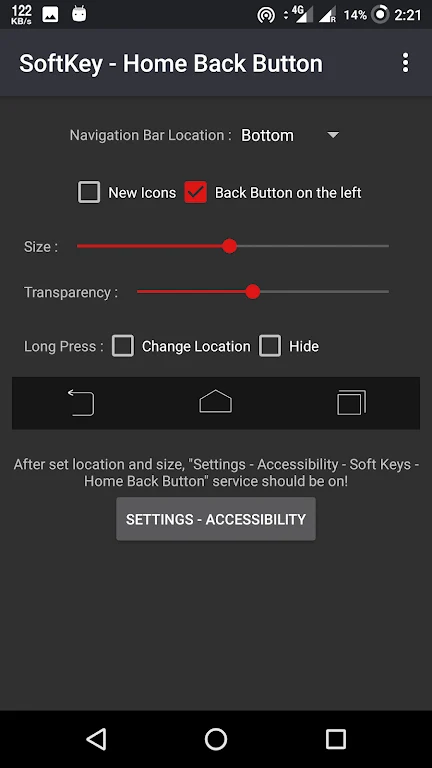
The bar can be placed along the bottom, top, or side edge of the screen. Its height can be adjusted, and the overall bar can be made thicker or longer to suit different screen dimensions. Users can customize the navigation bar background and button colors, choose between two available themes, and select different button appearances based on Android 5 or Android 6 styles. The default appearance is described as the traditional Android Ice Cream Sandwich toolbar style.
SoftKey - Home Back Button also includes an auto-hide option. When the bar is hidden, users can swipe up or down to show or hide it again. This provides a way to keep the navigation controls out of view until they are needed, while retaining access to the Home, Back, and Recent Tasks actions.
Setup and access requirements
The app does not require root access. During setup, it presents instructions for granting the required permissions, with shortcuts available within the app. The app must also be enabled in Android accessibility settings before the navigation bar becomes active. These permissions and accessibility steps are part of the documented setup process.
SoftKey - Home Back Button is intended for users who need on-screen navigation controls or want to adjust the placement and appearance of those controls. Its documented customization is focused on the navigation bar’s location, dimensions, colors, themes, visibility, vibration, and button or gesture behavior.
Version history
View all06 Jun 2026 · stable
Frequently asked questions
Does SoftKey - Home Back Button require root access?
No. The supplied information states that the app does not require root access.
Which navigation actions does the app provide?
It provides Home, Back, and Recent Tasks actions through an on-screen three-button bar, along with gesture navigation.
Where can the navigation bar be positioned?
The bar can be placed along the bottom, top, or side edge of the screen.