
Screenshots
About this app
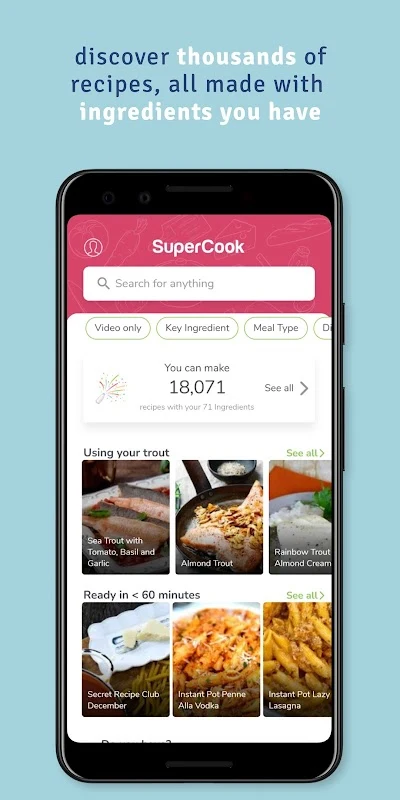
SuperCook is a Lifestyle app that helps you decide what to cook by matching recipes to the food you already have. According to its listing, the app is designed for people who find it hard to choose meals, and it aims to reduce time spent deciding and to support simple, nutritious meal planning. The listing describes version 2.0.29.1 and states that the app can be downloaded for free.
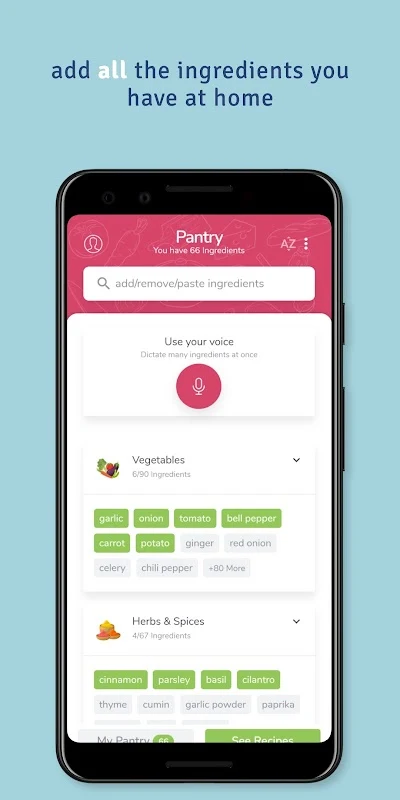
Building your virtual pantry
The first step is to add ingredients from your refrigerator, freezer, and pantry. You can add items manually by tapping the buttons in each area, or use the microphone to speak ingredient names, which the app then adds to your in-app kitchen. You can also remove an ingredient when you run out, and the recipe suggestions update to match.
The app assumes that water, salt, and pepper are already in your kitchen. No other seasonings are assumed, so any additional seasonings must be added one by one.
How recipe suggestions are presented
Once your ingredient list is complete, SuperCook displays recipes that can be made with those items. The listing says the suggestions do not require additional ingredients beyond the ones you entered. A reviewer noted an option that shows recipes missing only one ingredient, which can help when considering a substitution.
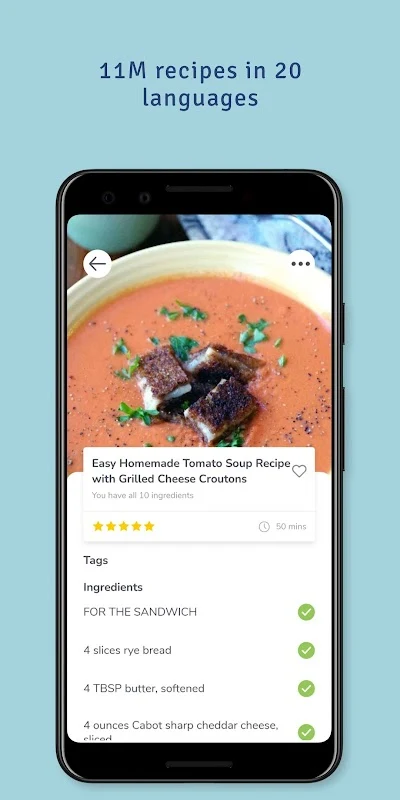
Recipe cards show the ingredients required, their quantities, and nutritional information. The full recipe, including steps, is not hosted in the app. To read it, you need to visit the website where the recipe was published, so the app works as a searchable index of online recipes.
Filtering and finding dishes
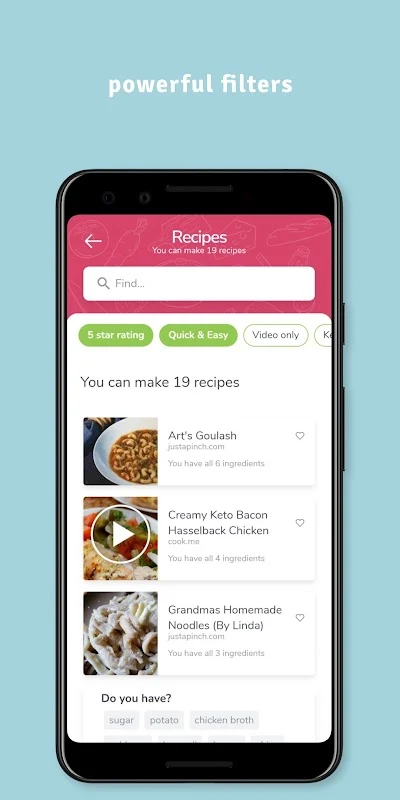
The recipe list includes filters that help narrow suggestions. According to the source, you can filter by main ingredient, preparation time, or recipe type such as breakfast, lunch, dinner, or snack. You can also filter by ingredients to look for dishes of a particular type or cuisine. One reviewer said the filters are useful when they only have a general idea of what they want to eat.
Planning meals and shopping
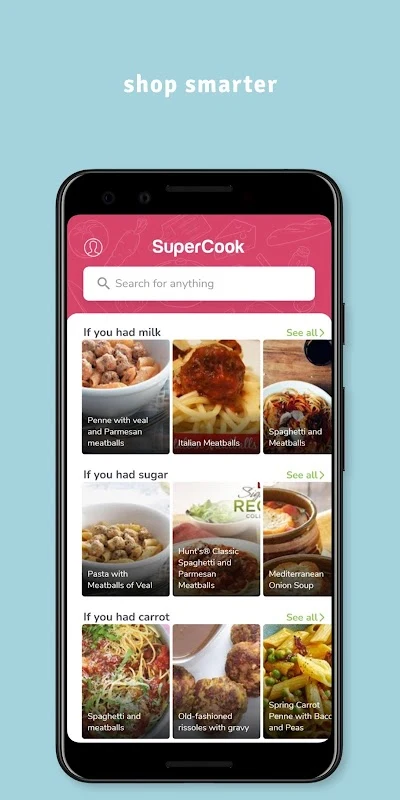
Beyond recipe suggestions, the app includes a Menu section for planning the dishes you want to make during the week. It also has a Shopping List section where you can record ingredients you need to buy. These features are described as part of the app, and they help connect planning with what is already in your pantry.
Recipe coverage and sources
The listing states that SuperCook offers more than 11 million recipes in 20 languages. Because the recipes come from various websites, the experience of reading full instructions depends on each site. One reviewer said that advertisements on some recipe websites can be distracting.
Points to consider
Setting up the pantry takes some effort, and one reviewer said that the pantry must be kept reasonably up to date to get useful results. The same reviewer reported that leaving the app during a task meant starting that task over. Reviews in the source are individual experiences and do not provide independent testing, so readers should weigh them as user comments rather than verified performance measures.
Version history
View all08 Jan 2026 · stable
Frequently asked questions
Is SuperCook free to download?
The app listing states that SuperCook can be downloaded for free. Recipe pages are hosted on external websites, and the app itself does not host the full recipe text.
Why might I need to restart a task after leaving the app?
One user review reported that leaving the app during a task meant they had to start that task over. The source does not describe a general rule for how the app handles interruptions.