
Screenshots
About this app
Txt to PDF Converter creates PDF documents from typed text or imported text files. It is suited to tasks such as turning notes, assignments, articles, or work documents into PDFs. The app also supports other text file formats, though the supplied information does not name them.
How can you create a PDF?
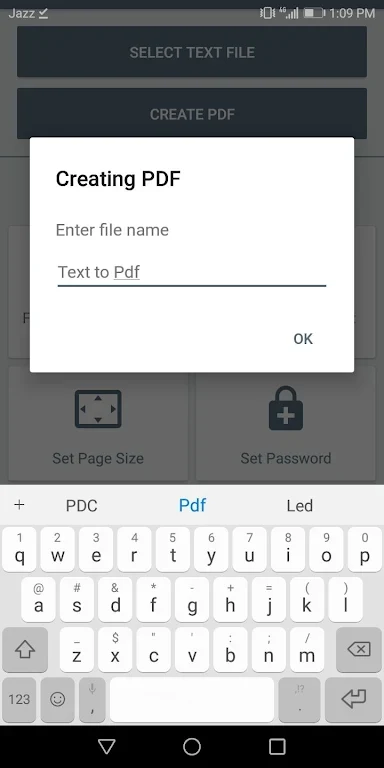
You can enter a title and body text, or import a text file instead of typing the body. The described process then uses a Create PDF button and asks you to name the PDF. This gives you a way to prepare a document from text already on your device or from text you write in the app.
What can you adjust before creating a document?
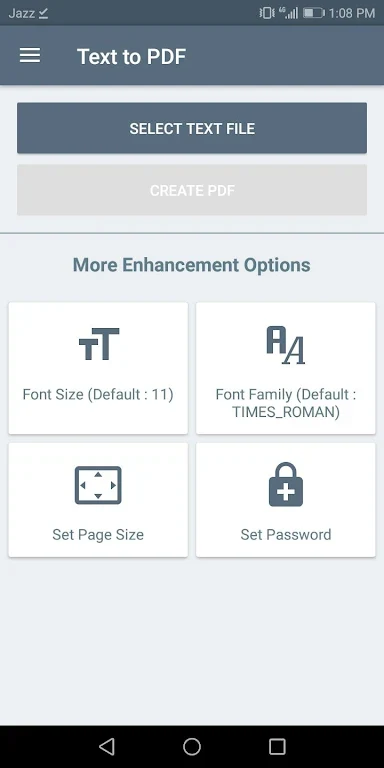
The available settings include font size and paper size. The app also offers password protection for PDF files. These controls are relevant if you need a particular page size, want to adjust how the text appears, or want to protect the resulting document with a password.
Where can you find the PDFs you create?
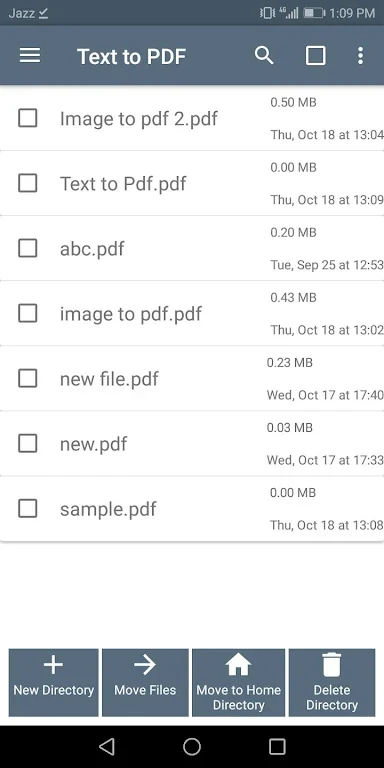
The app description identifies ViewAll PDF as a place to view generated files. It says generated PDFs are saved in the Documents Folder and gives /SdCard/PDF/ as the storage path. That path is worth noting if you need to locate a file outside the app’s PDF view.
Version history
View all06 Jun 2026 · stable
Frequently asked questions
Which version is listed?
The supplied version name is 1.1.