
Screenshots
About this app
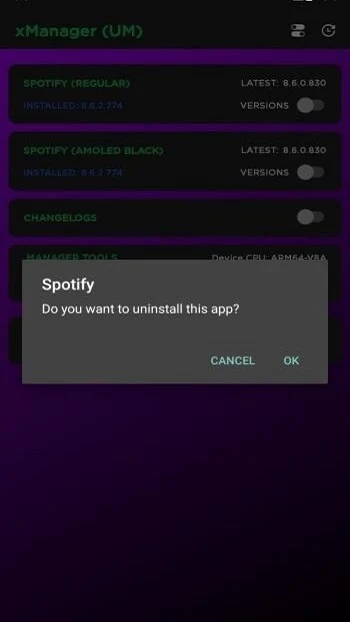
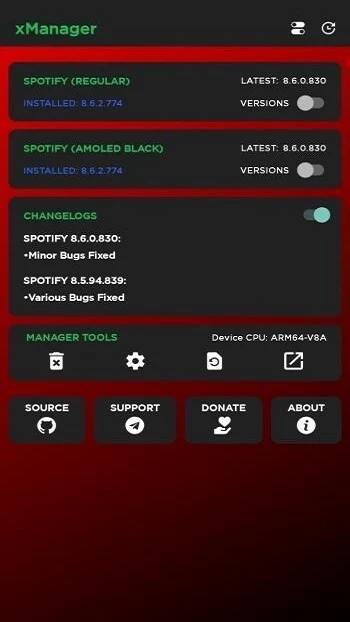
xManager is an Android tool for browsing and downloading different versions of Spotify, including modified versions. It is intended for people who want to choose a particular Spotify build rather than use a single package selected for them. The app presents a small set of mod categories with multiple versions to choose from, and lets users download a selection or copy its URL to open in an external browser. Its listed purposes also include Spotify interface customization and adjustable sound effects, although the available options may depend on the version selected.
How do you choose and download a Spotify version?
xManager organizes its available options into three mod categories, each with different versions. After selecting a mod and version, a user can start the download in the app or copy the download URL and use an external browser instead. This makes version selection the main task: users can browse for an older or newer build and choose how to retrieve it.
The source describes the available packages as including modified Spotify editions and patches, including versions spanning older and newer releases. It lists version 5.9 for xManager itself. The app is a manager for these Spotify packages; the source does not specify the Android system requirements or describe which Spotify features are available in every individual build.
What can you change in the settings?
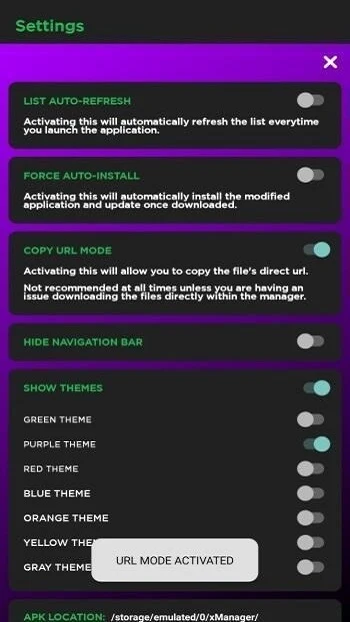
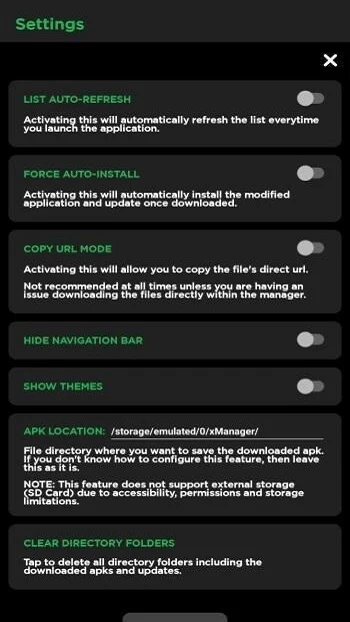
The settings include optional themes and language choices, along with an option related to ads that the source says can be turned off. Users can also restore the settings to their defaults. These controls are separate from choosing a Spotify package, so someone interested in changing the manager’s appearance or preferences can adjust those settings without relying on the download-selection steps.
A cloned Spotify-mod option is described as being in beta. Enabling it allows the user to download and install that cloned version. Because the source labels this option as beta, it should be understood as a separate, pre-release choice rather than as a standard setting with documented behavior across all builds.
What do the modified versions offer?
The listing presents modified Spotify versions as a way to access more music within Spotify and mentions adjustable sound effects. It also describes changing the Spotify interface with different styles and themes. These are claims about the available modified packages, not a guarantee that every version includes each option; the details may vary by the package a user selects.
The source also characterizes the packages as free to use. It does not provide a feature-by-feature comparison of the versions, so users looking for a specific capability will need to check the details of the particular build rather than assume all patches work alike.
Who may find xManager useful?
xManager may suit Android users who want to browse among Spotify builds, select a particular version, or explore modified packages and related interface settings. Its download-or-copy-link flow may also be useful to someone who prefers handling downloads through an external browser. The available information does not establish a minimum Android version or explain compatibility for each package, so users should not assume that every listed build will work on every device.
Version history
View all17 Jun 2026 · stable
Frequently asked questions
Why might xManager show an older version as the latest?
The source says a cached version may sometimes appear. It suggests pulling down in the app to refresh the page, while noting that the issue may have been fixed in newer xManager versions.
Why might a translation for my language be missing?
The source says translations depend on user submissions and that additional submissions are currently paused because of time constraints.