
Screenshots
About this app
Youtify - Music & Playlists brings music search, playback, downloads, and playlist management together for listeners who want to find songs and organize them in one place. The app lets users search by keyword, access music from a centralized library, save selected songs to the device, and continue listening through its offline mode.
When you need to find and save music
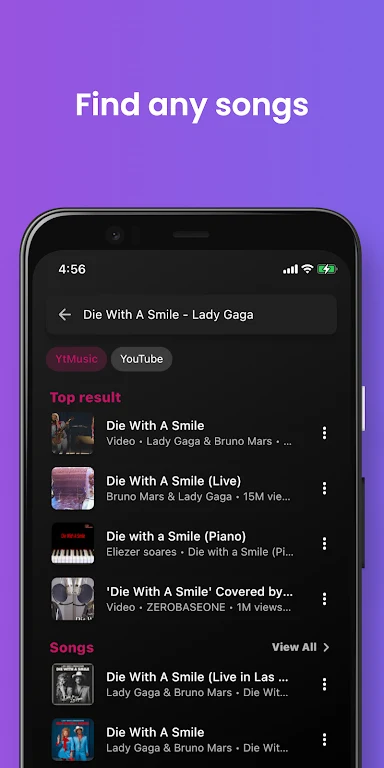
The app’s search workflow is intended for locating music through keywords. After finding a song, users can choose whether to play it or download it. Downloaded tracks can then be used in Offline Mode, which is designed for listening when an internet connection is unavailable. This gives the download function a distinct role: it is not only a way to keep a preferred song available, but also a way to prepare music for offline playback.
Youtify also presents a broad music library for browsing songs, albums, and artists. The description says that the app can integrate with an existing music library, including music stored locally or in the cloud, so these sources can be accessed and managed from a centralized location. The available material describes the library as supporting a combined view of a user’s music rather than limiting management to newly discovered tracks.
When you want listening to reflect your preferences
For users who do not want to choose every track manually, Youtify includes personalized recommendations. The app analyzes listening activity and the categories a user opens most often, then creates multiple playlists based on those preferences. This recommendation function is separate from manually created playlists: it uses reported listening patterns to surface music that corresponds to the user’s interests.
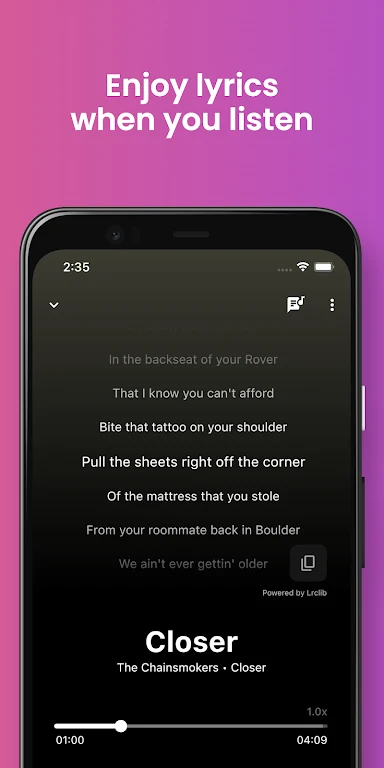
The discovery tools also include curated playlists, trending songs, artist recommendations, trending search results, and artist radio features. Together, these functions support browsing beyond a known song or artist. The source also describes music in multiple languages and lyrics support, giving users additional ways to explore and follow the material available in the app.
When you are organizing music for different moods
Youtify allows users to create and curate personal playlists by adding songs and rearranging their order. This can be used to separate music by mood, occasion, category, or any other preference the user chooses. The description states that users can create unlimited playlists, although it does not provide a separate account or storage specification for that capability.
Playlist tools also include sharing and collaboration features. Users can share playlists and favorite songs with friends or on other social platforms, while shared playlists can be built with friends according to the source. These functions make a playlist useful as something that can be exchanged or developed with other listeners, rather than only as a private queue. The app also supports sharing individual music discoveries.
When playback quality needs adjustment
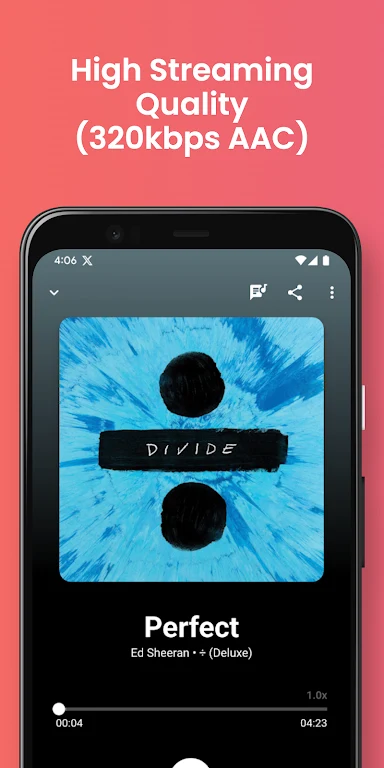
The app supports high-definition audio and provides quality controls for both streaming and downloads. Users can select an audio quality that suits their preference when listening, and they can choose the desired quality for a song saved to the phone. This separates playback selection from download selection, allowing the two uses to be configured according to the available options.
Youtify describes its playback as smooth and uninterrupted for listening at home or while on the go. The source also identifies an inbuilt equalizer, which provides another way to adjust the listening experience. These controls complement the basic play and download choices by giving users options for how music is heard and stored.
When you prefer a more personal interface
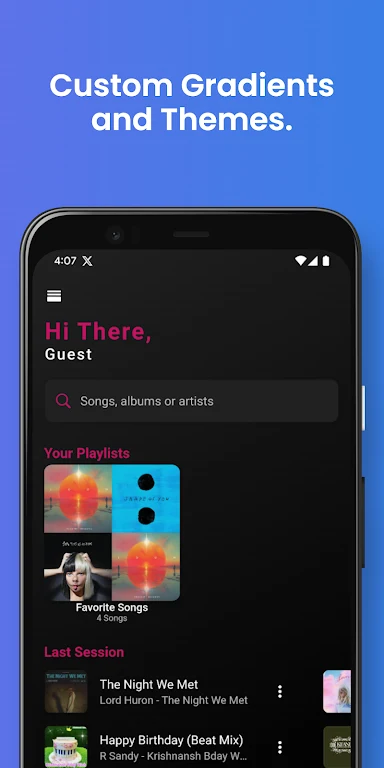
Alongside music controls, Youtify includes dark mode and custom themes. These appearance options are intended for users who want to change how the app is presented while browsing libraries, recommendations, and playlists. The source also describes a customizable interface, but it does not specify the full range of available theme or layout choices.
The app’s stated focus is music rather than a general video catalog. Its description says that YouTube videos can be played as audio, allowing users to listen through an audio-oriented experience. This function is presented alongside music playback, downloads, playlists, and discovery tools rather than as a separate video-watching feature.
When you want to share discoveries
Social sharing connects the listening and playlist tools with other people. Favorite tracks, playlists, and newly discovered music can be shared with friends or on social platforms. The source presents this as part of a broader music community experience that includes exchanging recommendations and collaborating on playlists.
The description also states that Youtify provides ad-free streaming without pop-up notifications. This is presented as a playback condition within the app’s feature description. The available material does not define whether every screen or function follows the same condition, so the claim is limited here to the stated streaming experience.
Version history
View all11 Oct 2025 · stable