
Screenshots
About this app
Airport Simulator puts you in charge of airport operations, from organizing check-in and security to coordinating gates and aircraft departures. Its main benefit is the way individual management tasks connect: passenger queues, staffing, baggage handling, facilities, and flight schedules all influence how smoothly a terminal functions. The game uses a measured, planning-focused pace rather than reflex-based action, giving you time to improve efficiency, respond to operational challenges, and develop airports over several play sessions.
Managing the airport flow
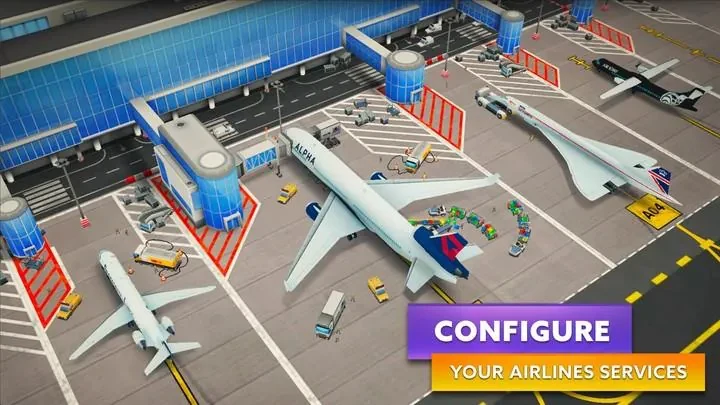
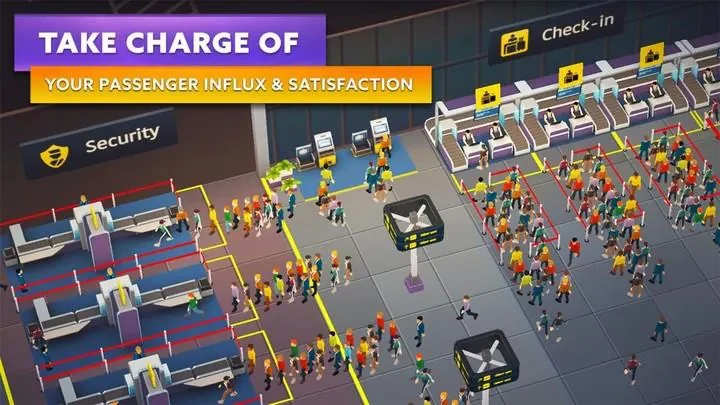
The central management loop is built around timing and resource allocation. You oversee check-in counters, security lanes, baggage systems, and gate operations while trying to prevent delays and maintain passenger satisfaction. Aircraft rotations add another planning layer, with short-, medium-, and long-haul routes requiring coordinated turnarounds. Decisions in one part of the airport can affect the rest of the operation, so assigning staff and balancing facilities becomes important as activity increases.
Touch controls and guided operations
The interface is designed for mobile screens, using tap-to-select, drag-to-place, and pinch-to-zoom gestures. Functional menus bring schedules, resource levels, and current tasks into view, helping you monitor several areas without relying on complex controls. A guided tutorial introduces the main operations, while contextual hints provide help during play. An optional automation toggle also lets you reduce the amount of hands-on management as the airport becomes more developed.
Contracts, upgrades, and long-term progress
Progression combines immediate operational goals with broader airport development. The Wings of Trust system supports the development of airline relationships, while terminal expansion and upgrades improve throughput and passenger happiness. Contracts and efficiency challenges provide in-game currency and rewards that can be reinvested in staff training, faster baggage systems, and decorative improvements. This creates a layered progression path: short-term tasks test day-to-day decisions, while longer-term objectives encourage you to build a more developed airport over time.
Locations, construction, and customization
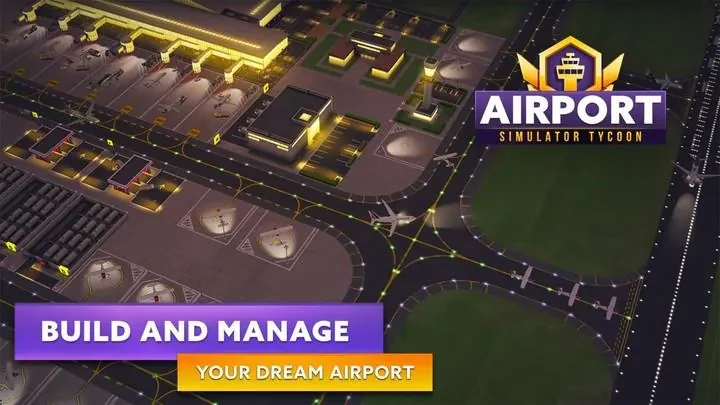
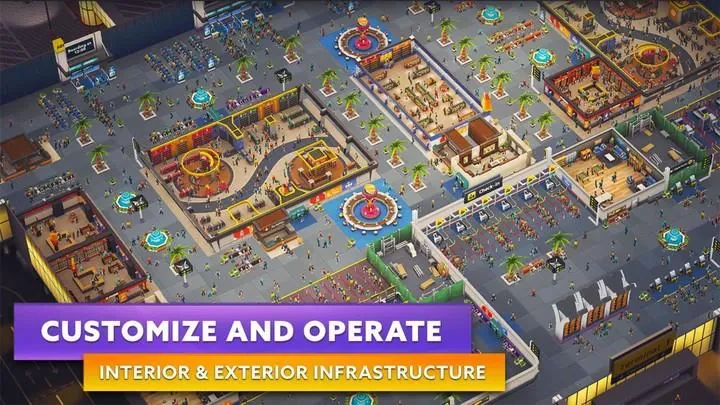
The game includes three city locations with different land layouts, passenger demand patterns, and local airline preferences. Each location has expansion tiers that can unlock new runways, extra gates, and specialized facilities such as cafés and lounges. Building choices combine practical and visual elements. You can personalize aircraft liveries, arrange terminal interiors, add signage, and select landscaping, allowing the airport’s appearance and facilities to support its passenger experience and identity.
Scenarios, challenges, and replay value
Replay value comes from varied objectives and difficulty settings rather than online competition. Scenario challenges and local daily objectives focus on specific operational problems, including peak-hour passenger surges and sequences of delayed flights. After unlocking the main systems, you can revisit earlier locations with different approaches, work on more efficient operations, or pursue improved efficiency ratings. These challenges give developed airports additional goals beyond their initial expansion.
Visual settings and accessibility
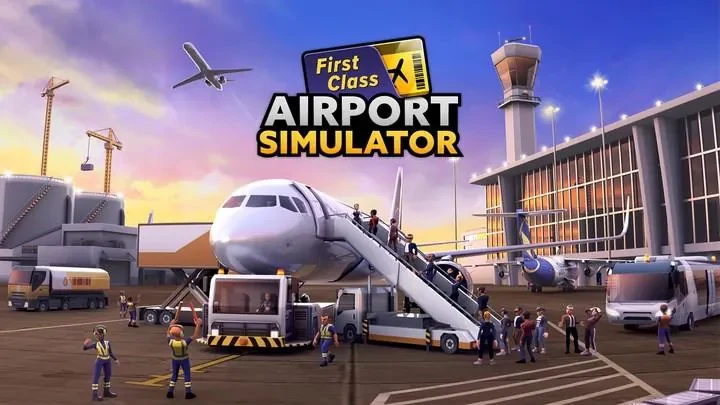
Airport Simulator presents realistic 3D aircraft, animated airport activity, and ambient terminal scenes. Day-night transitions and weather effects add visual variety, while adjustable graphics settings allow you to favor battery life or visual fidelity according to your device. The game also emphasizes readable gate statuses and passenger queues. A paced tutorial, clear iconography, and scalable interface elements are intended to keep the controls usable on smaller screens.
Offline operation
The main gameplay loop can be played offline, allowing airport management and expansion without a constant internet connection. Optional cloud saves and updates may require online access when you choose to use them. This separates the core simulation from those additional online functions, so regular airport operations do not depend on remaining connected.
Version history
View all06 Aug 2026 · stable
Frequently asked questions
What does Airport Simulator let you manage?
You manage airport activities including check-in, security lanes, baggage handling, staffing, facilities, gates, and aircraft rotations.
Can Airport Simulator be played offline?
Yes. The main gameplay loop is available offline. Optional cloud saves and updates require online access if you choose to use them.
How many locations are included?
The game includes three city locations, each with different layouts, passenger demand patterns, and local airline preferences.
How can airports be customized?
Customization options include aircraft liveries, terminal interiors, signage, landscaping, cafés, lounges, and other functional or decorative improvements.